
How do I build my website?
Pick a design in the Gallery, bring in what you already have, answer a few of Maya's questions, then work through six short steps and press Publish my website. Everything is saved as you go, so you can stop and come back.
Updated 19 October 2026
Open the Gallery
Open Website, then Gallery
Website is in the main menu on the left. The Gallery has 50 designs, grouped by the kind of coaching they suit.
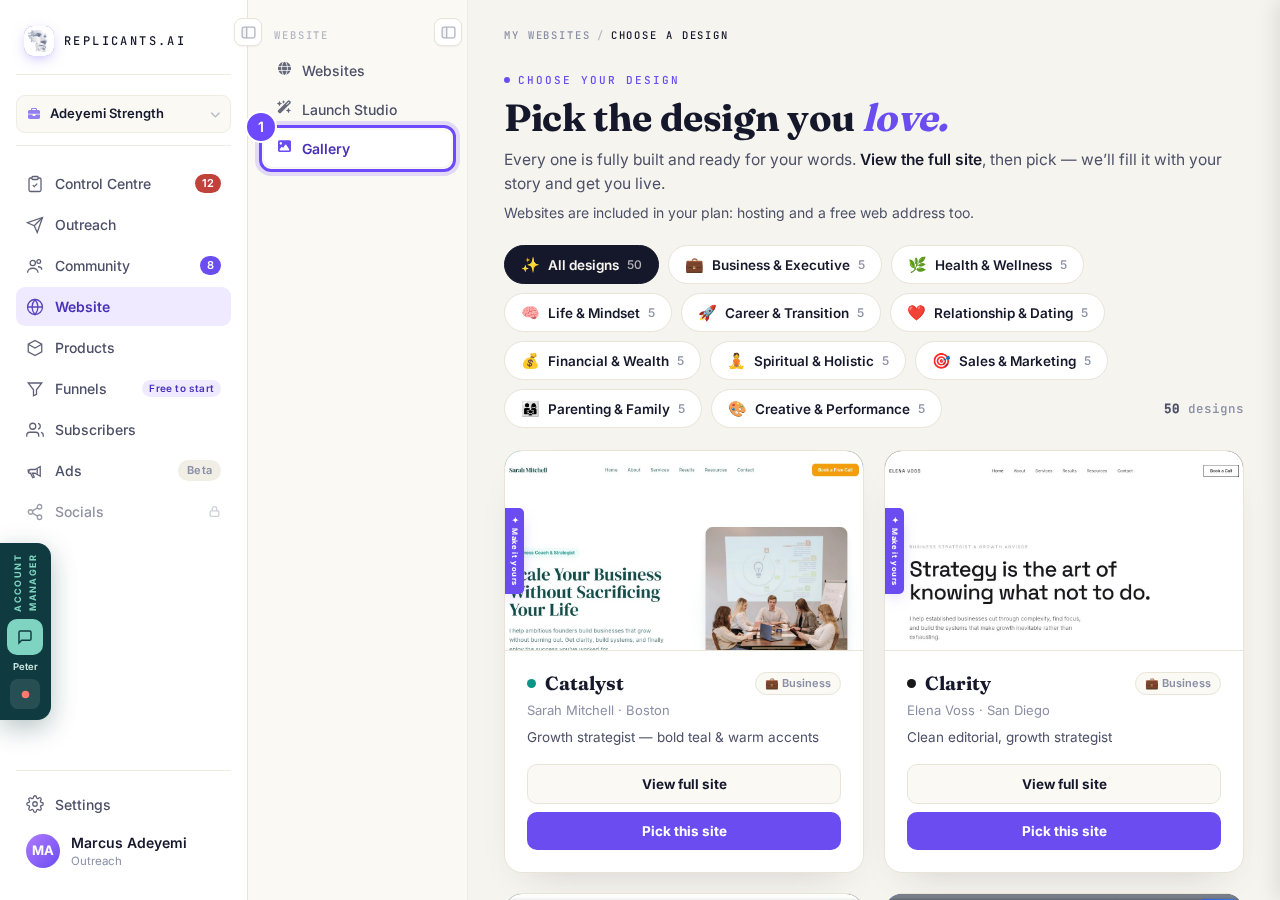
Gallery, under Website.
Take me therePress View full site, then Pick this site
View full site opens the whole design so you can look around. Every design gets your own words and photos later, so choose the look, not the wording.
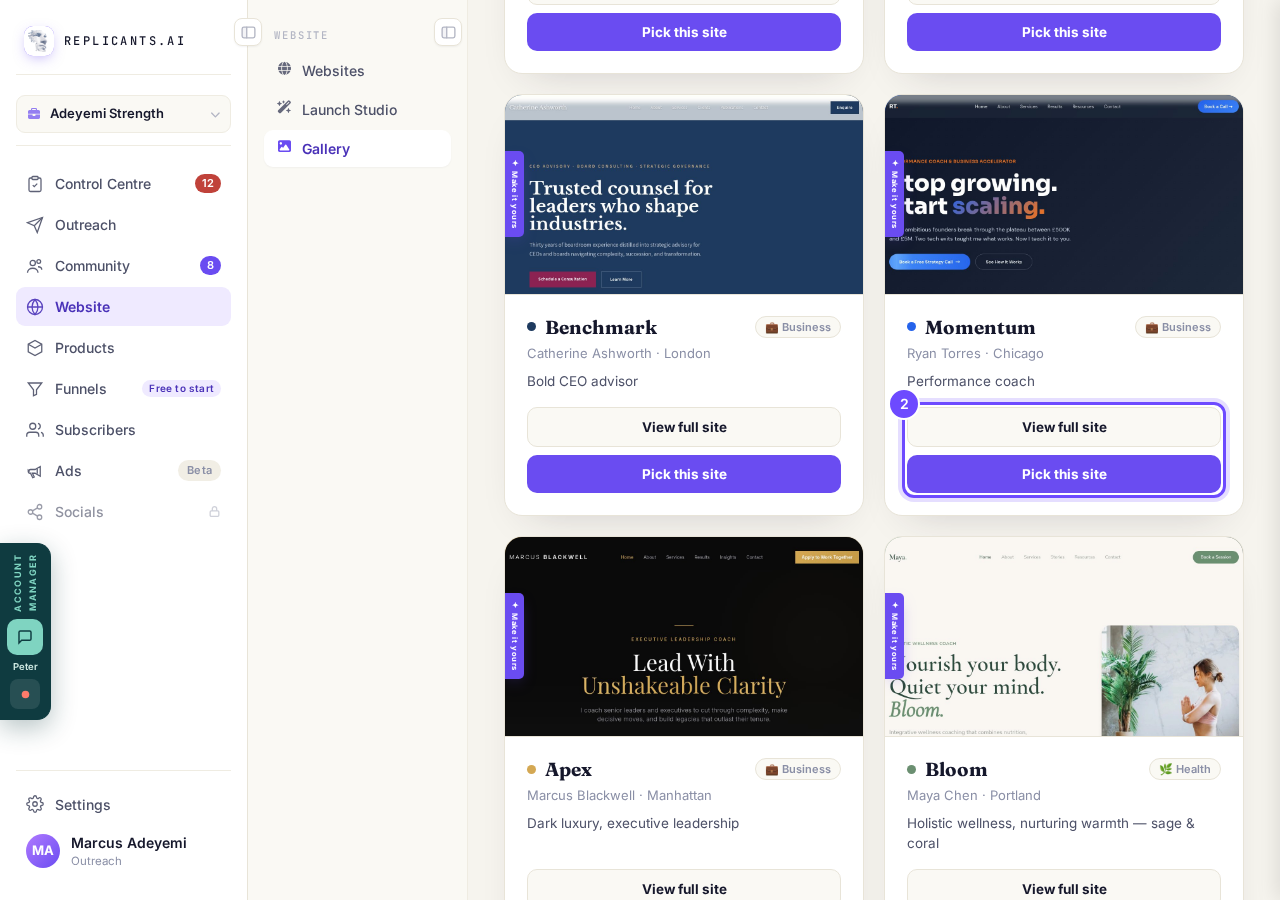
View full site and Pick this site, on a design.
Name your website, then press Pick this site
Your business name is perfect. Then say whether the site is about My whole business or One programme or offer, such as a course or a retreat.
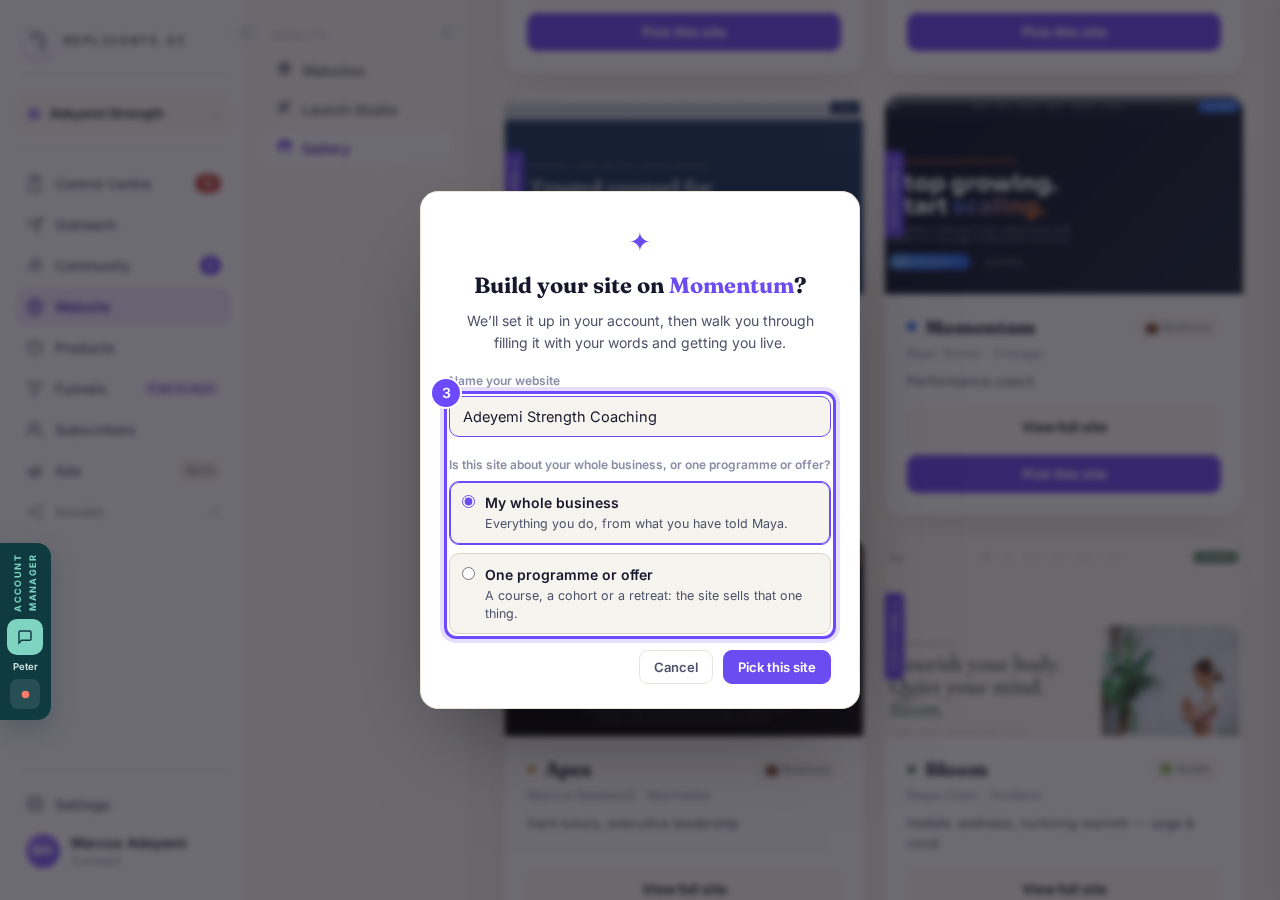
Name your website, and what it is about.
Bring in what you already have, then press Continue to the questions
Paste a link to your old site and press Scan my site, upload up to 20 files, or add your LinkedIn or Instagram; we bring over your words, colors and fonts, never the old design. All of it is optional, and the button beside it skips straight to the questions.
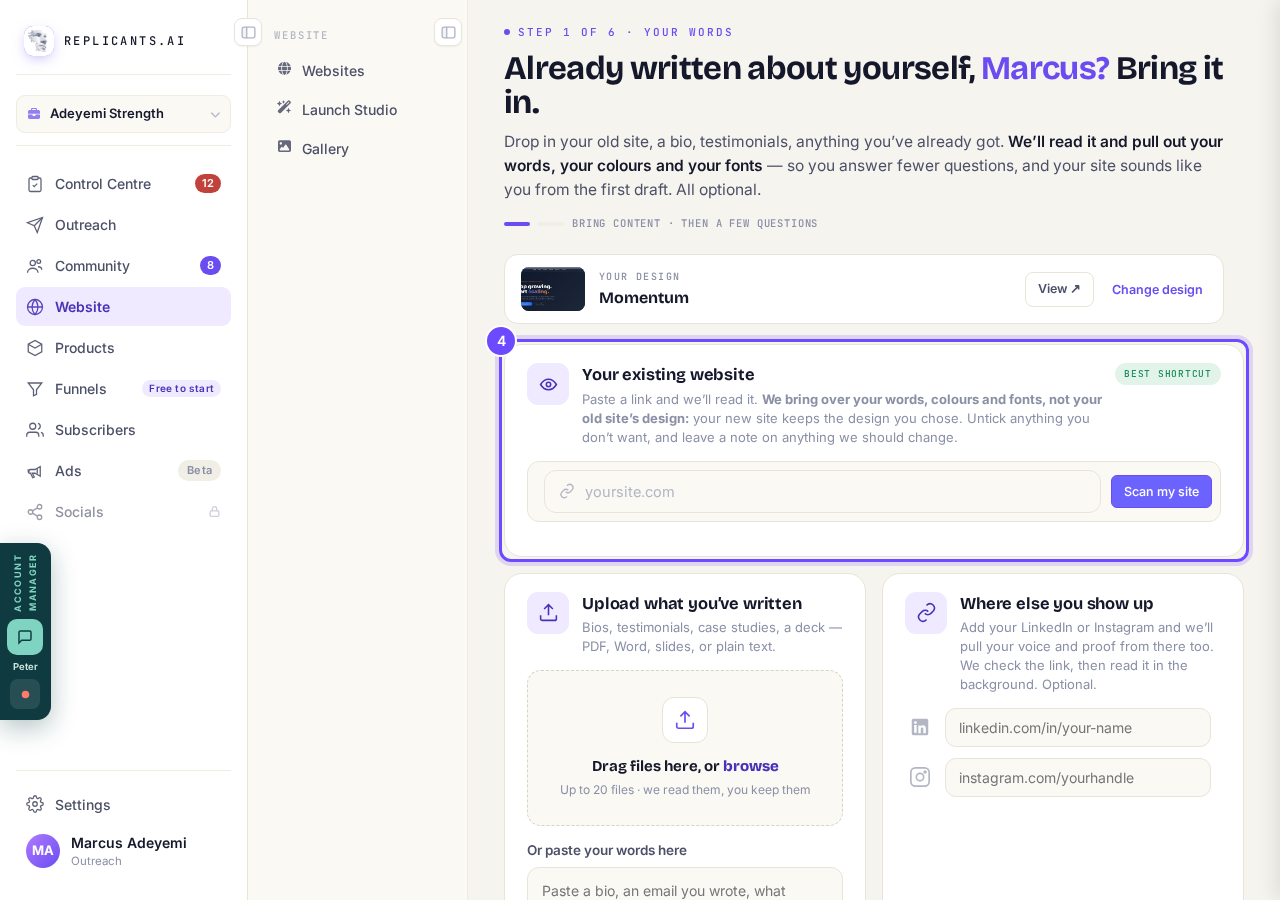
Your existing website, with Scan my site.
Take me thereAnswer Maya's questions, then work through the six steps
Maya writes your words from your answers, then each step opens in turn: Words, Look, Logo, Photos, Polish and The Vault. Each one says about how long it takes, and you can stop and come back any time.
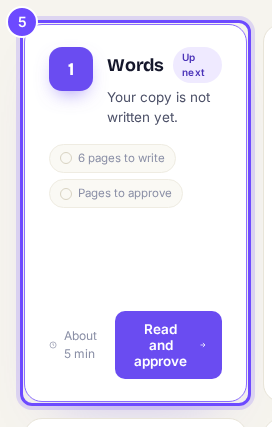
Words, the first of your six steps.
Take me therePress Preview & publish, and choose your web address
Use my free domain is ready now at no cost; if you already have a domain, choose Connect a domain I own.
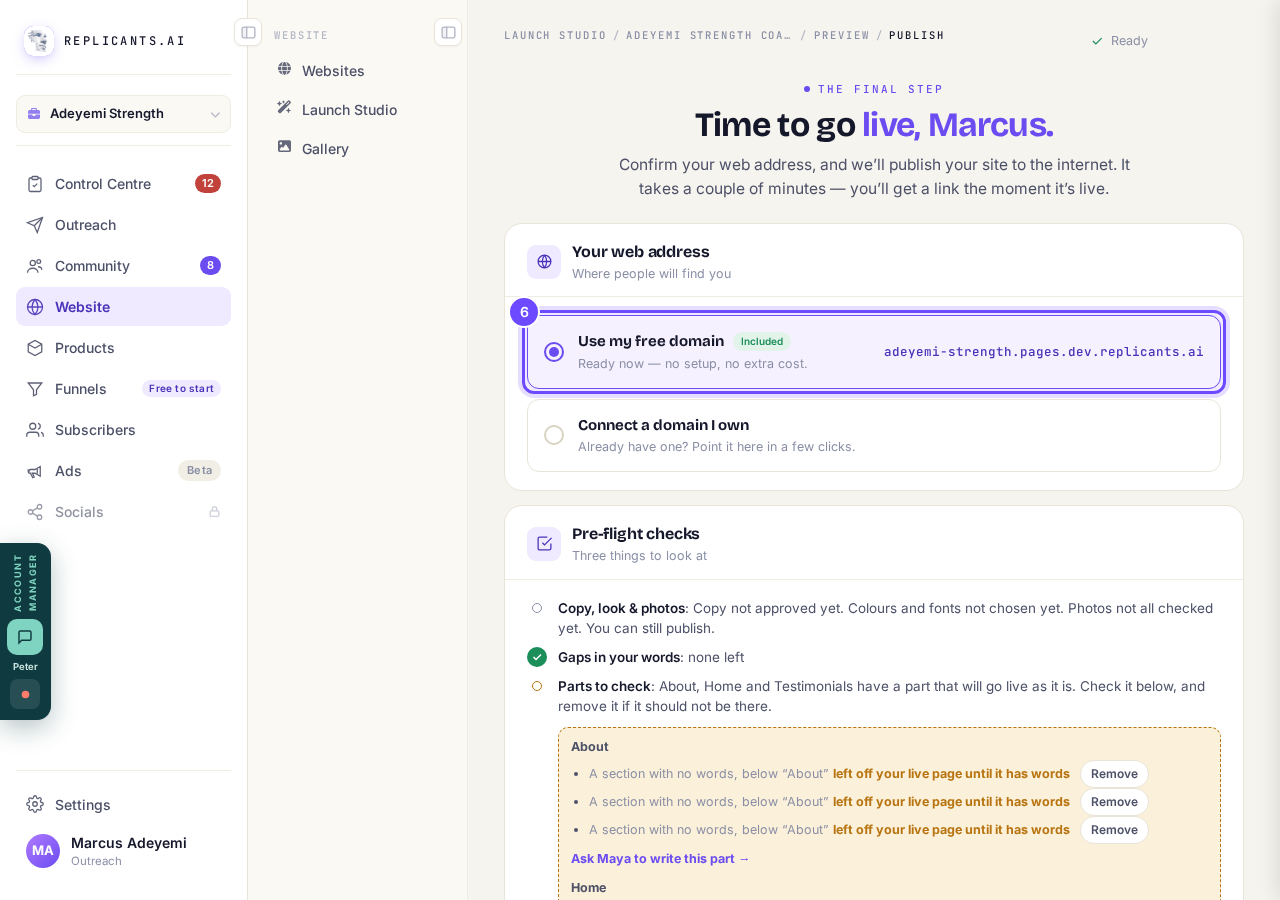
Your web address: the free one is chosen for you.
Press Publish my website
Your site goes live in about a minute and you get the link. The checks above it say what is still to do, and you can publish before every step is finished.
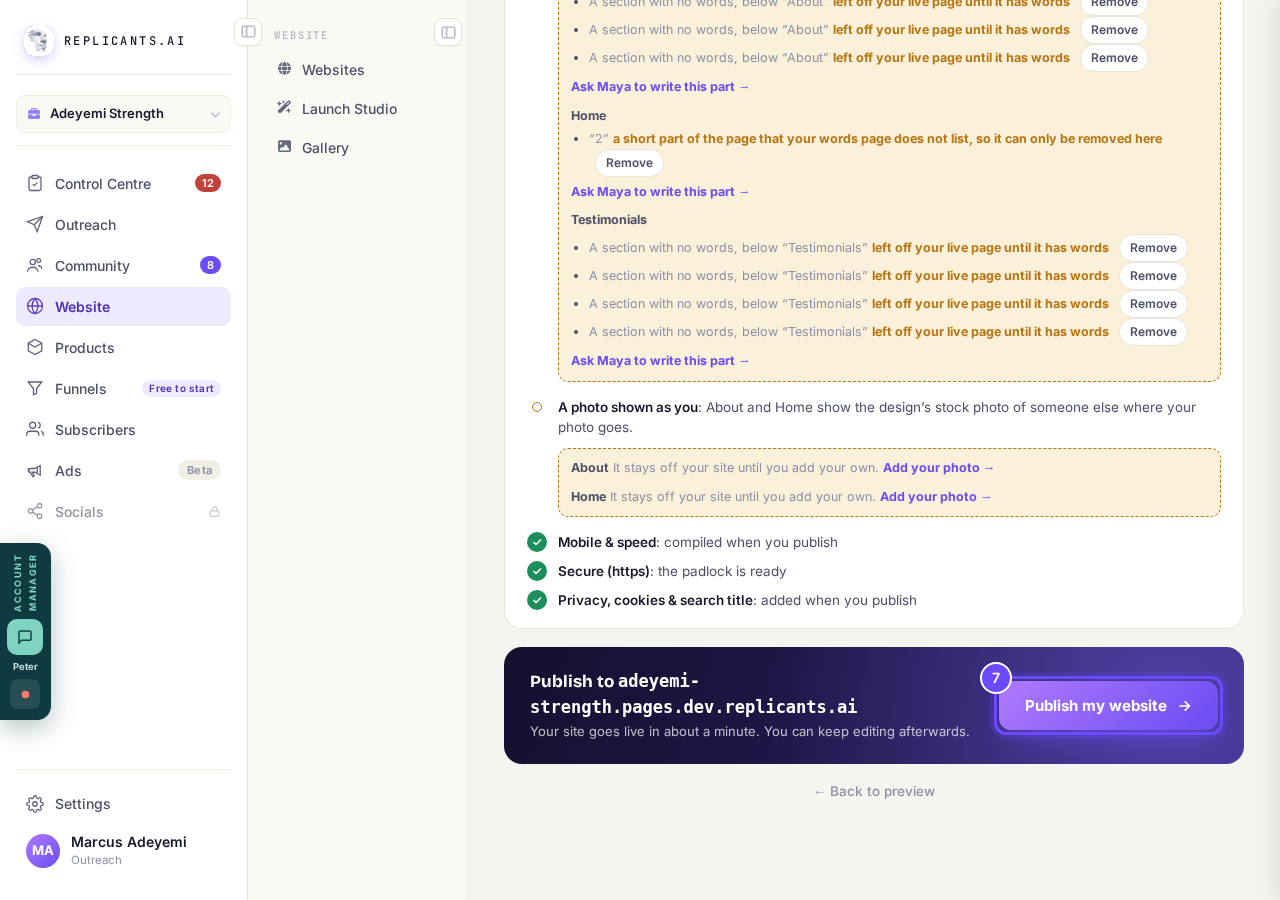
Publish my website, at the bottom of the screen.


Scan my site reads your words, colors and fonts, not the old site's design or layout: your new site keeps the design you picked. To change design later, open Design in the Manage list on your site.
How do I check and edit the words on my website?
Related articles
How do I add a new page to my website?
You add a page from your website's Manage board. It starts as a draft in your site's design and goes live when you republish. About five minutes.
How do I add a privacy policy and terms to my website?
Every website has a Privacy Policy and Terms & Conditions, linked from the footer. We write them for you, or you upload your own. About two minutes.
How do I change how my website looks?
Everything you can change sits on one board. Open Website, press Manage, and look under Make a change for a tile per kind of change. The whole design is under Design in the Manage list.