
How do I connect my own Claude to my account?
Connect your own Claude once, from Account, then AI connections. Then ask it in your own words to build and change things in your account. It takes about two minutes.
Updated 19 October 2026
Open AI connections
Press your name at the bottom of the menu, then Account, then AI connections. On a phone, press the menu button, then your name.
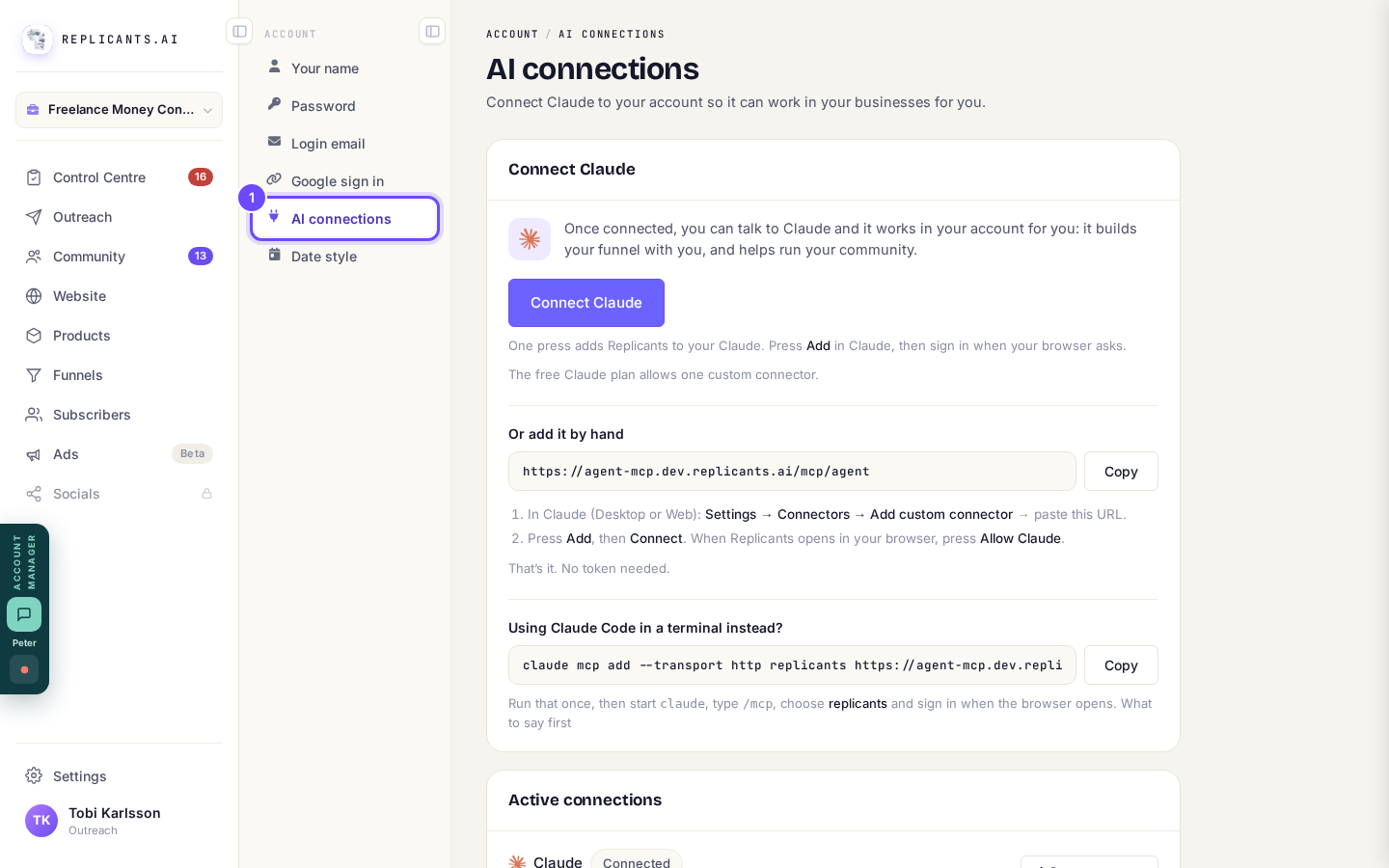
AI connections, under Account.
Press Connect Claude
Press Add in Claude, sign in when your browser asks, then press Allow Claude.
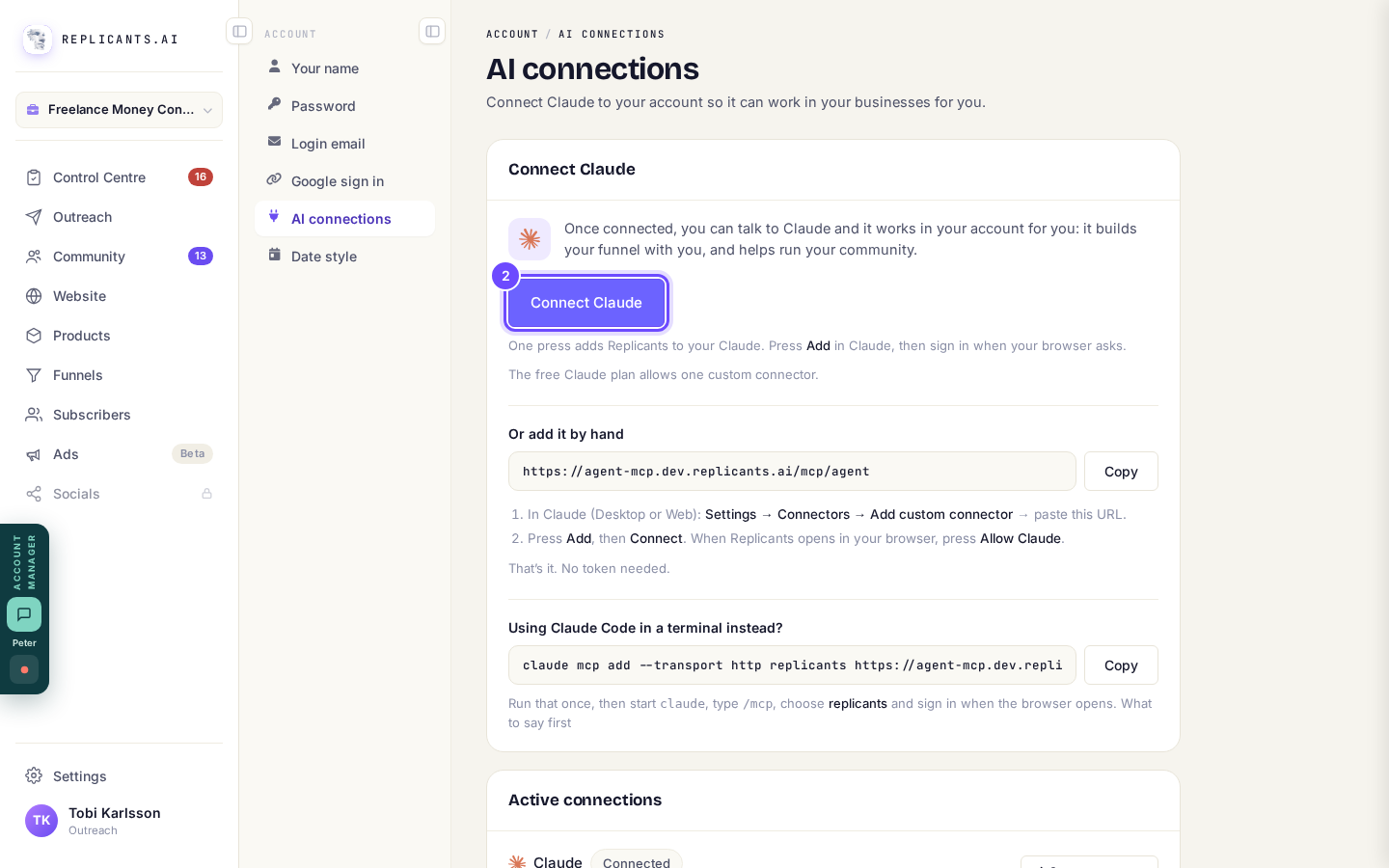
Connect Claude, at the top of AI connections.
Or paste the address into Claude yourself
Under Or add it by hand, press Copy, then in Claude open Settings, Connectors, Add custom connector and paste it.
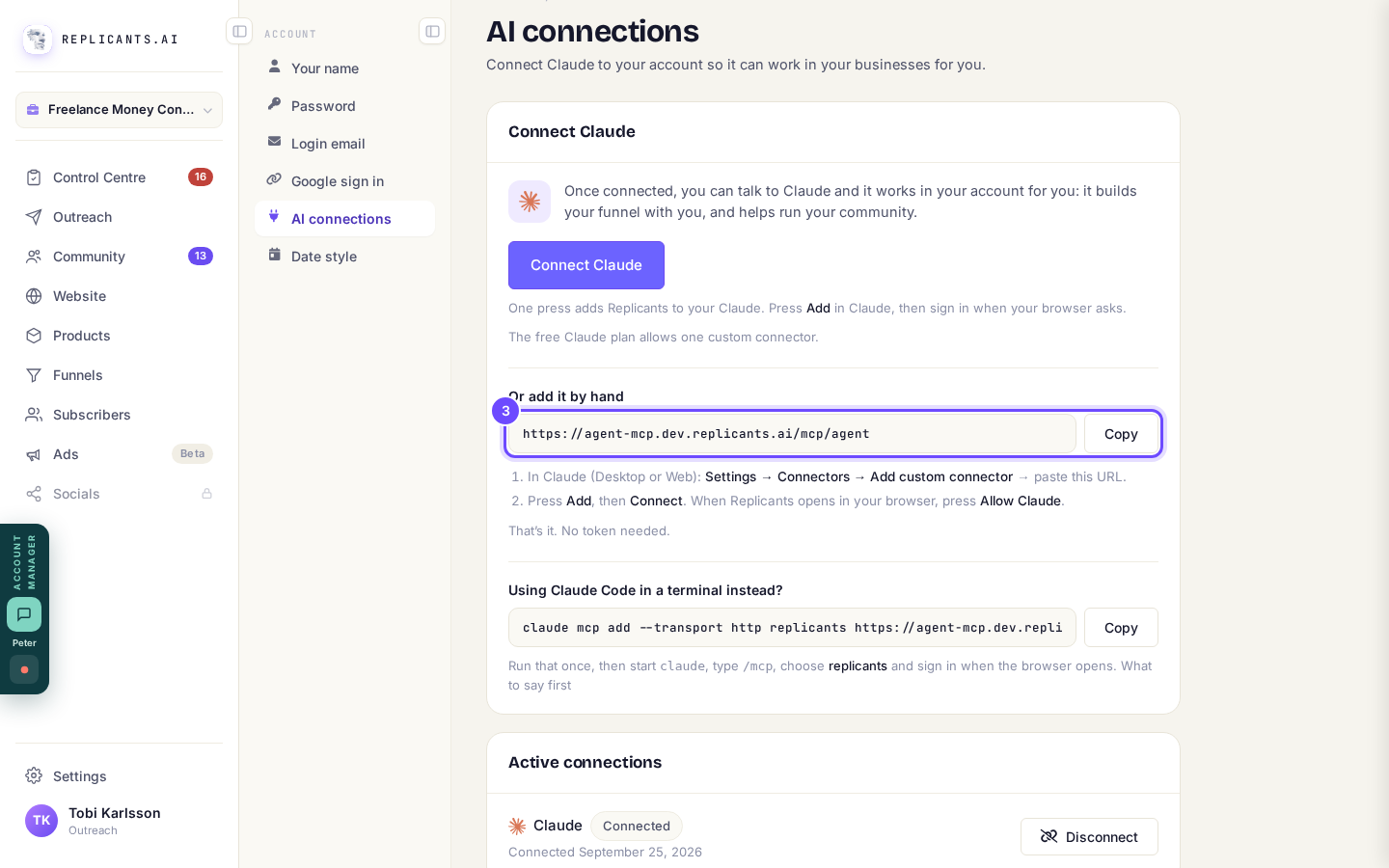
The connector address, with Copy.
Or run one line, if you use Claude Code
Press Copy beside the command and run it once. Then start claude, type /mcp, choose replicants and sign in.
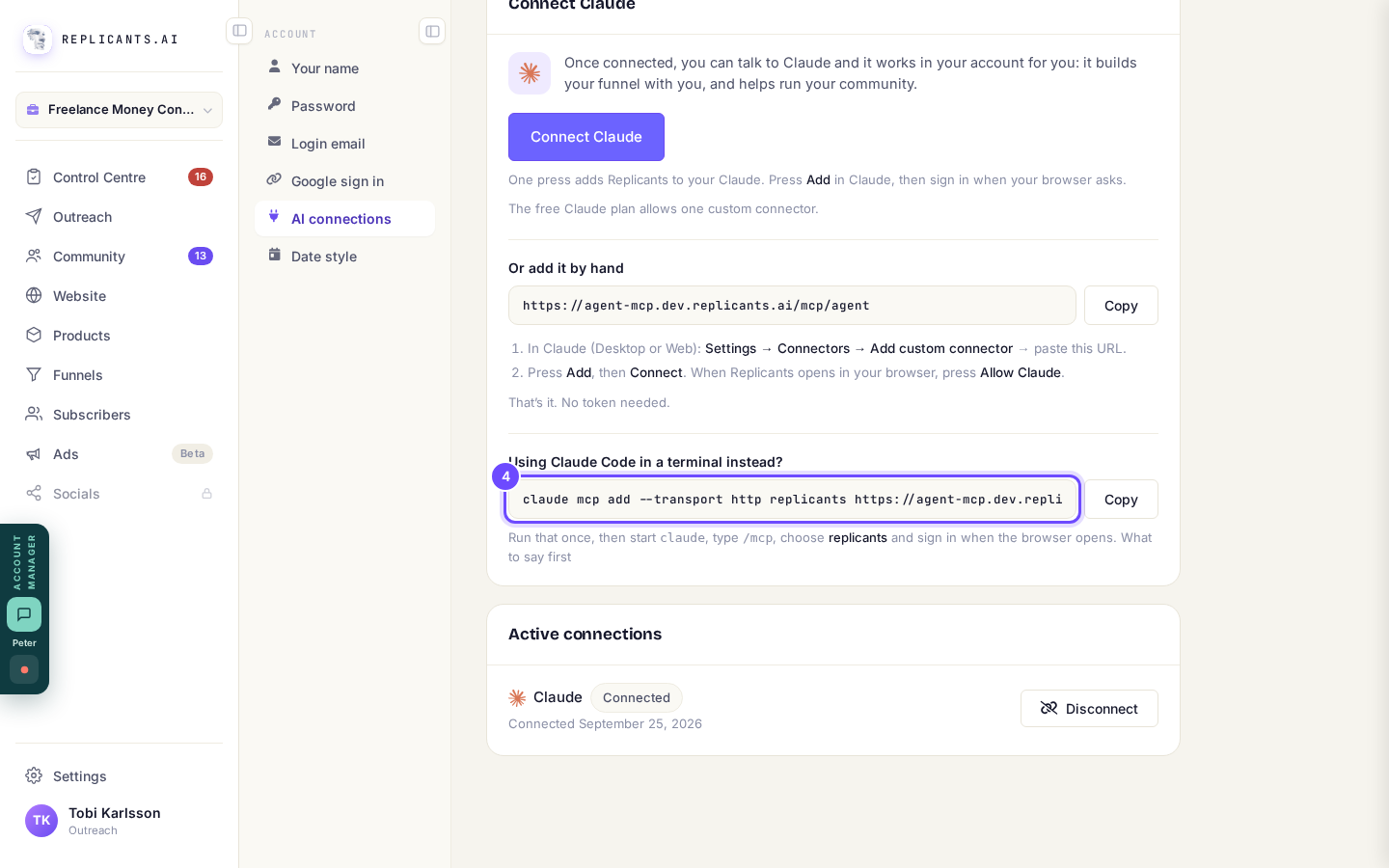
The one command for Claude Code in a terminal.
Check Active connections
Each connection shows the day it was made. Press Disconnect to end one straight away; you can connect again at any time.
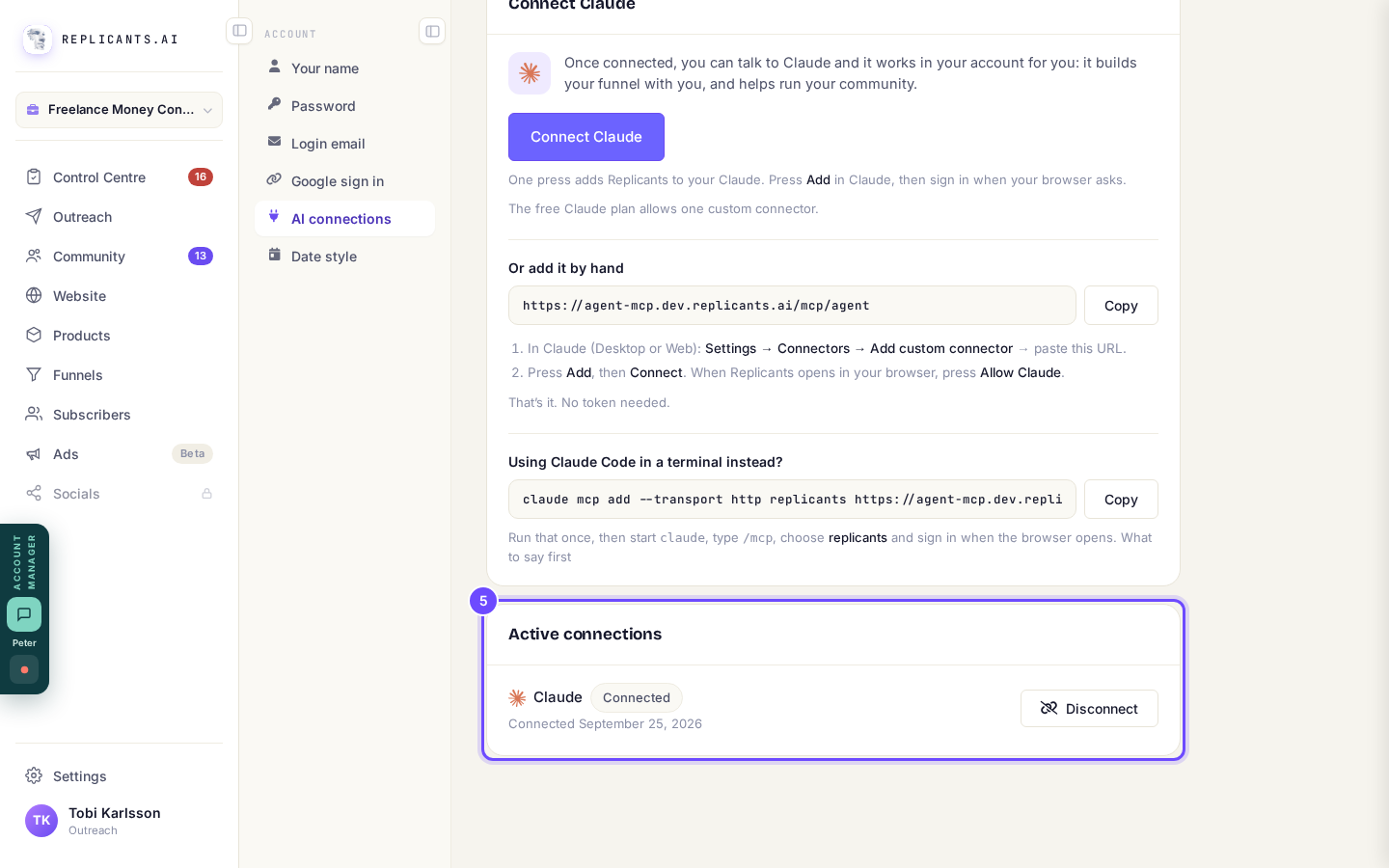
Active connections, with Disconnect.


The conversation runs on your own Claude plan. Some jobs it asks Replicants to do, such as writing a course or follow-up emails, use your Replicants AI allowance. The free Claude plan allows one custom connector.
What can Claude build in my Replicants account?
Related articles
Can I use ChatGPT, Zapier or other tools?
Claude connects to every account from Account, then AI connections, and ChatGPT connects the same way on the accounts it is offered to first. Zapier and Make do not connect to Replicants.
How do I build a funnel with Claude?
Pick a design, describe your offer, and Claude writes the pages and attaches your products. You preview it and press Publish.
How do I build and change a course with Claude?
Press Build it with your own Claude on your Courses page, connect Claude once, then ask it in your own words to plan your course and write lessons. Only you can publish.