
What is Spaces, and how do I get it?
A space is a private group, program or challenge inside your community, with lessons, live calls and 1:1 calls. Spaces comes with the Studio plan, and it opens by itself the moment Studio starts.
Updated 19 October 2026
Open Community, then Spaces
Spaces is under the grey BUILD heading. On a phone, press the menu button at the top right first.
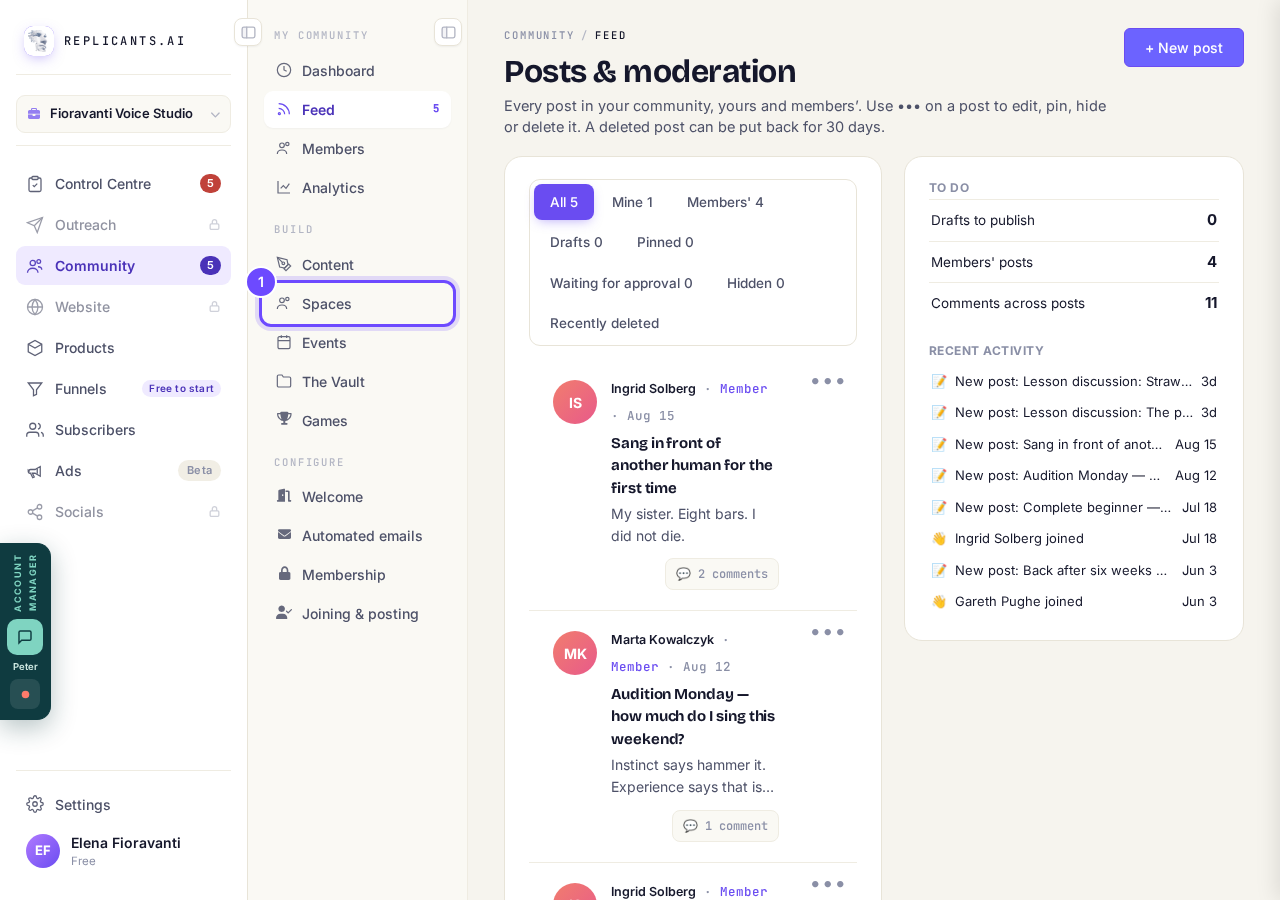
Spaces, under Build.
Watch the short film
Choose How it works for you or How it works for your clients. The first takes under three minutes.
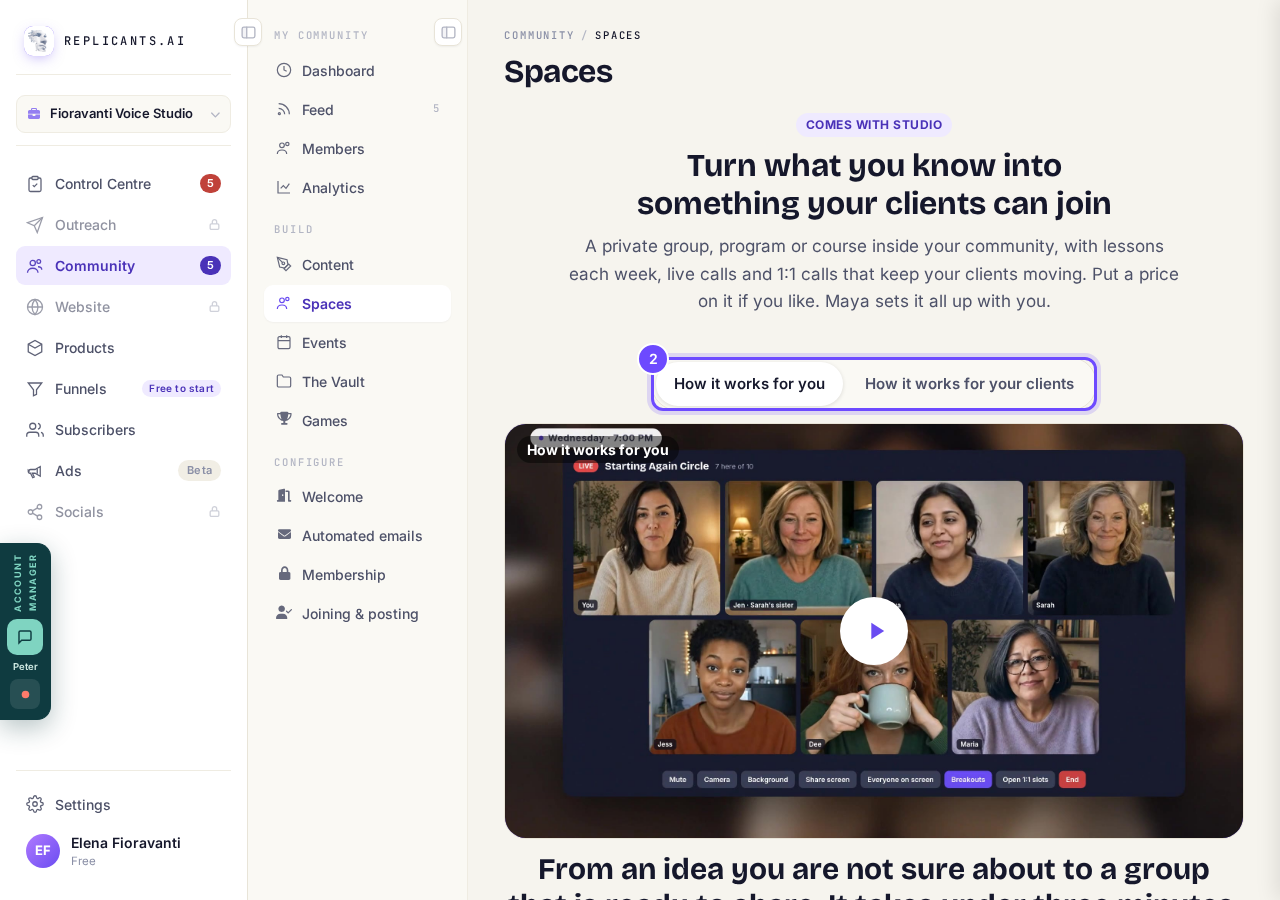
The two films, at the top of Spaces.
Press Upgrade to Studio
Spaces comes with Studio, with live calls and 1:1 calls in your own room. It opens for you straight away when your Studio plan starts; there is nothing else to ask for.
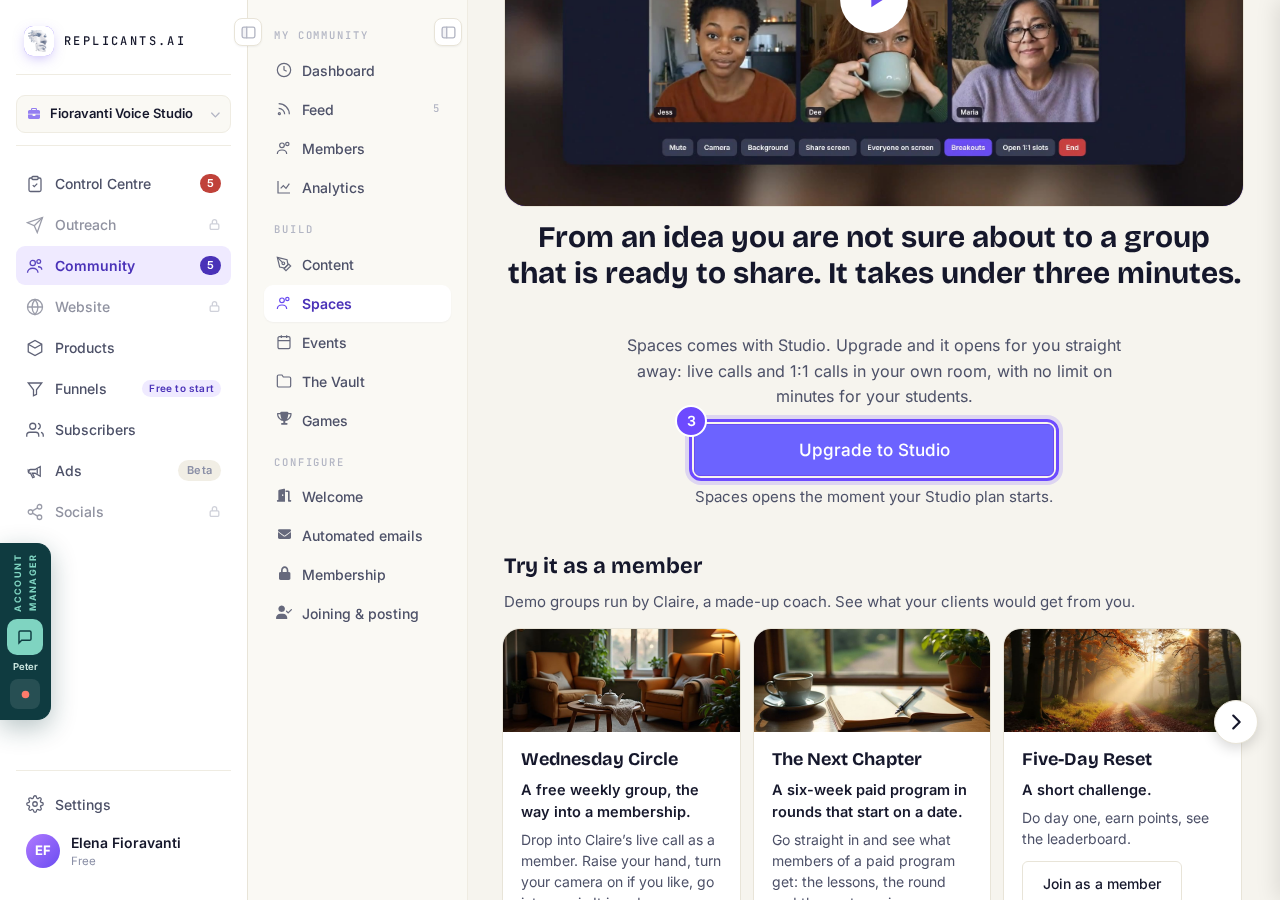
Upgrade to Studio, under the film.
Try a space as a member
Under Try it as a member are demo spaces run by Claire, a made-up coach, such as a free weekly group, a six-week paid program and a short challenge. Press Join as a member on one to see what your clients would get.
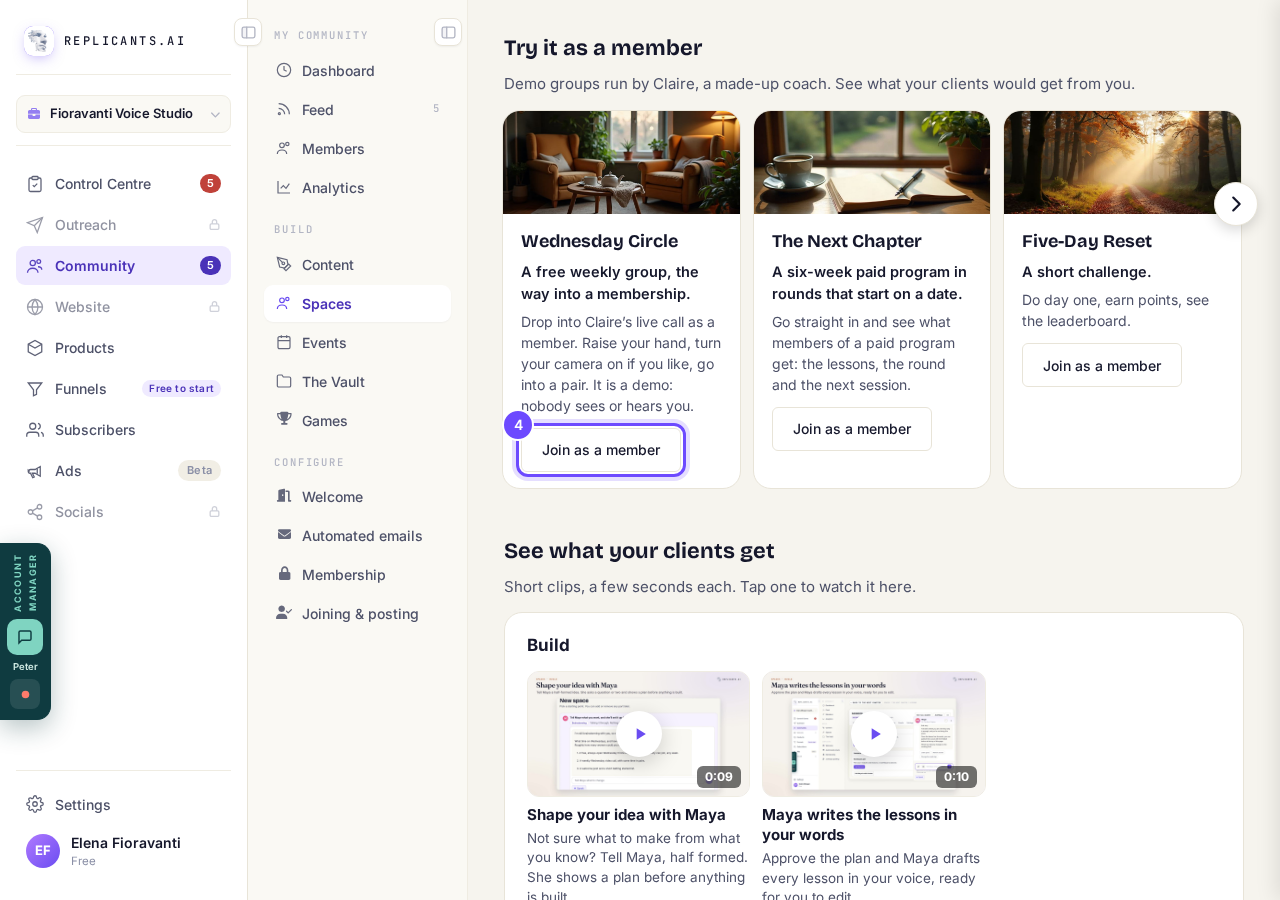
Join as a member, on a demo space.
Start your first space
With Studio, Spaces shows Start with Maya, Start with Claude and Set it up myself instead (how to make your first space). On an account that uses ChatGPT, the middle button names ChatGPT instead.
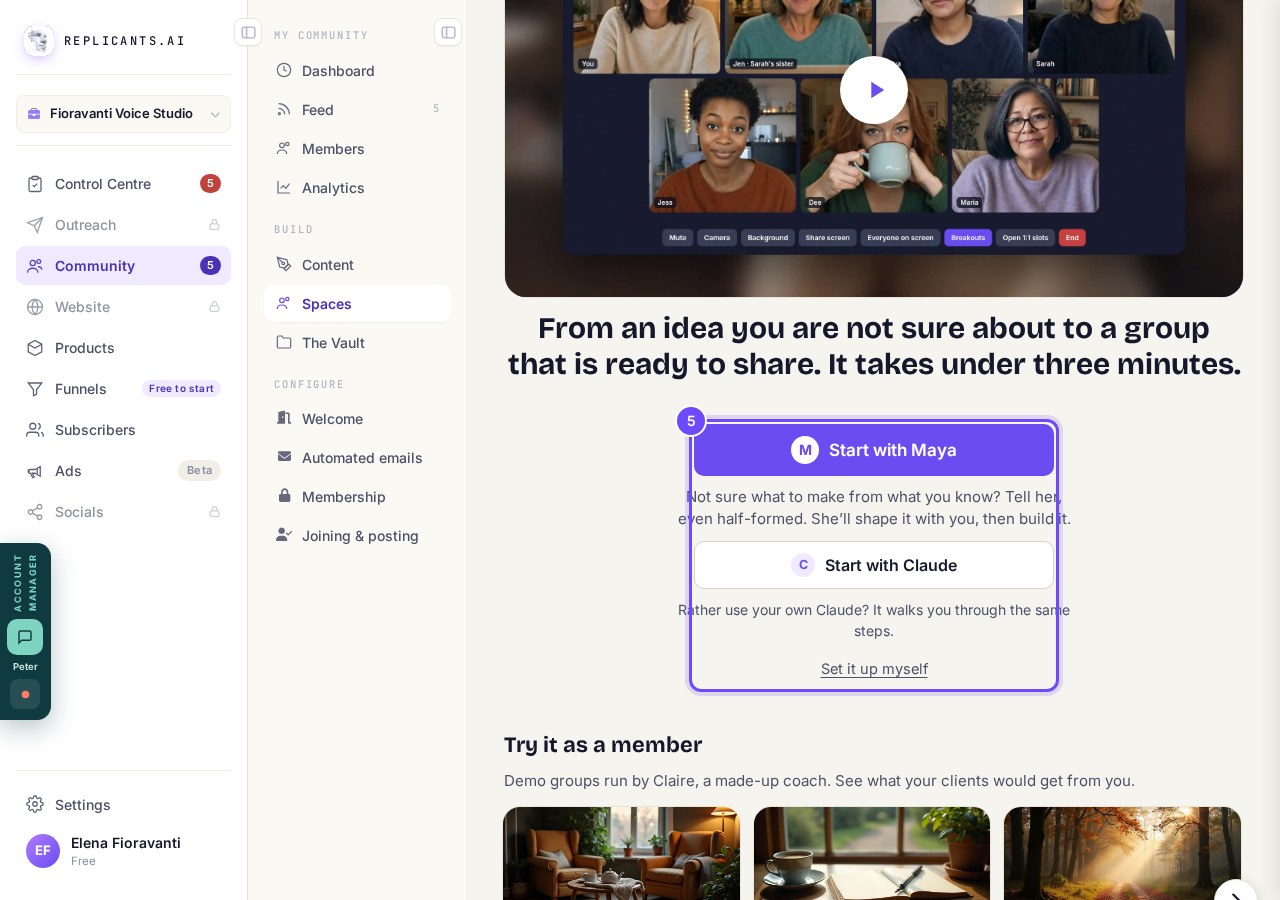
Start with Maya, or Set it up myself.


Your spaces stay where they are and your members keep reading what they joined, but you cannot make or change a space until Studio is back on.
Related articles
Can I approve new members before they get into my community?
Yes. Switch on approval and anyone who asks to join waits in a Requests list in Members until you let them in, the way a private LinkedIn or Facebook group works. People you invite, and people who pay, still go straight in. About five minutes to set up.
Can I change a member's post before I approve it?
No. A post waiting for your approval can only be approved or rejected, so you cannot change a member's words. If a few words need changing, approve it and add a comment, or message the member and reject it.
Can I change the words in the posts Maya wrote before I approve them?
Yes. Open the post from Drafts on your Feed, press Edit, change the words and press Save changes. What you save is what goes out when you approve it. About a minute.