
How do I close my account and have my data removed?
Three different things, and it's worth knowing which you want. Cancelling stops a payment. Closing ends the account. Deletion removes your information.
Updated 15 September 2026
Take me there
Cancel a plan to stop the money
Press Cancel on a paid plan, on your Billing screen. It runs to the end of the period you've paid for, leaves your other plans alone, and deletes nothing. It's the one you can undo yourself.
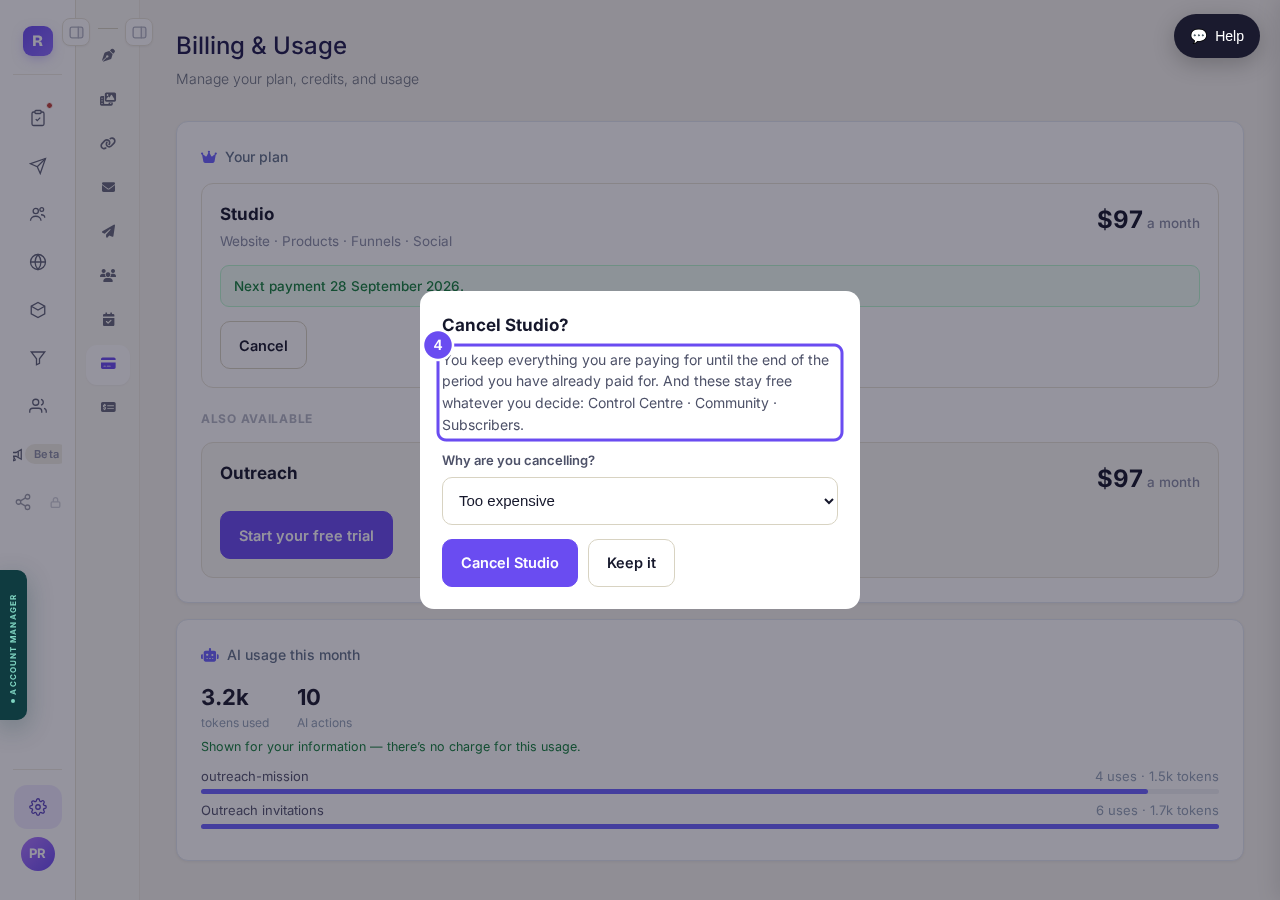
Cancelling: the money stops, everything else stays.
Take me thereAsk us to close the account
There's no button — write and ask us to close it. Signing in stops, platform emails stop for good, running plans are cancelled, and you leave the communities and their lists. It deletes nothing; ask and we can reopen it.
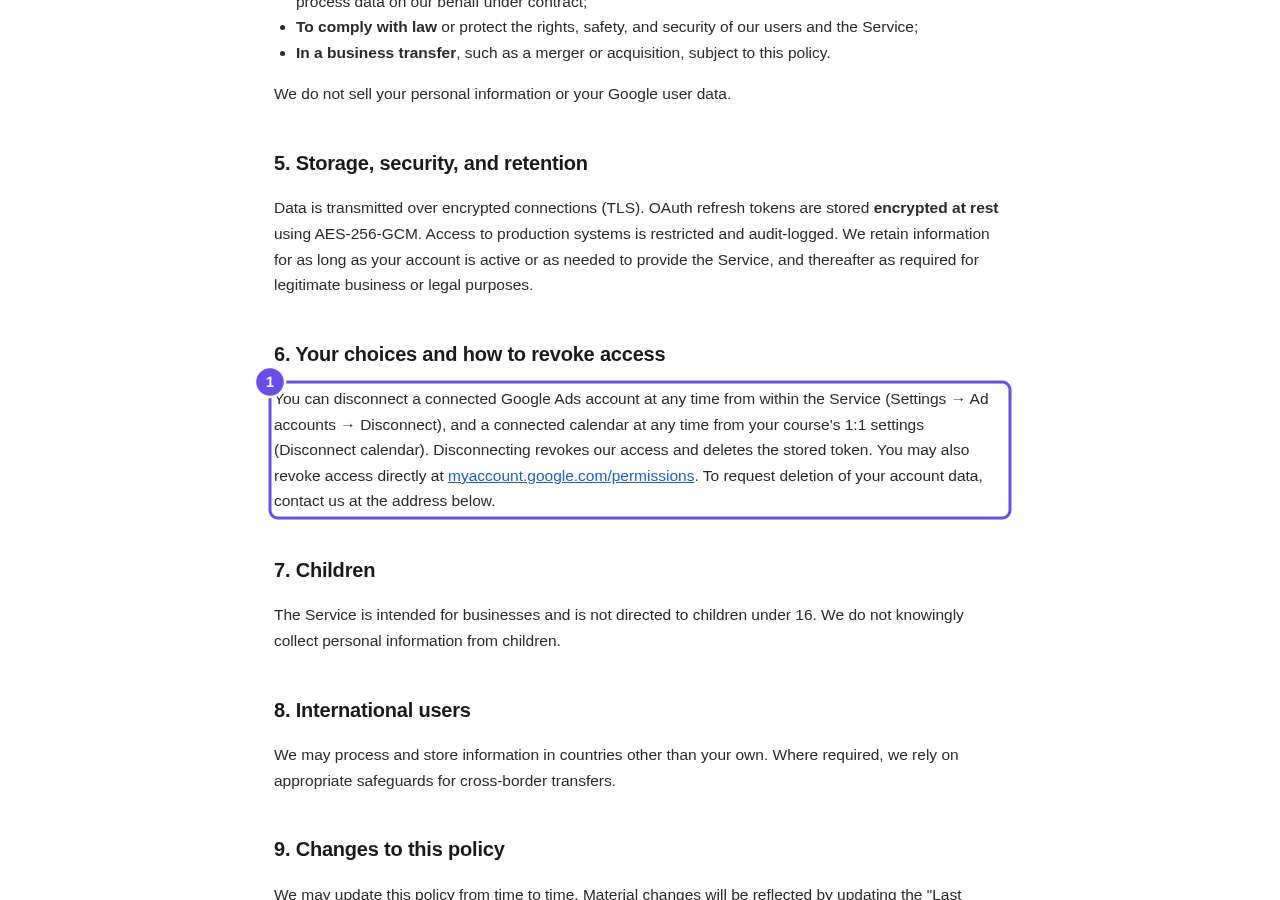
The policy's own line about asking for removal.
Say deletion if you mean deletion
Say deletion, not closure, if that's what you mean — closing an account doesn't start a deletion. The address for both is at the foot of the privacy policy: support@replicants.ai. One sentence naming which you want is enough.
The address, at the foot of the policy.
What am I paying for, and how do I stop it?
Related articles
Can I talk instead of typing?
Under the boxes you type into there is a Speak button. Press it, talk, press Stop, and your words are typed into the box for you. It works on a laptop and on a phone.
Do I have to decide on the leads offer right now?
No. Your community is free and works without it. The price for leads is Outreach, a separate paid tool that finds people for your community, and you can say no and carry on building.
How are my social posts doing?
Open Socials, then Analytics. You see your posts, views, likes, comments, shares and new followers, each against the same stretch of time before (except on All), and every post on its own.