
Is there a video or a tour to walk me through it?
There is no guided tour inside the app. The walk-through is in Guides: one question per page, with a picture of every step. You can also ask the help chat or message your account manager.
Updated 19 October 2026
Press Help at the bottom right
The Help button is at the bottom right of every page. It opens the help chat, where you can ask in your own words.
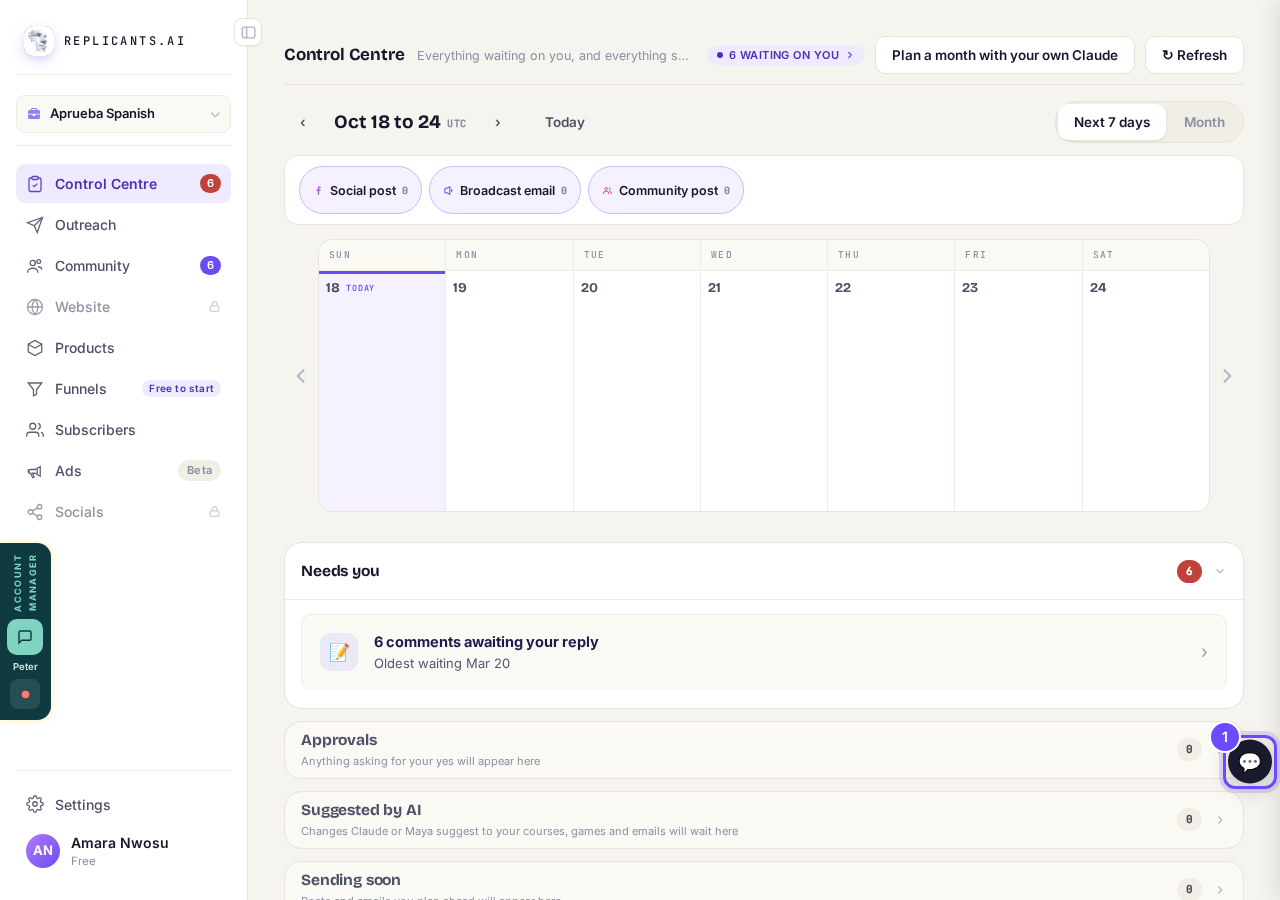
Help, at the bottom right.
Press Guides
Guides is at the top of the help chat. It opens the how-to guides in a new page, so your chat stays where it is.
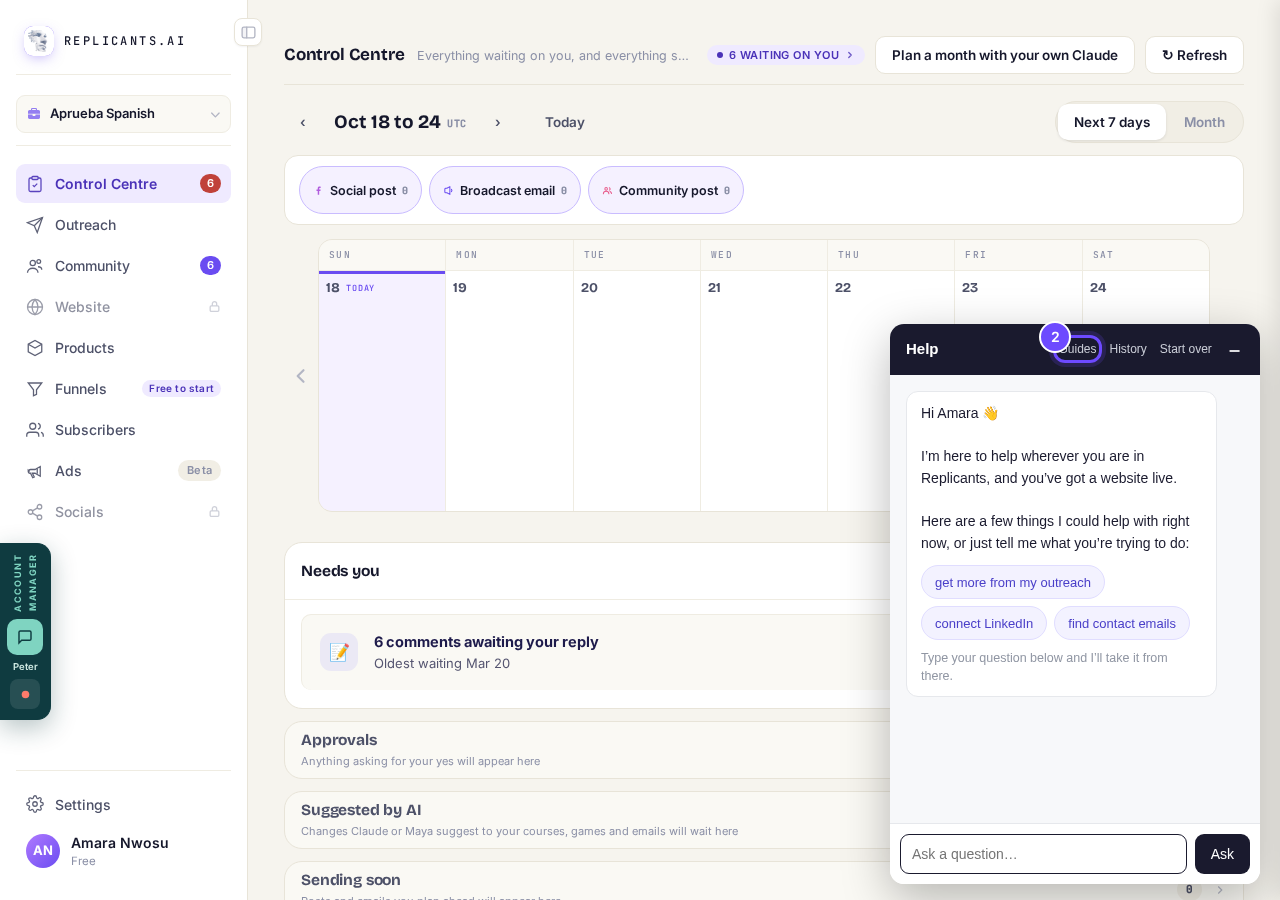
Guides, at the top of Help.
Search, or pick a guide
Type what you want to do in Search for articles, in your own words. Below it are step-by-step guides, then every question grouped by area: your community, courses, website, Outreach and more.
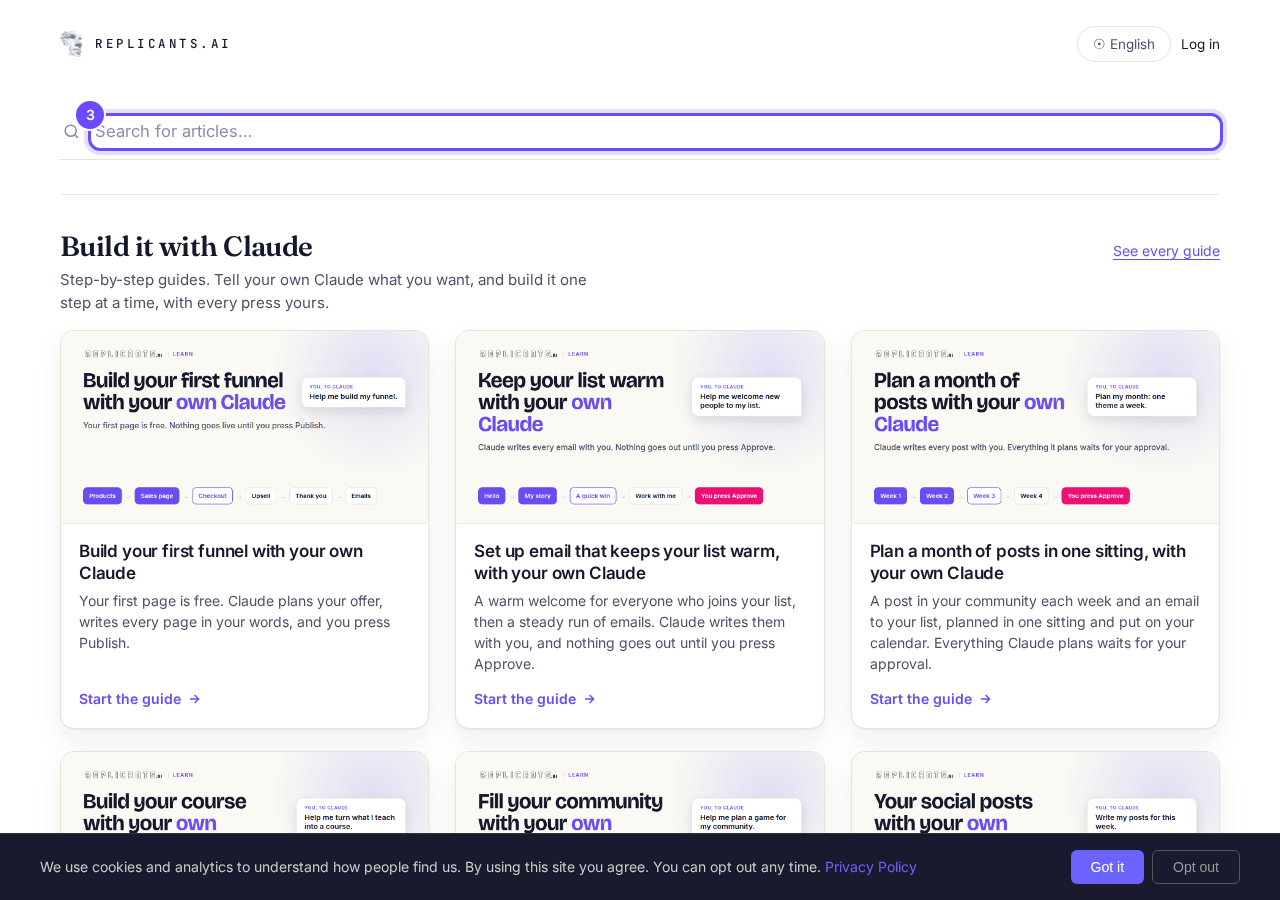
Search for articles, at the top of the guides.
Message your account manager
Press the green ACCOUNT MANAGER button at the left edge of the page. You can type, record your screen, take a screenshot or leave a voice note, and see your past conversations.
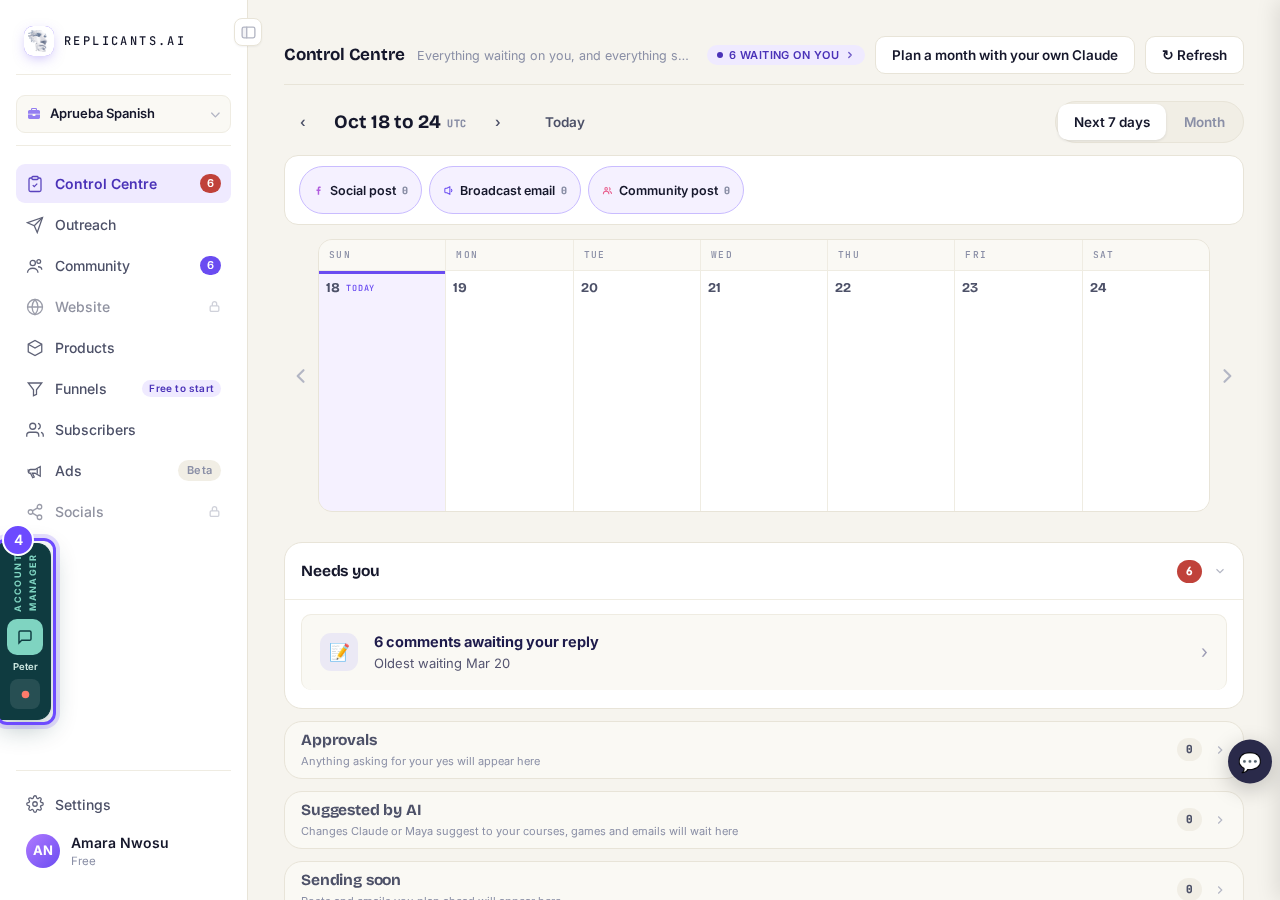
The account manager button, on the left.


Questions coaches ask
Is there a walk-through of Outreach?#
Yes. On the Outreach trial screen, press Learn more: three screens show how Outreach finds people, starting with Influencer monitoring. Not now closes it.
Can I see a real course before I build mine?#
Where do I start?#
I do not know where to start. What do I do first?
Related articles
Can I talk instead of typing?
Under the boxes you type into there is a Speak button. Press it, talk, press Stop, and your words are typed into the box for you. It works on a laptop and on a phone.
Do I have to decide on the leads offer right now?
No. Your community is free and works without it. The price for leads is Outreach, a separate paid tool that finds people for your community, and you can say no and carry on building.
How are my social posts doing?
Open Socials, then Analytics. You see your posts, views, likes, comments, shares and new followers, each against the same stretch of time before (except on All), and every post on its own.