
How do I put a video on my website?
Videos go on The Vault, your website's free-stuff page, as cards visitors can watch right there. YouTube, Vimeo or your own video files. About three minutes.
Updated 6 October 2026
Open Website
Website is in the main menu on the left. On a phone, press the menu button at the top right first.
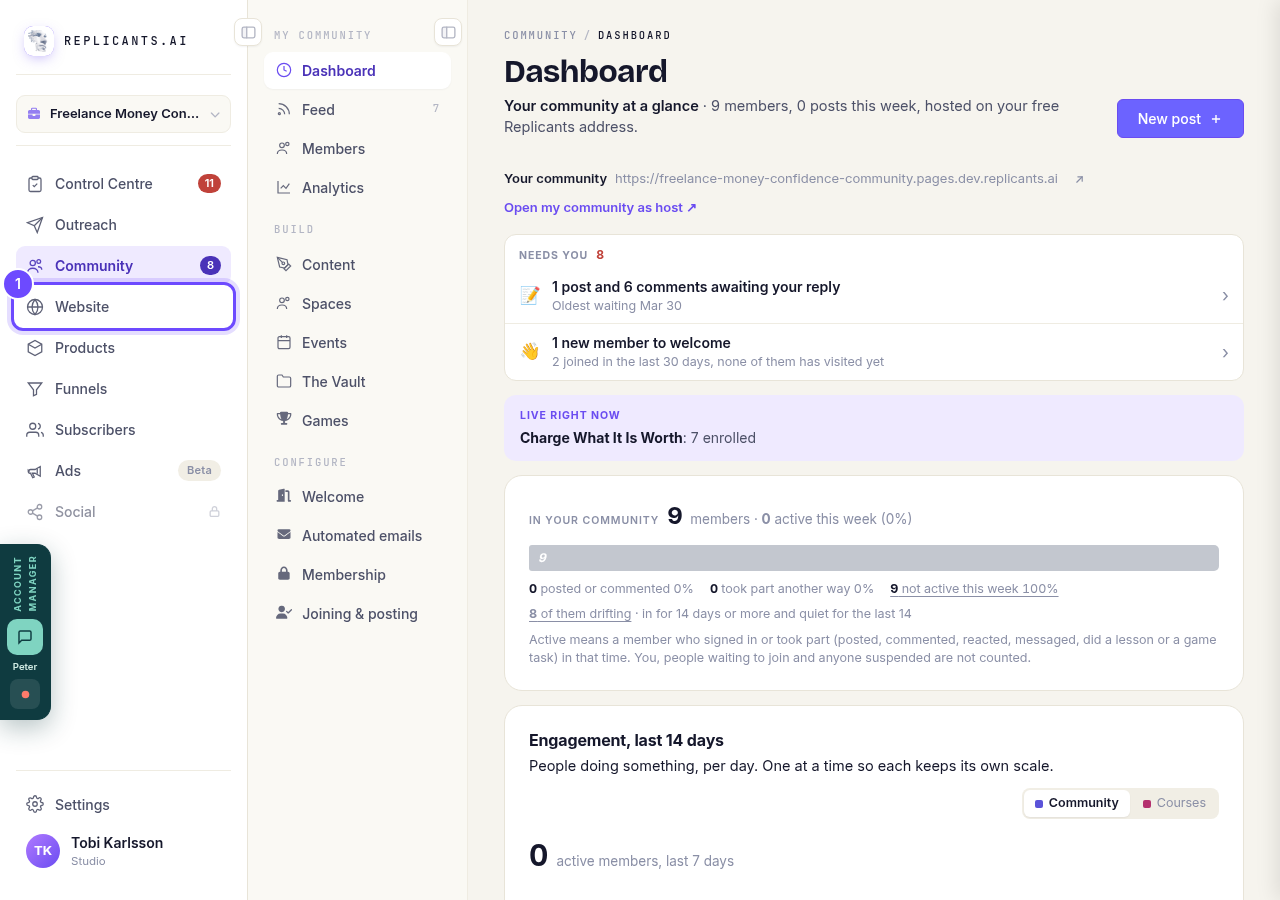
Website, in the main menu.
Open my websitesPress Manage on your site
Your websites lists every site you have. Press Manage on the one you want.
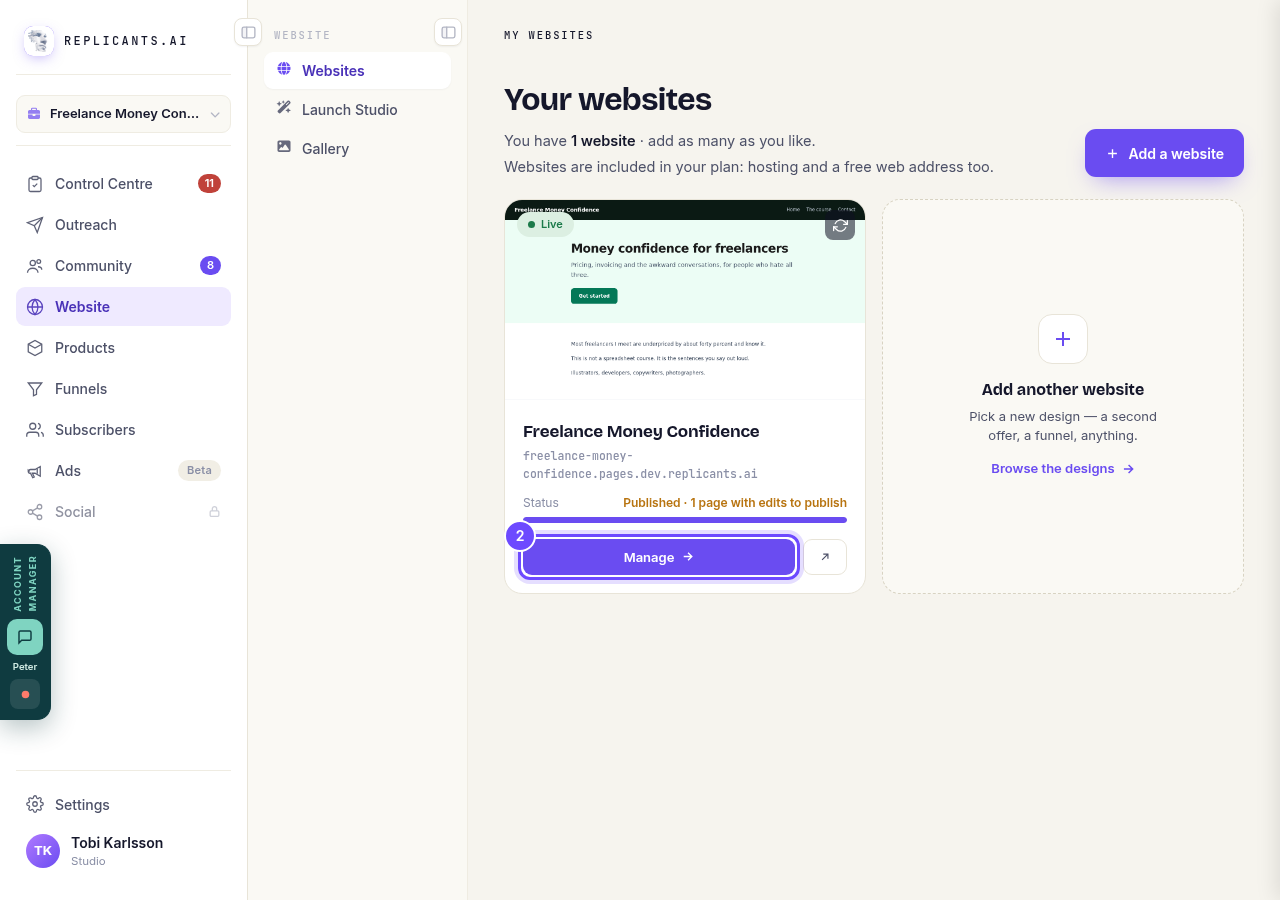
Manage, on your site's card.
Press Open the Vault
It is on The Vault tile, under Make a change.
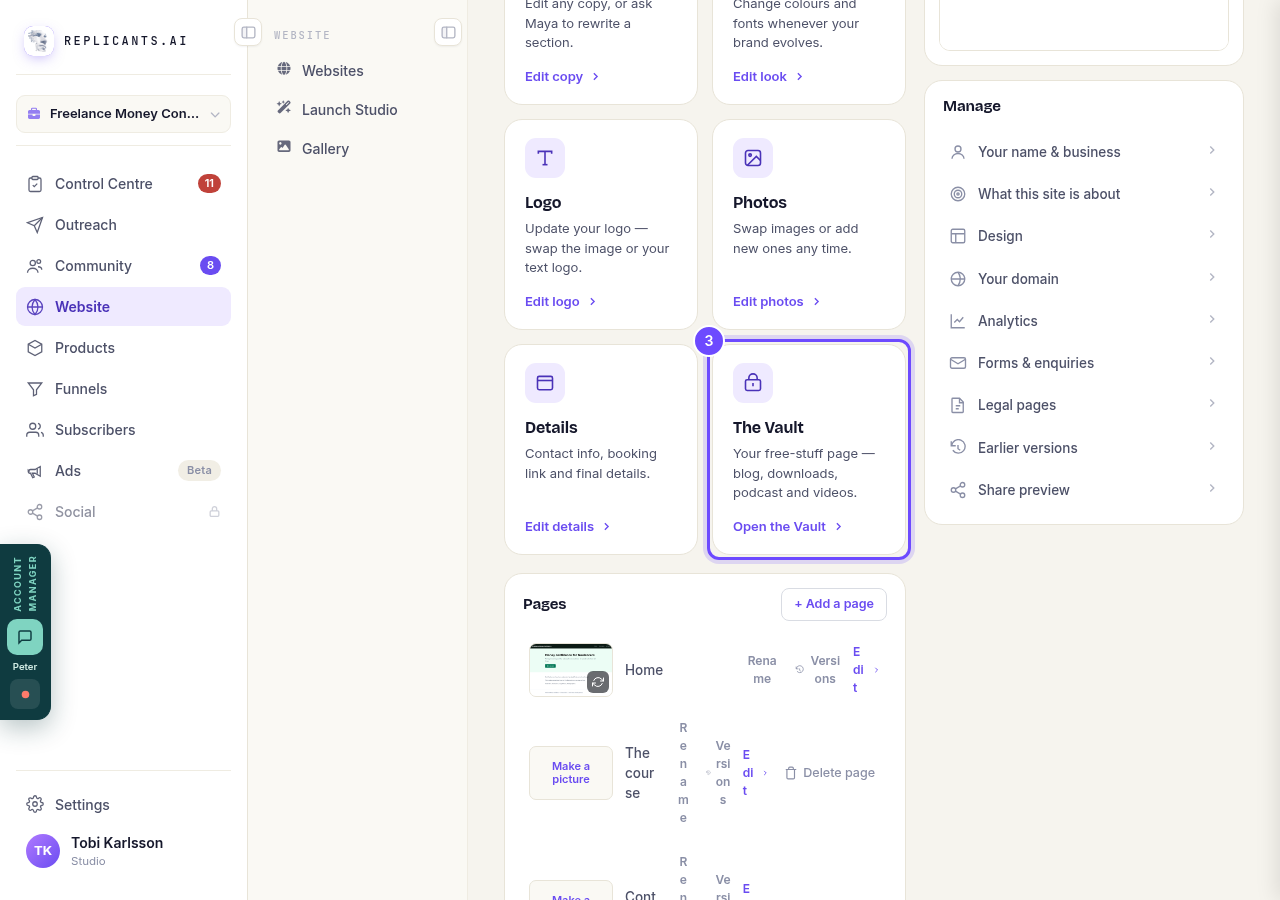
Open the Vault, on The Vault tile.
Switch Videos on
The Vault has sections: a blog, free downloads, podcast and links, and videos. Switch on the Videos section.
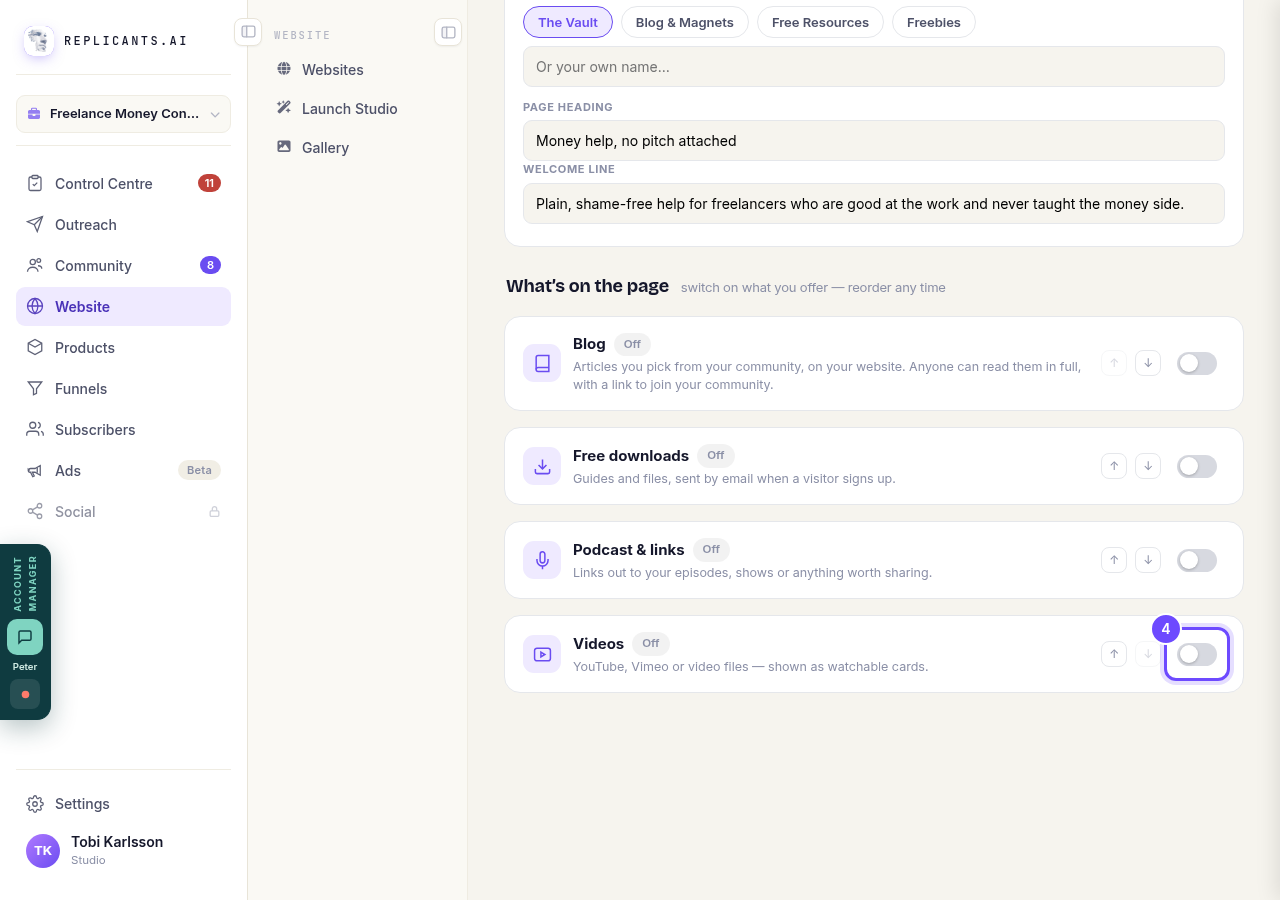
The Videos switch.
Add your video and its title
Press Add a video to pick one from your videos, or paste a YouTube, Vimeo or video file link in the box beside it. Give it a title, and a line underneath if you like. + Add a video at the bottom adds another.
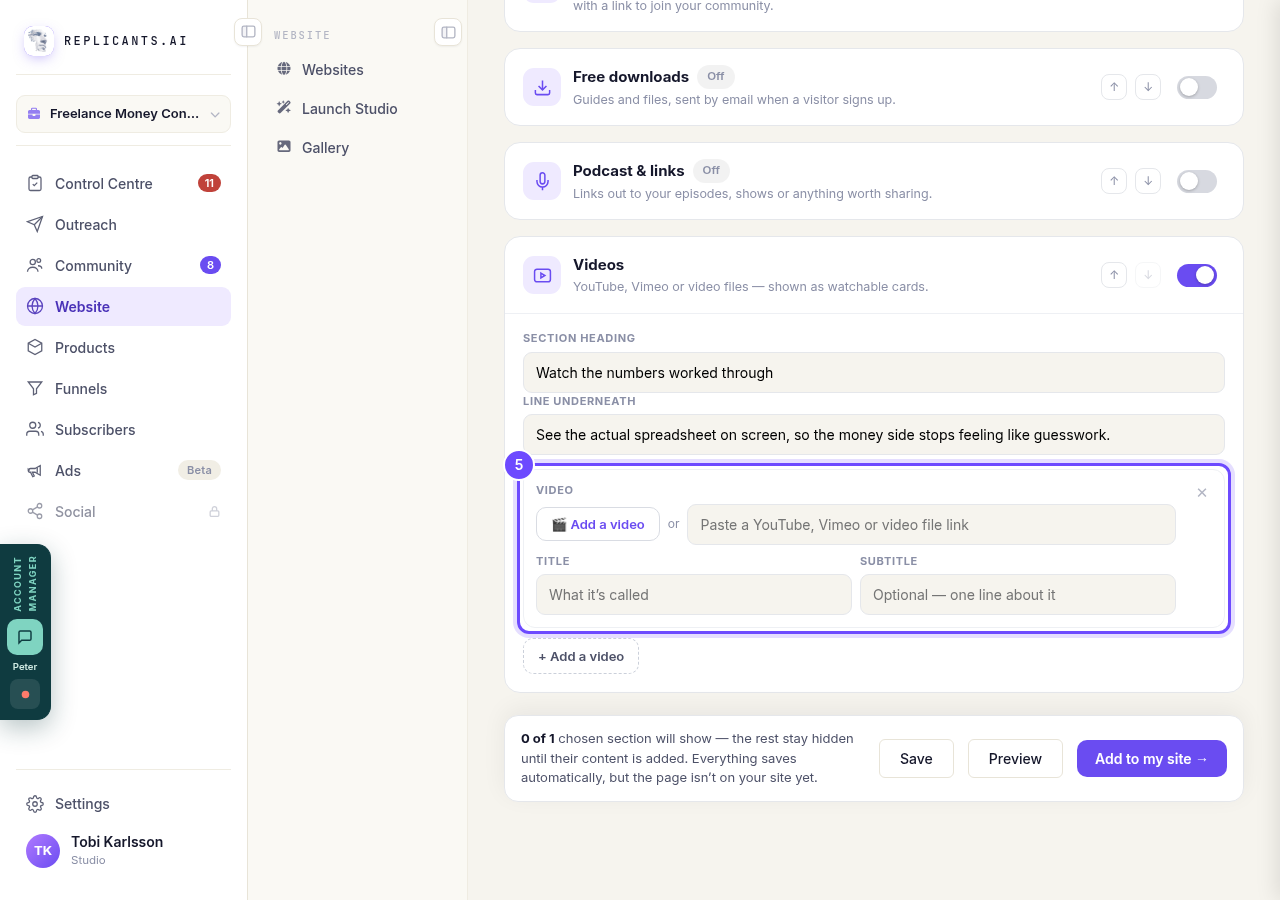
Add a video, or paste a link, with its title.
Press Add to my site
Everything saves as you go. If The Vault is not on your site yet, this puts it there, in your menu.
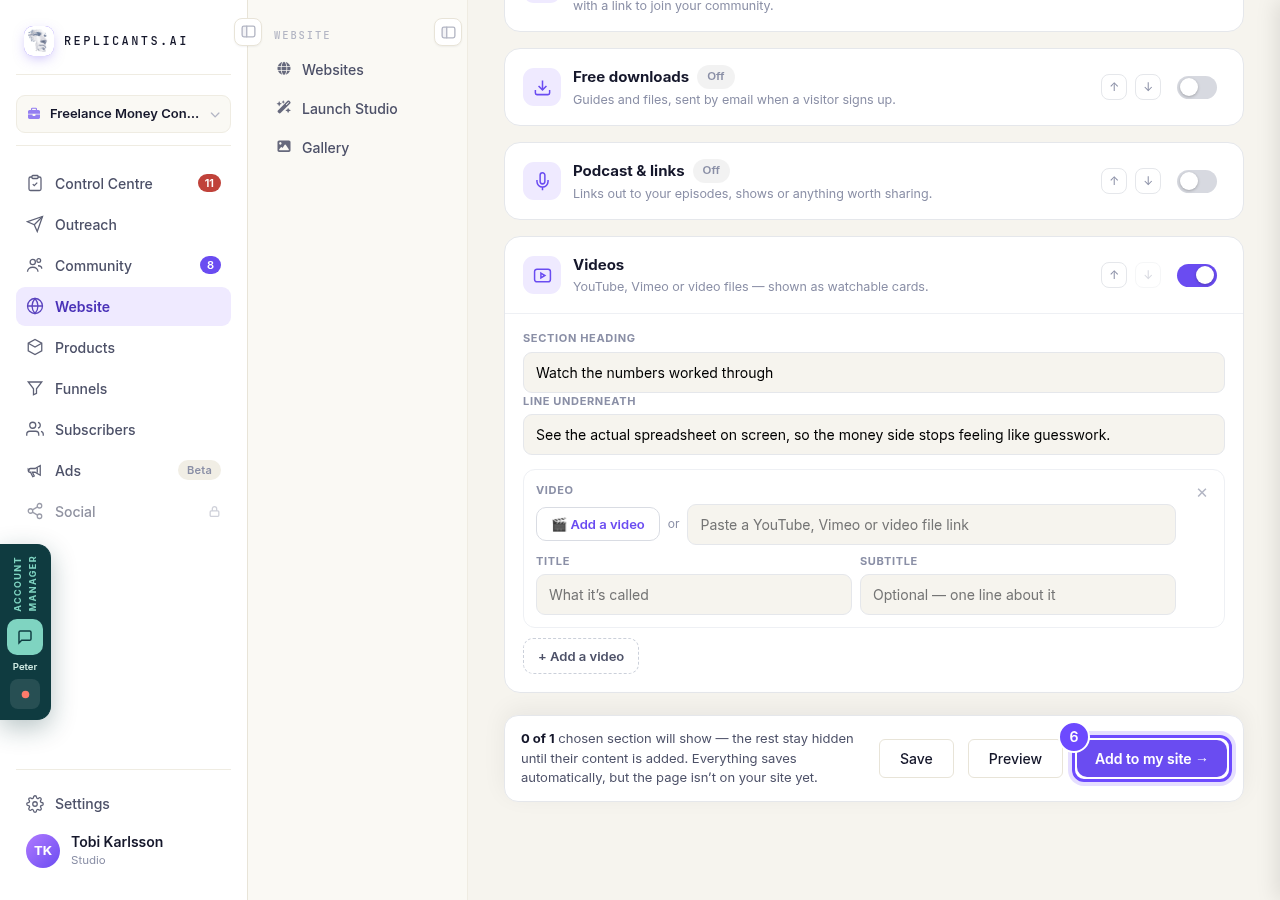
Add to my site, at the bottom.


Related articles
How do I add a new page to my website?
You add a page from your website's Manage board. It starts as a draft in your site's design and goes live when you republish. About five minutes.
How do I add a privacy policy and terms to my website?
Every website has a Privacy Policy and Terms & Conditions, linked from the footer. We write them for you, or you upload your own. About two minutes.
How do I build my website?
Pick a design in the Gallery, bring in what you already have, answer a few of Maya's questions, then work through six short steps and press Publish my website. Everything is saved as you go, so you can stop and come back.