
How do I add, move or rename modules and lessons in my course?
Open your course, press Plan & content, then Open. Tap a name to change it, use the three dots to move or remove a lesson, and add modules at the bottom.
Updated 18 October 2026
Open Products
Press Products in the main menu. On a phone, press the menu button at the top right, then Products, then Courses.
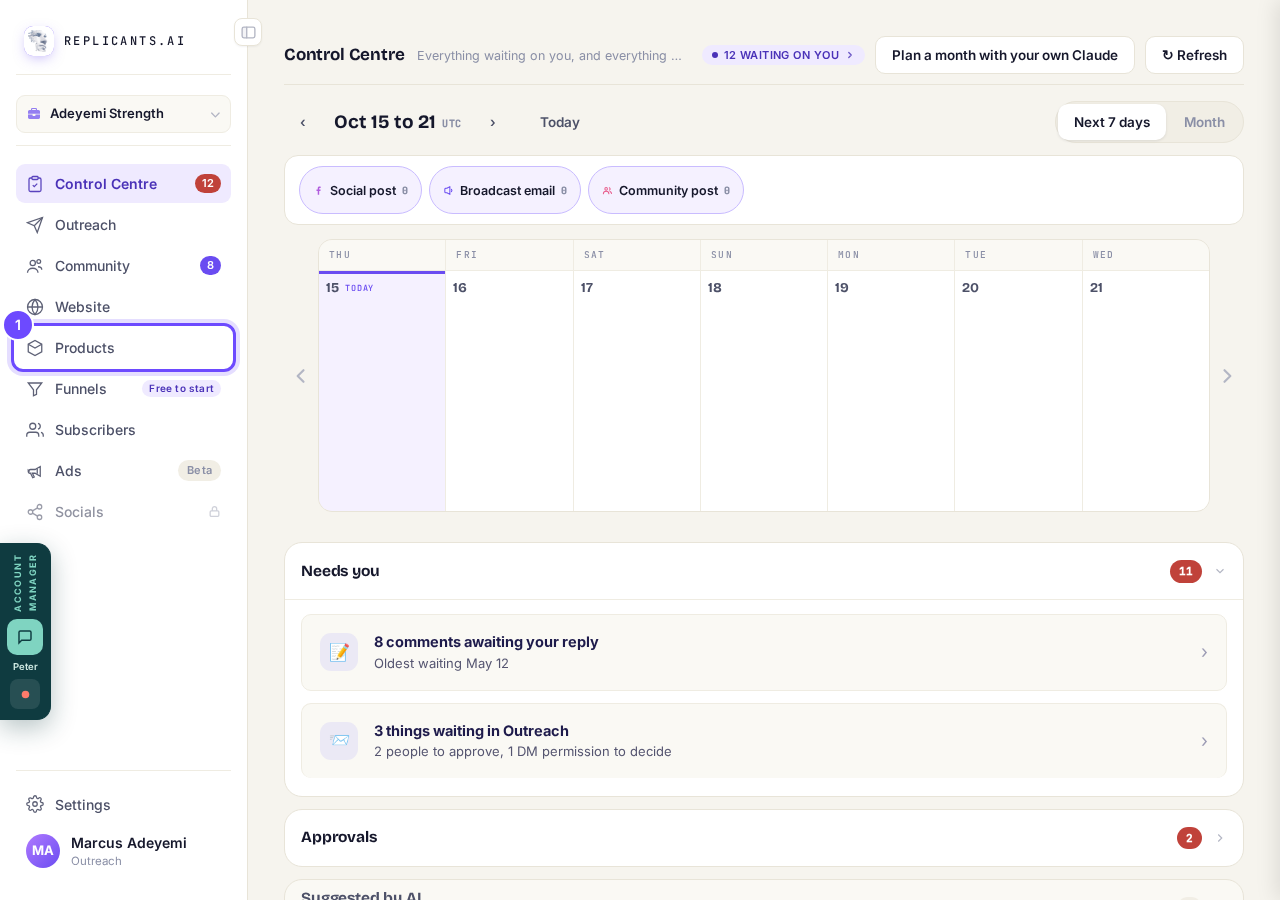
Products, in the main menu (on a phone, then Courses).
Press Manage on your course
Each card says how many lessons are filled in.
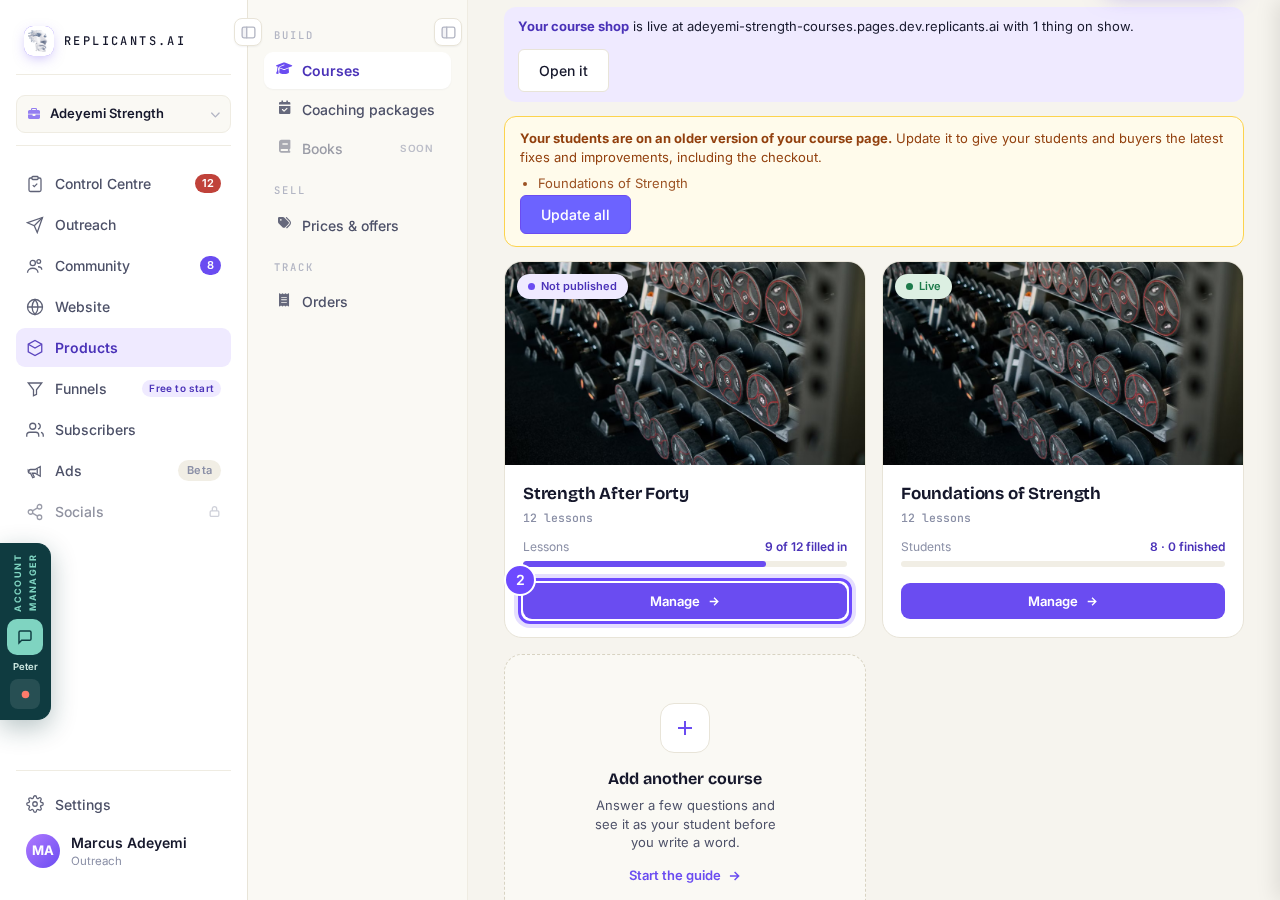
Manage, on the course card.
Press Plan & content
It is in the row under your course's name.
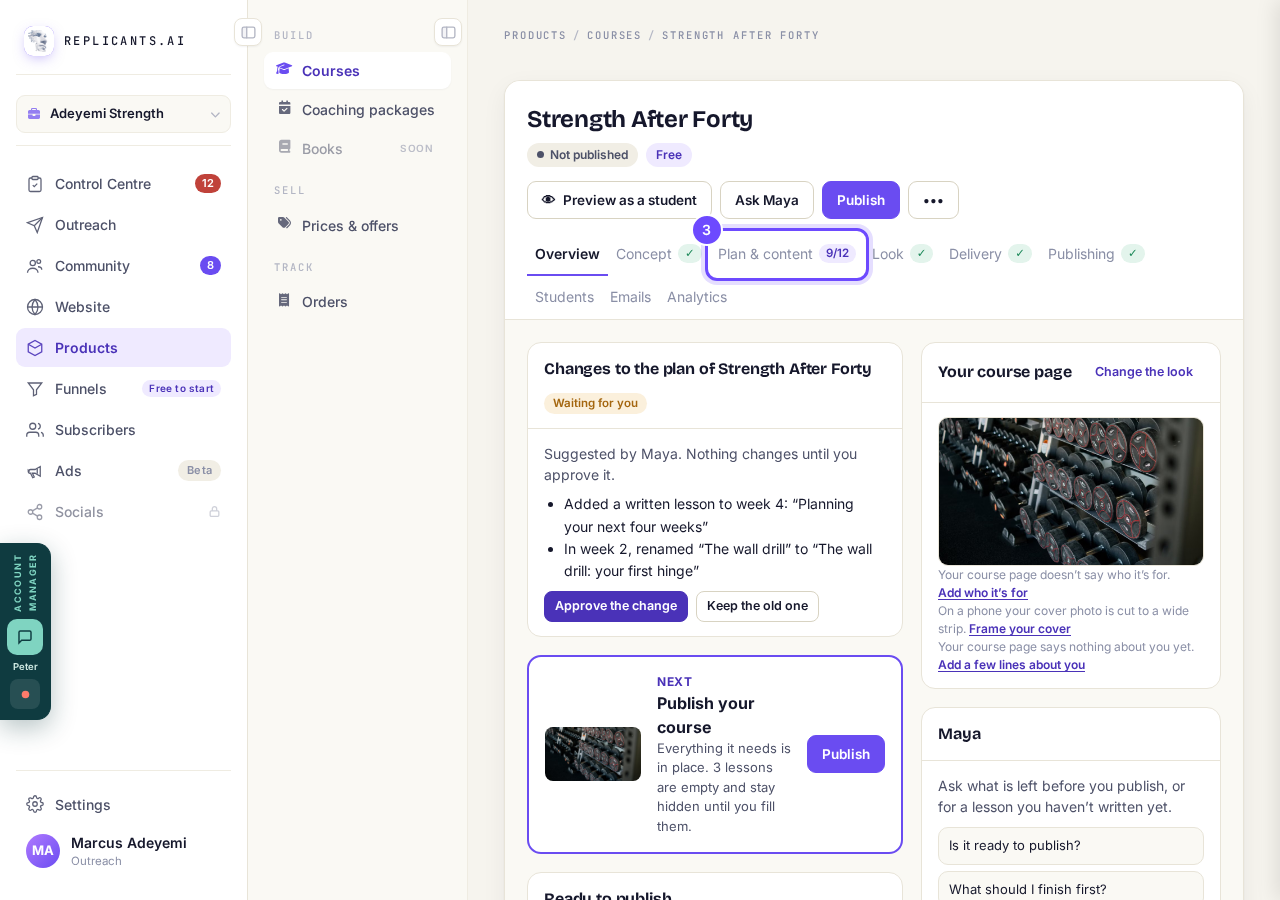
Plan & content, near the top of the course.
Press Open beside Your plan and lessons
A tick means the lesson is finished; an empty circle means it is empty or still needs something, such as its video.
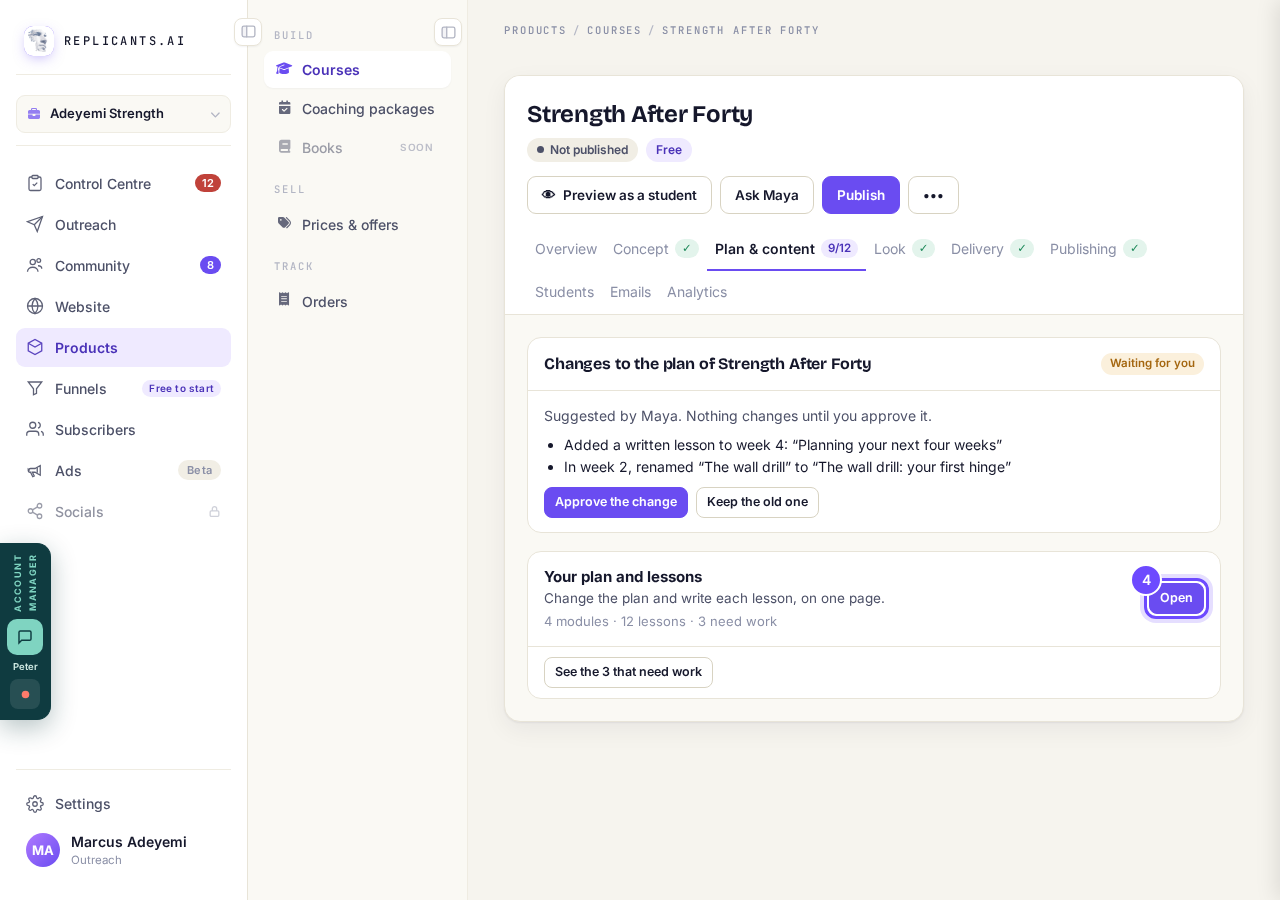
Open, beside Your plan and lessons.
Tap a name to change it
Type the new name and press Enter, or press Esc to leave it as it was.
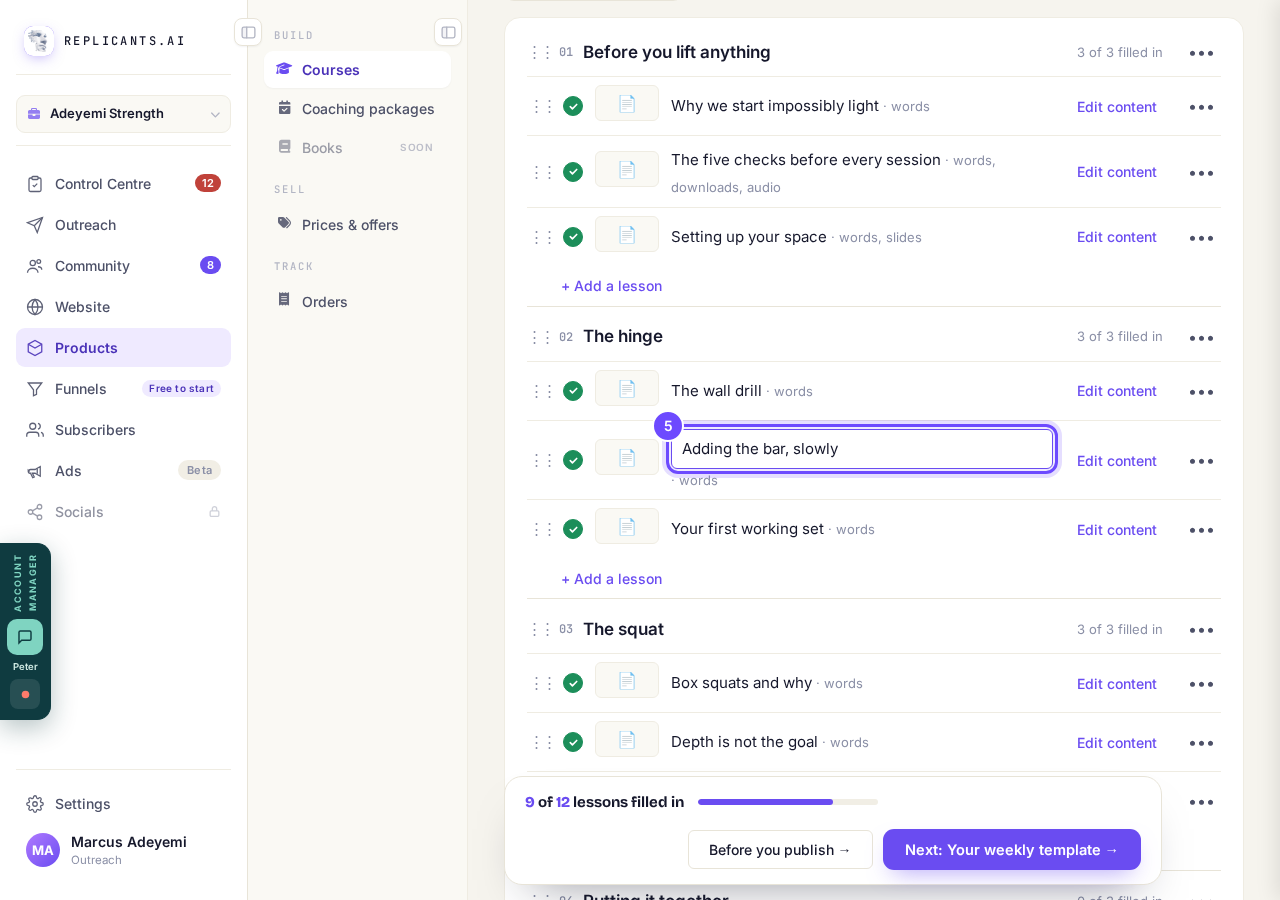
The lesson name, open to change.
Press the three dots to move, copy or remove a lesson
The menu has Duplicate, Move to… and Remove this lesson.
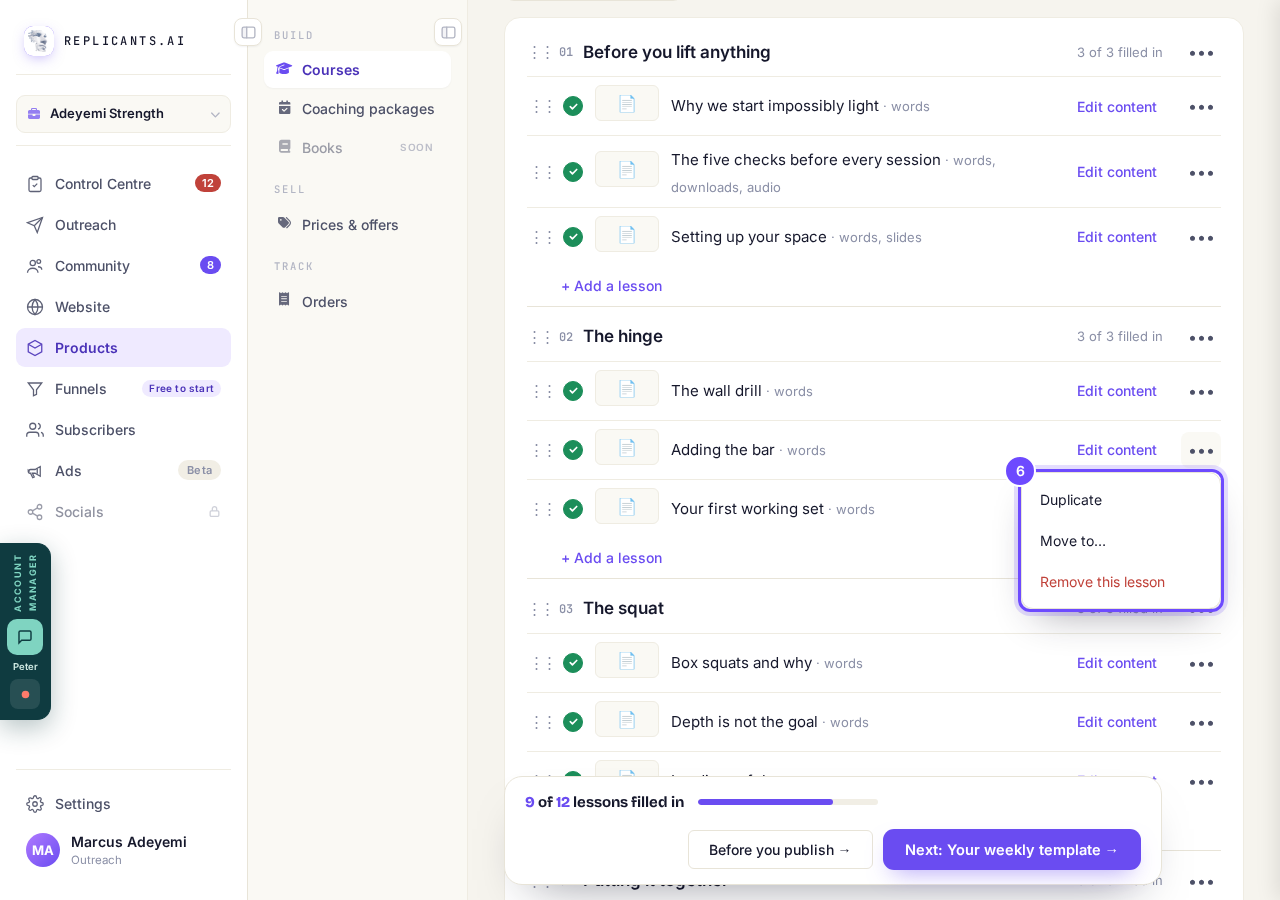
The lesson menu: Duplicate, Move to, Remove this lesson.
Press + Add a module, or + Add a lesson
+ Add a lesson is under each module, and + Add a module is at the bottom of the page.
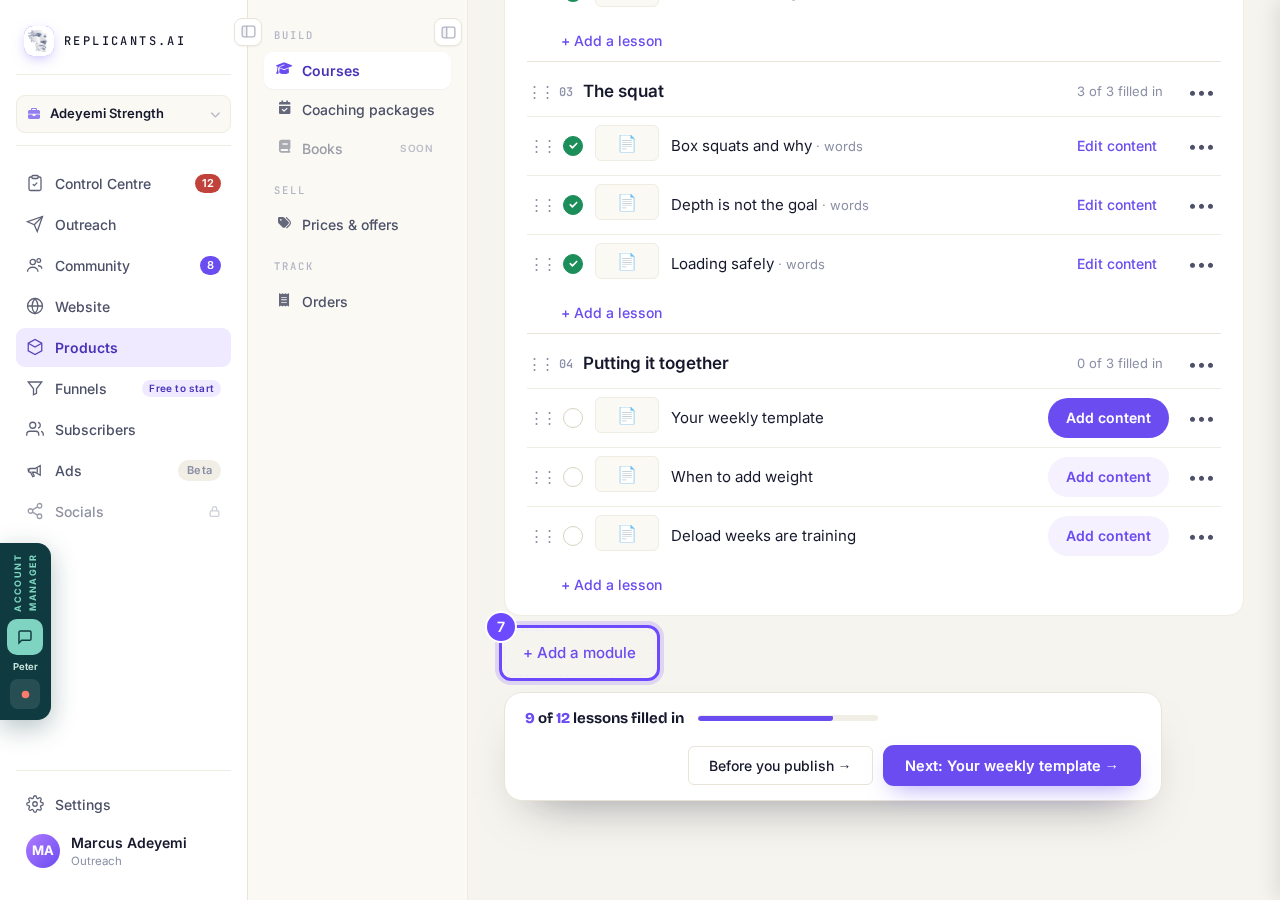
+ Add a module, at the bottom of the page.


More about your plan
I removed a lesson by mistake#
Press Undo on the message at the bottom within about ten seconds. Later on, see how to undo a change.
Maya suggested a change to my plan#
It waits above Your plan and lessons, marked Waiting for you: press Approve the change or Keep the old one. If you asked her on the Your course page, it is in her chat instead.
Why can't I remove the last lesson in a module?#
A module always keeps at least one lesson, and a course at least one module. Add the new one first, then take the old one out.
Students see a change to a lesson straight away. Changes to your course page wait until you press Publish changes at the top of your course.
How do I add a video, downloads, slides or audio to a lesson?
Related articles
Can I see a real course before I build mine?
Yes. Claire's free course, Small Steps, is a real course you can join as a student in about five minutes.
Can I turn my workbook, notes or recordings into a course?
Yes. Add your workbook, notes, slides or recordings at the start of a new course and Maya reads them; the questions arrive already answered, and your plan is built from them.
How does my course help students finish?
Your course has a tool for students who drift off, get stuck or feel alone, and you switch them all on or off in one place: Delivery, at the top of your course. Looking through them takes about five minutes.