
How do I let people pay in instalments or by subscription?
Add a payment plan, a subscription with a free trial, or something you already sell beside your price, and buyers pick one on your payment page. Each takes about two minutes.
Updated 18 October 2026
Find Ways to pay
Open Products, then Courses, then Manage on your course, press Publishing, then Open beside How people get in, and go to What they pay. On a phone, press the menu button at the top right first.
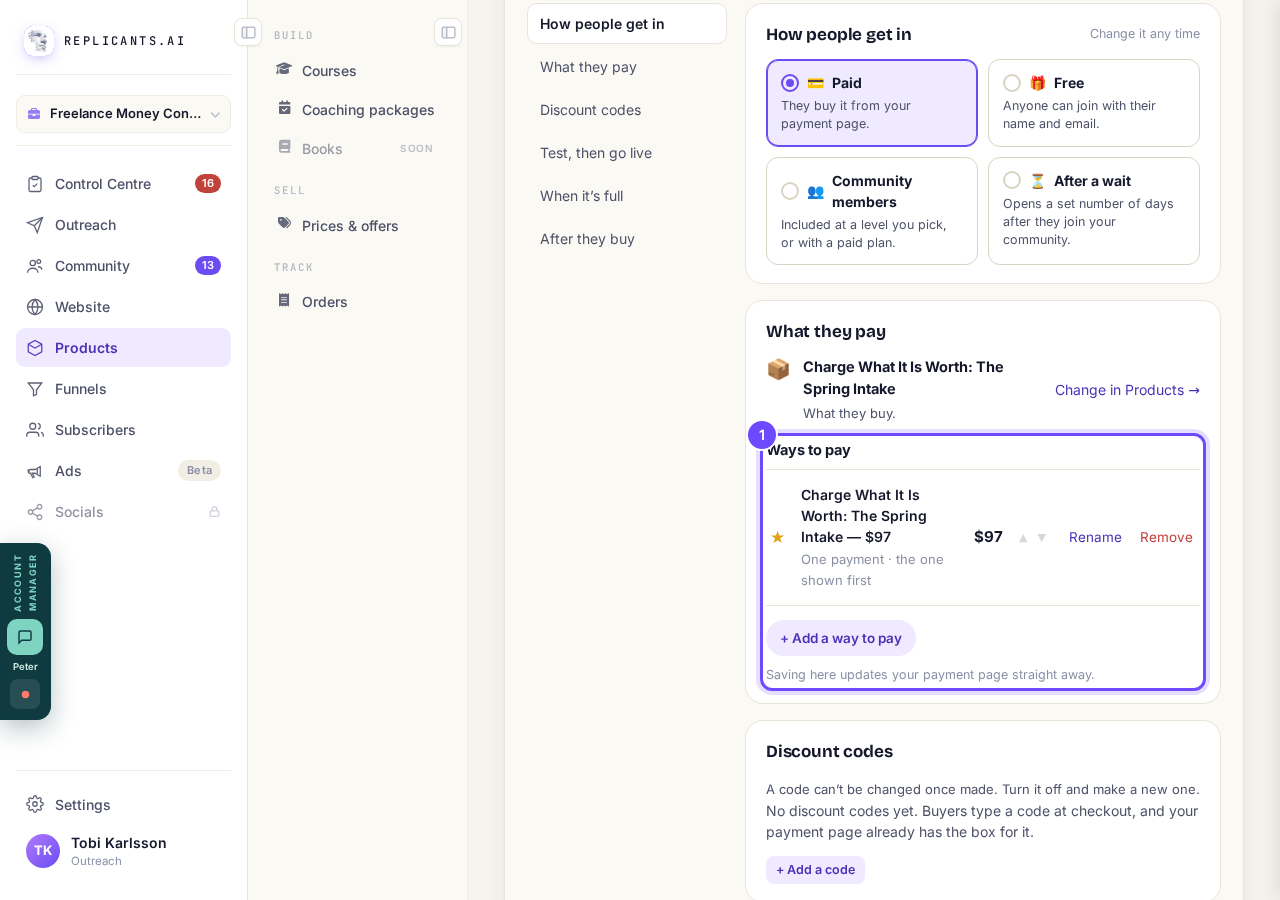
Ways to pay, inside What they pay.
Press + Add a way to pay
Press + Add a way to pay to see the four kinds: One payment, Payment plan (fixed instalments), Subscription (recurring) and Something I already sell.
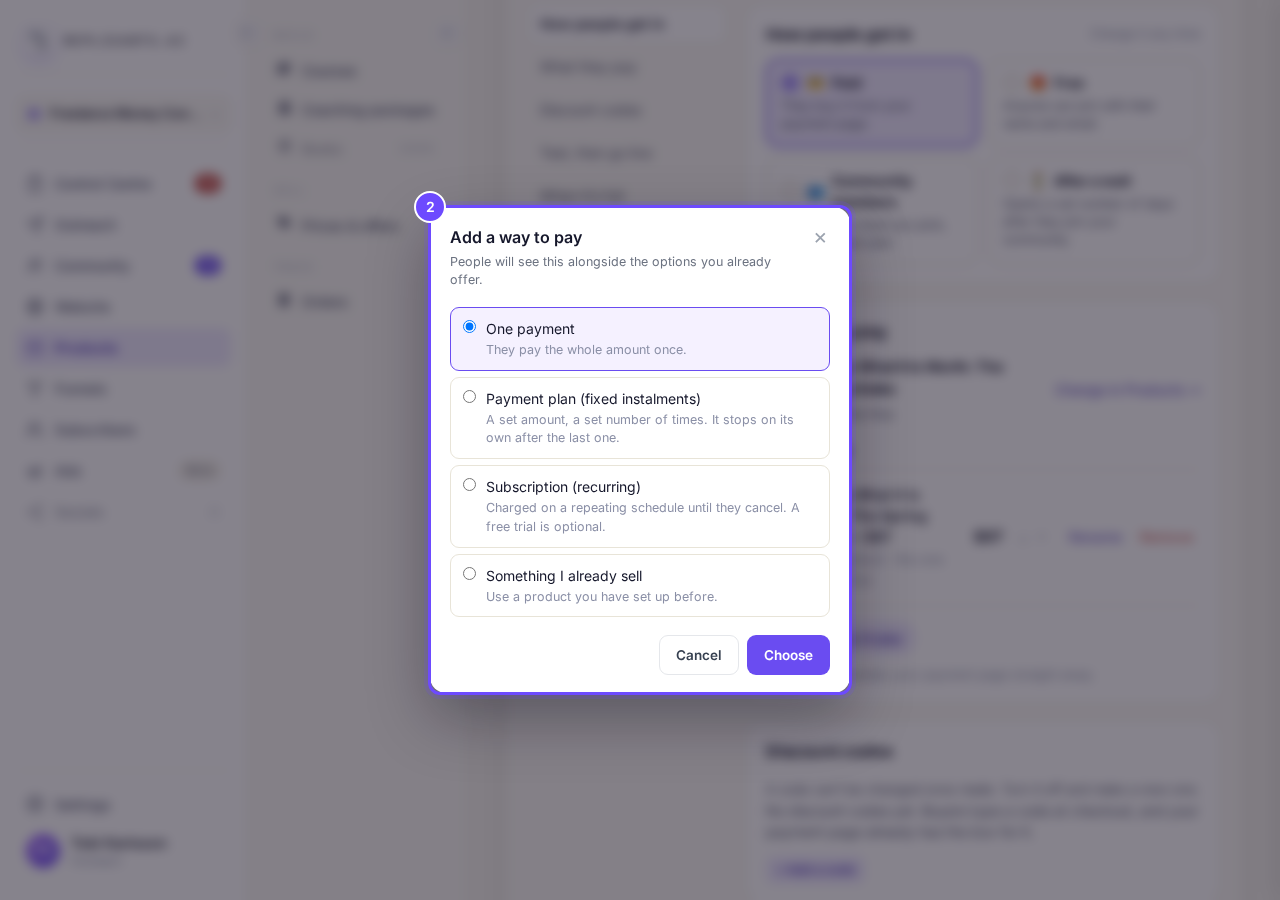
The four kinds of way to pay.
Fill in the payment plan
Pick Payment plan (fixed instalments) and press Choose, then type the Amount EACH TIME (not the total), How many payments? (2 to 60) and How often do they pay?, and press Next.
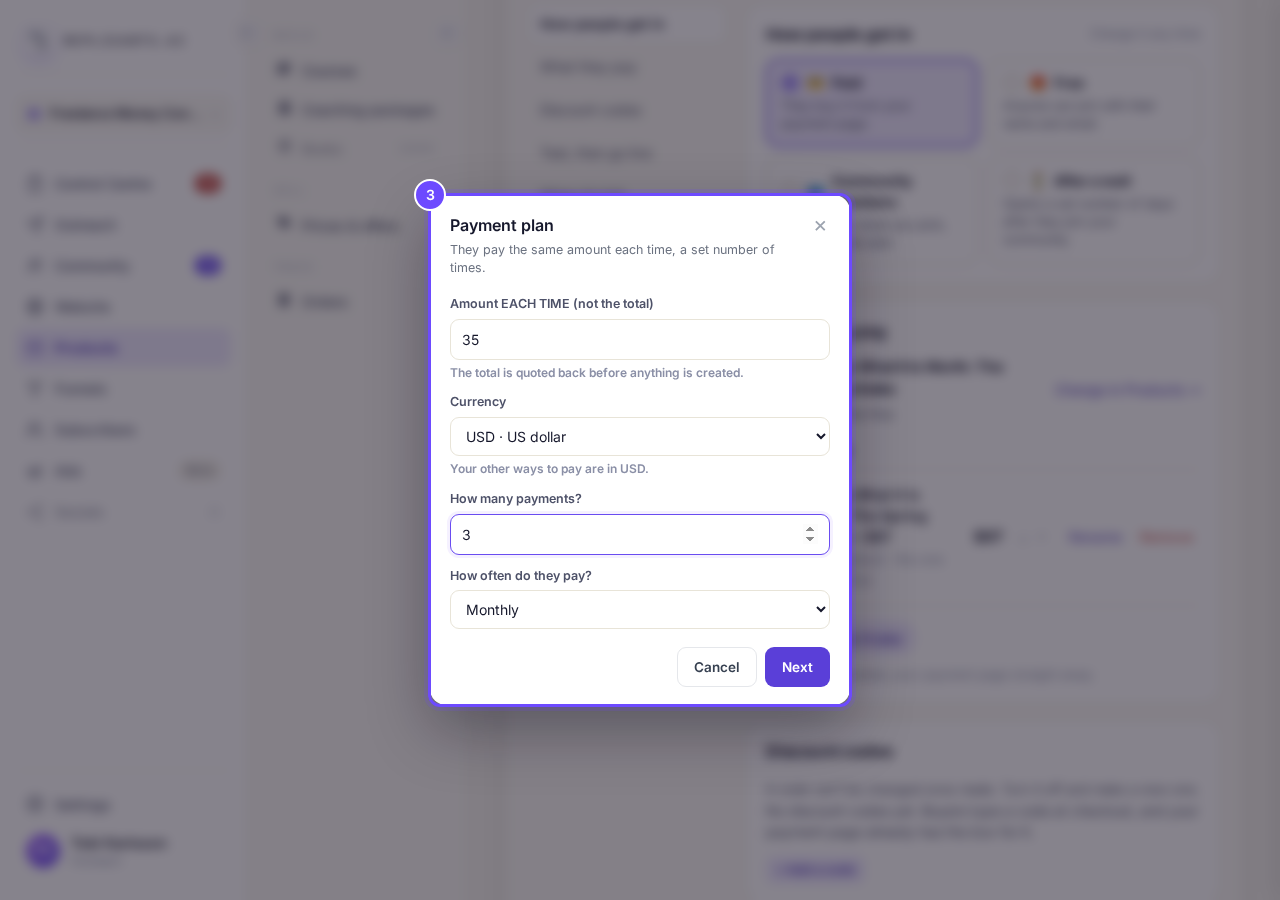
A plan of 3 payments of $35, monthly.
Check the total, then press Add it
Press Add it once the total looks right. The first payment is taken the day they buy.
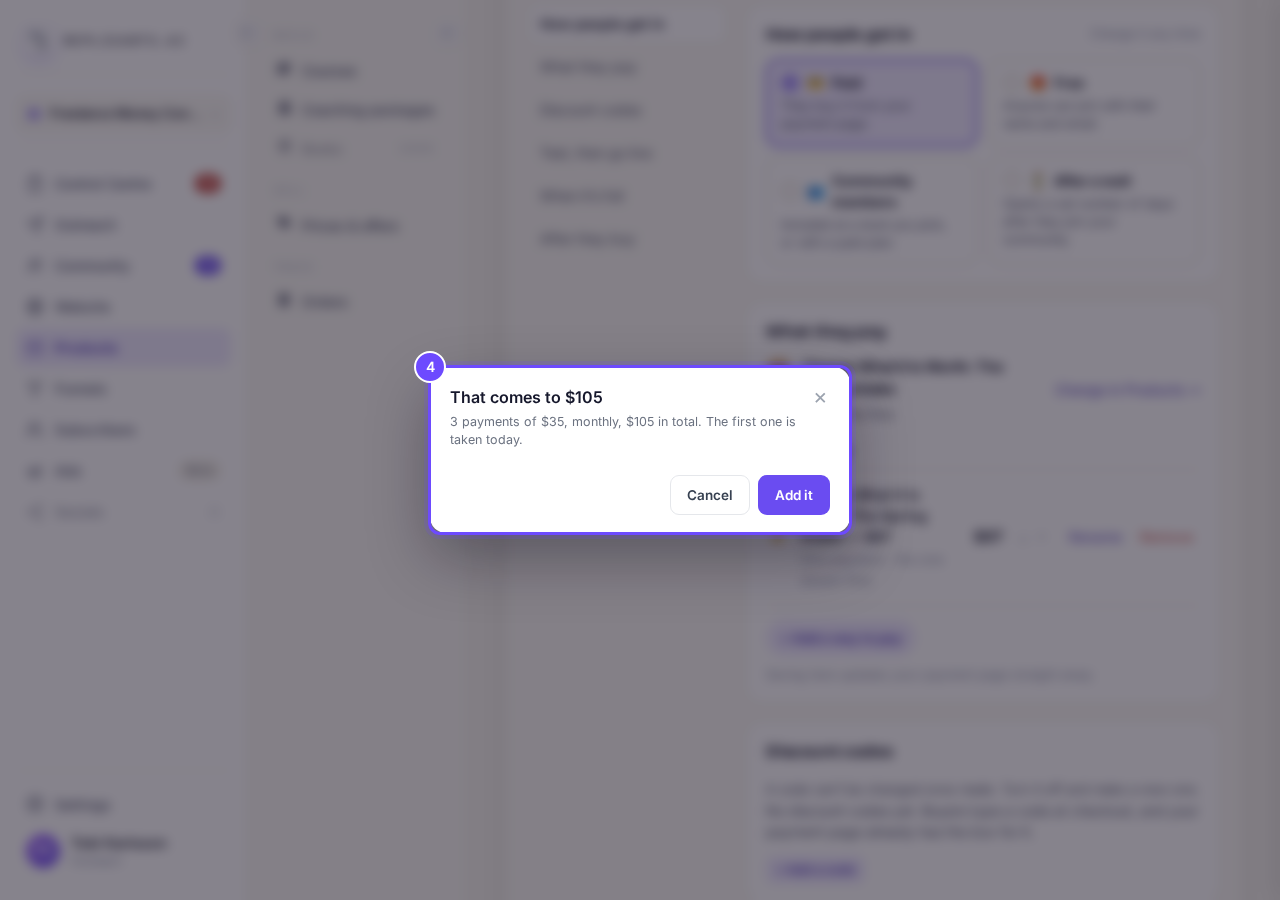
That comes to $105.
Add a badge to the one you recommend
Press Add a “Most popular” badge, type your own words and press Save. The badge sits on the way marked ★, which buyers see first; press ☆ on another way to move it, or ▲ ▼ to reorder.
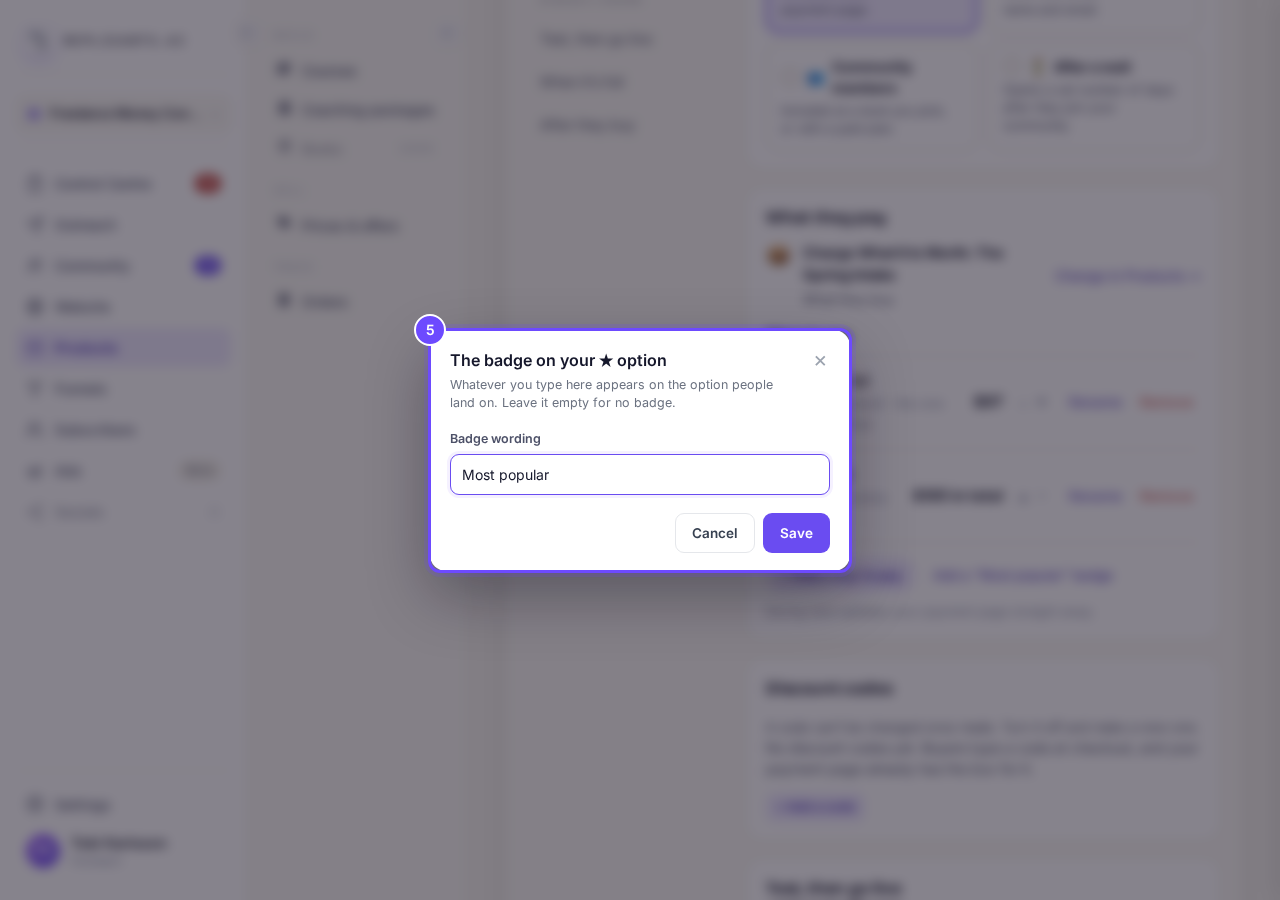
The badge words: Most popular.
Remove a way you no longer offer
Press Remove, then Stop offering it; if it is your ★ one, the box also asks which way takes its place. People already paying that way carry on.
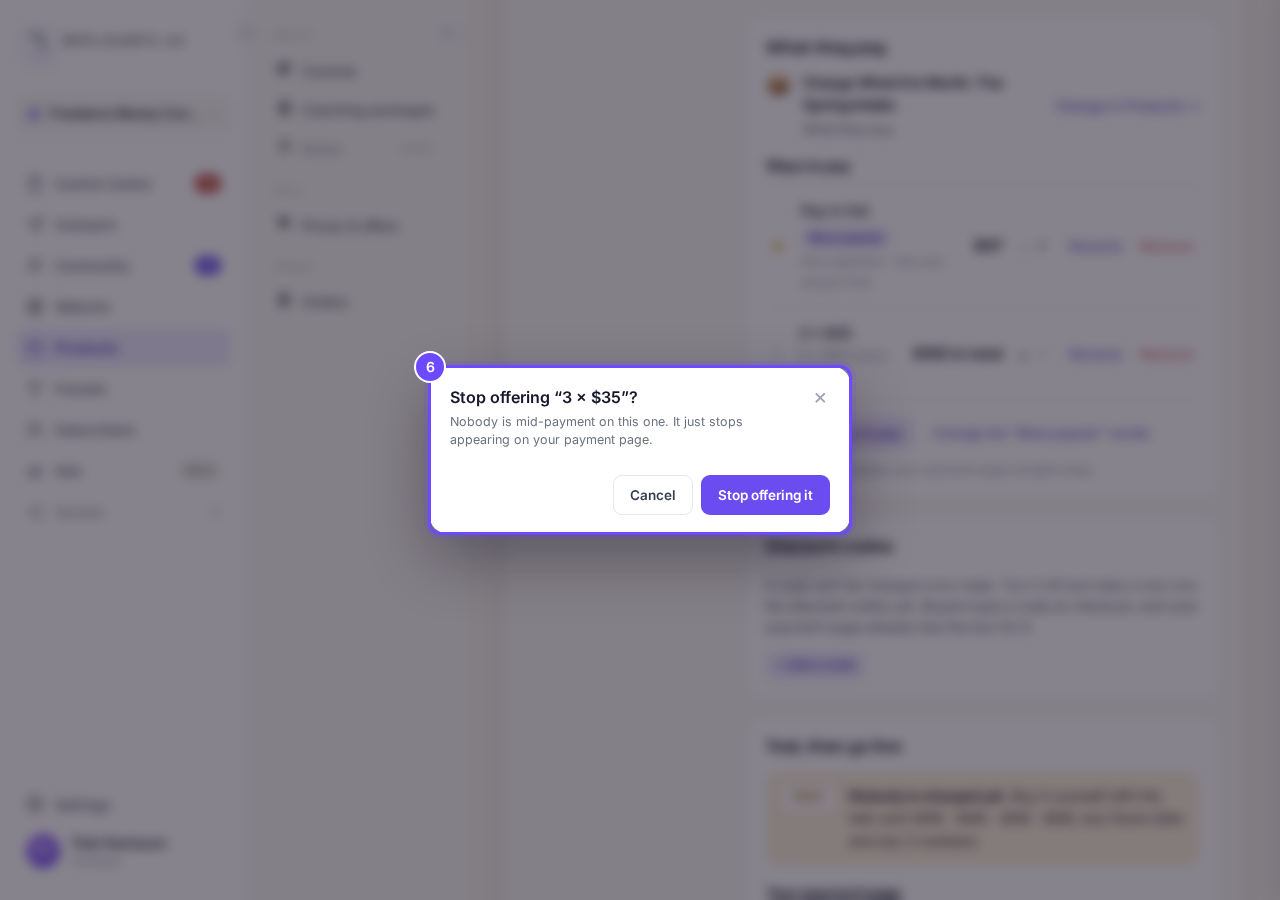
Stop offering it: people already paying keep paying.


Subscriptions
Can I offer a free trial?#
Yes. Choose Subscription (recurring), type the Free trial (days), and choose Start charging or Cancel instead for when it ends. Nothing is charged until the trial ends.
Your course needs a price before you can add ways to pay, and you cannot remove the last one: add another first, or make the course free. A payment plan’s amounts cannot be changed once made, so add a new one and remove the old one.
How do I make a discount code for my course?
Related articles
Can I see a real course before I build mine?
Yes. Claire's free course, Small Steps, is a real course you can join as a student in about five minutes.
Can I turn my workbook, notes or recordings into a course?
Yes. Add your workbook, notes, slides or recordings at the start of a new course and Maya reads them; the questions arrive already answered, and your plan is built from them.
How does my course help students finish?
Your course has a tool for students who drift off, get stuck or feel alone, and you switch them all on or off in one place: Delivery, at the top of your course. Looking through them takes about five minutes.