
Where do I see my course's numbers?
Press Analytics at the top of your course: sales, students, progress, video and your AI tools, for the dates you pick.
Updated 18 October 2026
Press Manage on your course
It is under Products in the main menu; on a phone, press the menu button, Products, then Courses.
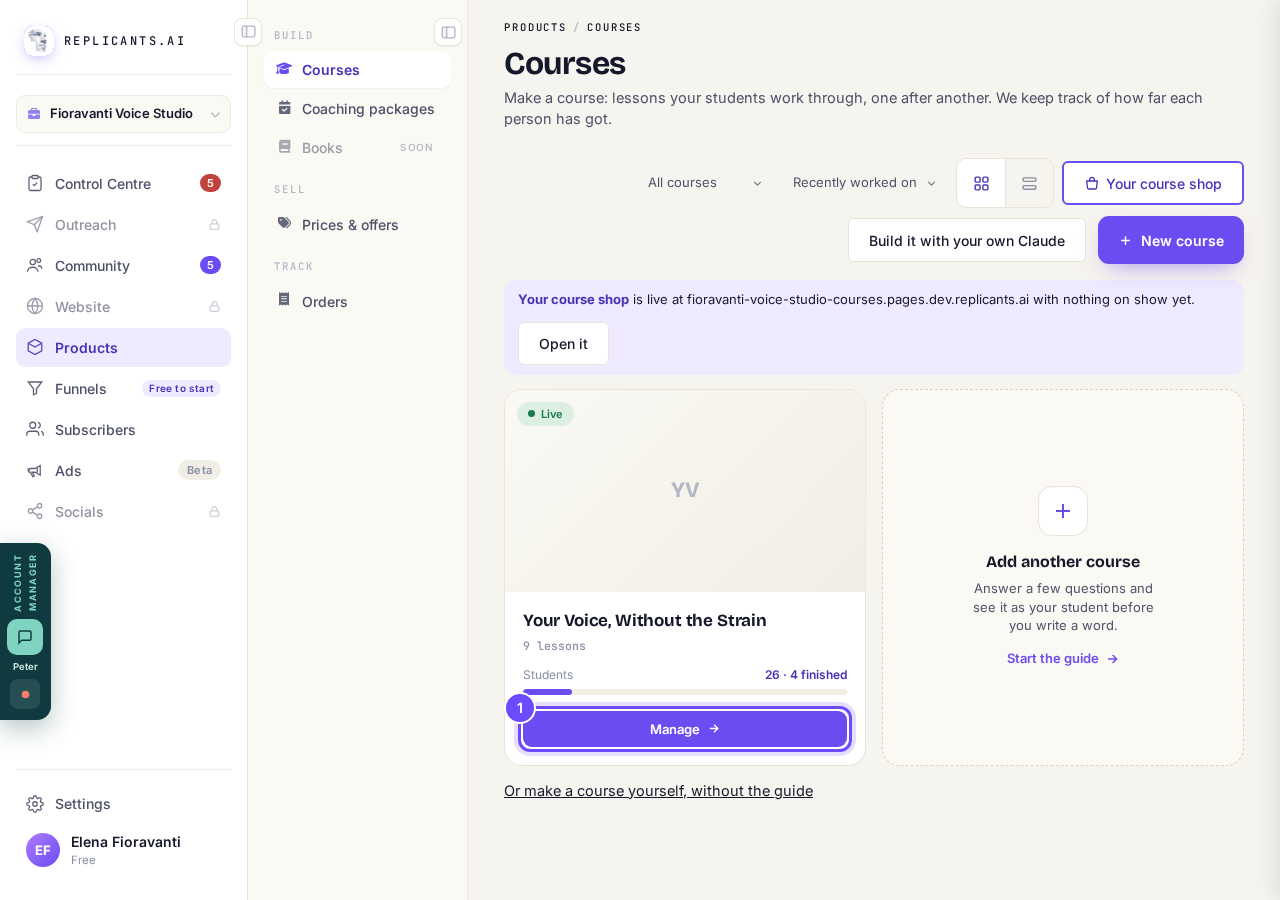
Manage, on the course's card.
Press Analytics at the top of your course
On a phone, slide the row of names sideways until you see it.
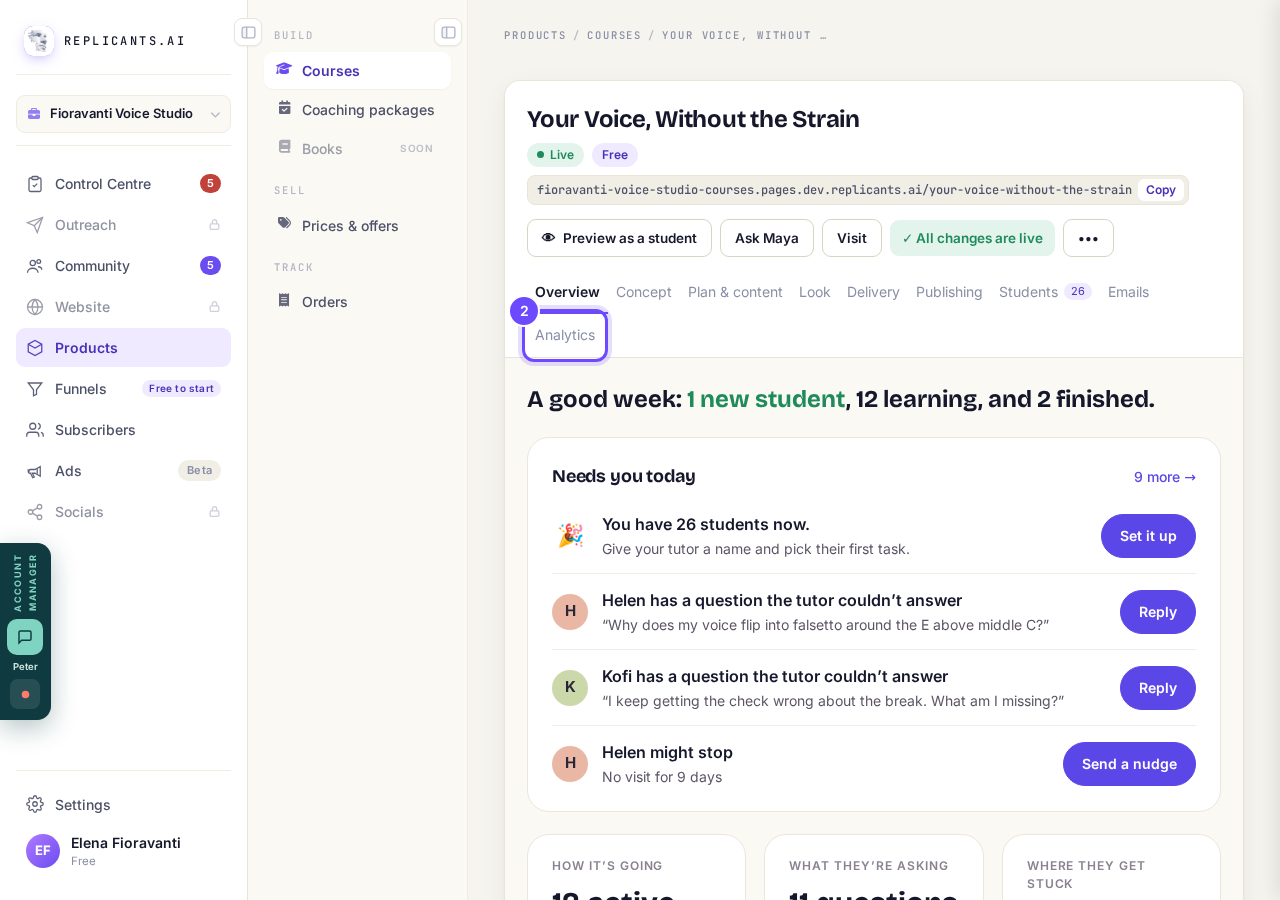
Analytics, along the top of the course.
Pick the dates, or press Export
Export downloads a spreadsheet with one row per student: progress, when they joined and when they were last seen.
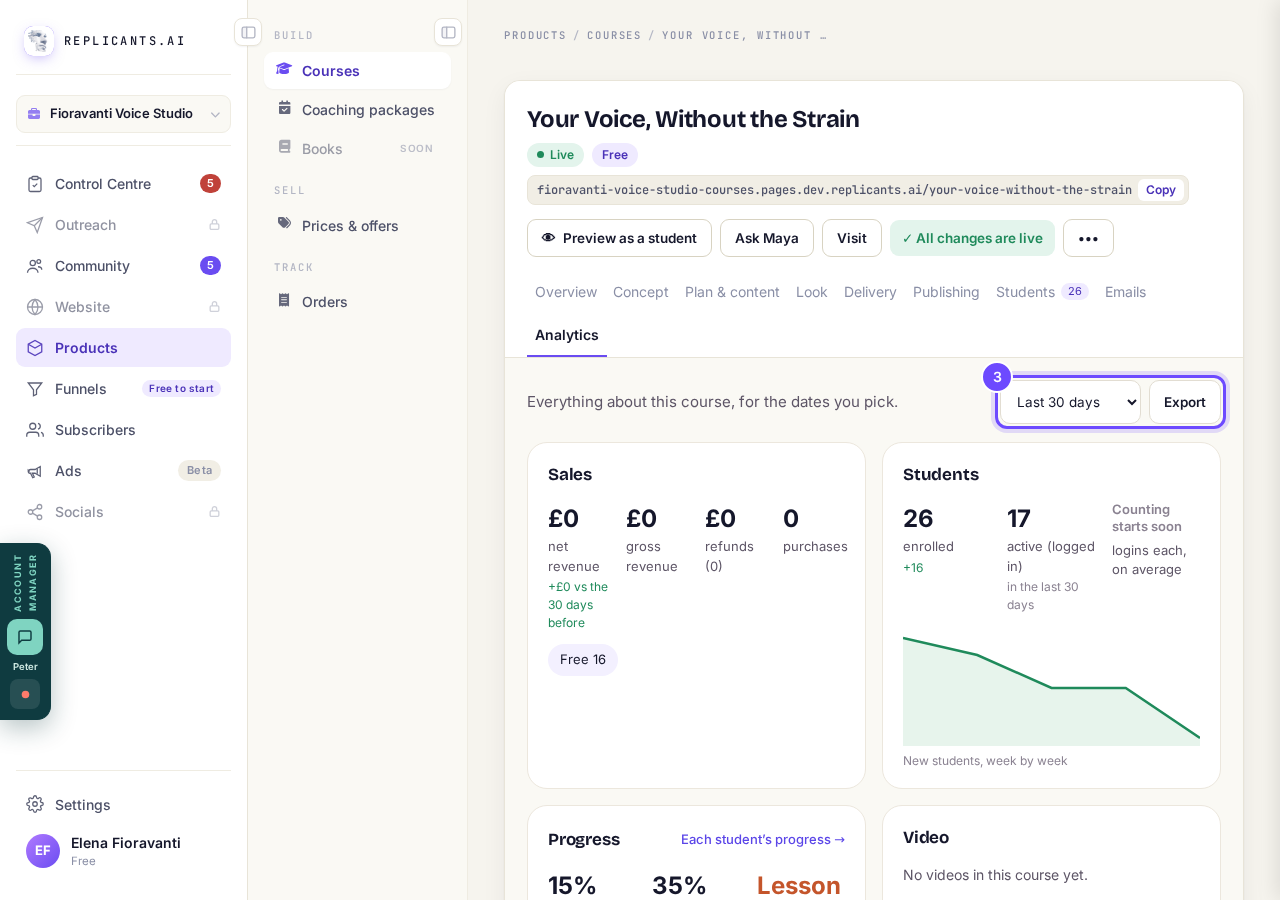
The dates, and Export.
Press a link under Your AI tools
One card each for the AI tutor, quick checks, study buddies, their own plans and lesson talk, each with a link to see more.
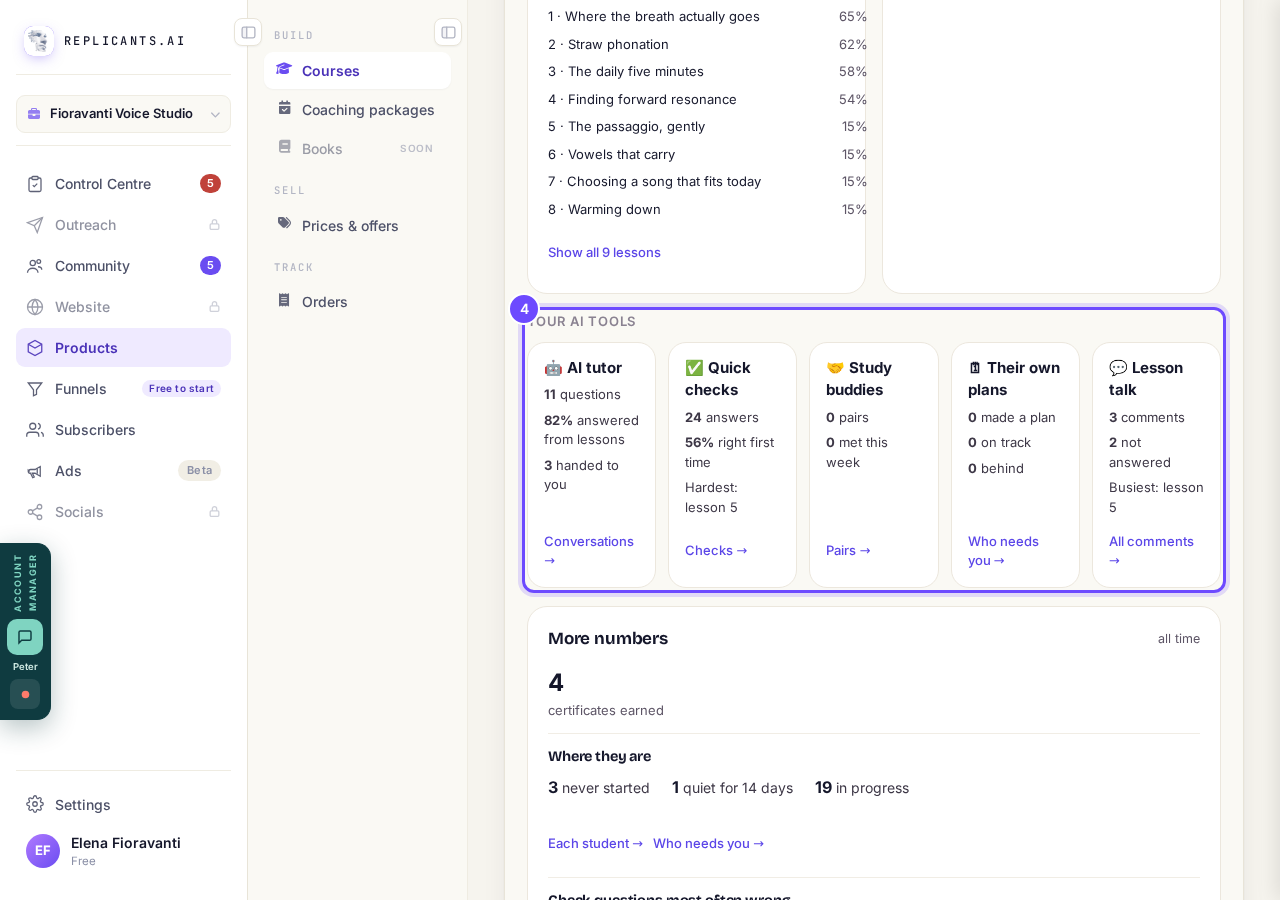
Your AI tools: one card per tool.


Logins and video plays say Counting since a date, or Counting starts soon, rather than zero. More numbers at the bottom is all time: certificates earned, where students are, intakes, discount codes and the check questions most often wrong.
How do I add students to my course myself?
Related articles
Can I see a real course before I build mine?
Yes. Claire's free course, Small Steps, is a real course you can join as a student in about five minutes.
Can I turn my workbook, notes or recordings into a course?
Yes. Add your workbook, notes, slides or recordings at the start of a new course and Maya reads them; the questions arrive already answered, and your plan is built from them.
How does my course help students finish?
Your course has a tool for students who drift off, get stuck or feel alone, and you switch them all on or off in one place: Delivery, at the top of your course. Looking through them takes about five minutes.