
How do I share my course and get my first students?
Once your course is live, Get students in on Publishing has its link, posts for your networks and your community, and a way to add people yourself. Sharing takes a few minutes.
Updated 18 October 2026
Copy your course page link
Open Products, then Courses, then Manage on your course, press Publishing, and press Copy under Get students in. On a phone, press the menu button at the top right first, and slide the row under the course name left to find Publishing.
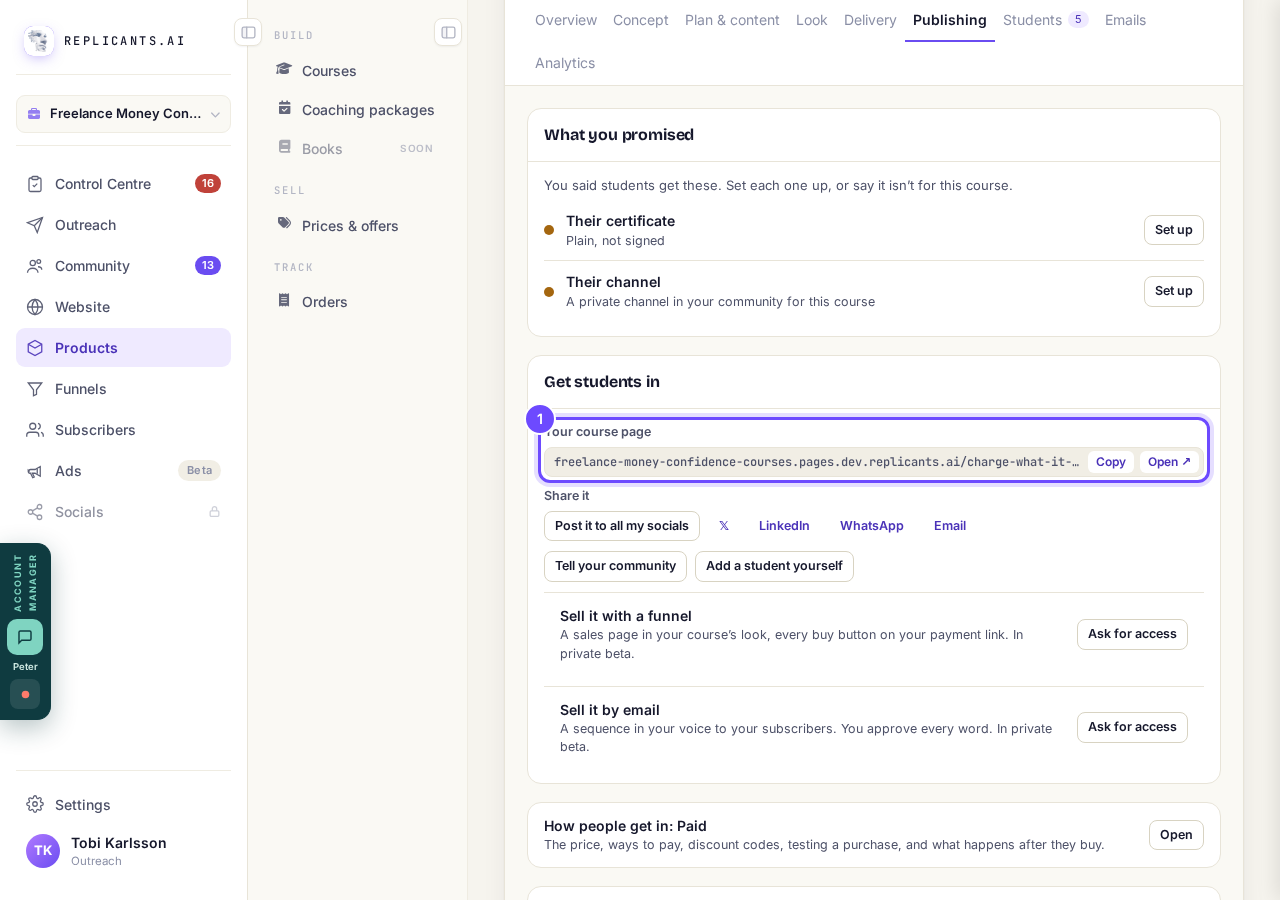
Your course page, with Copy and Open.
Share it on your networks
Press 𝕏, LinkedIn, WhatsApp or Email for a post with your course name and its link. Post it to all my socials posts to every connected network at once and is part of Studio.
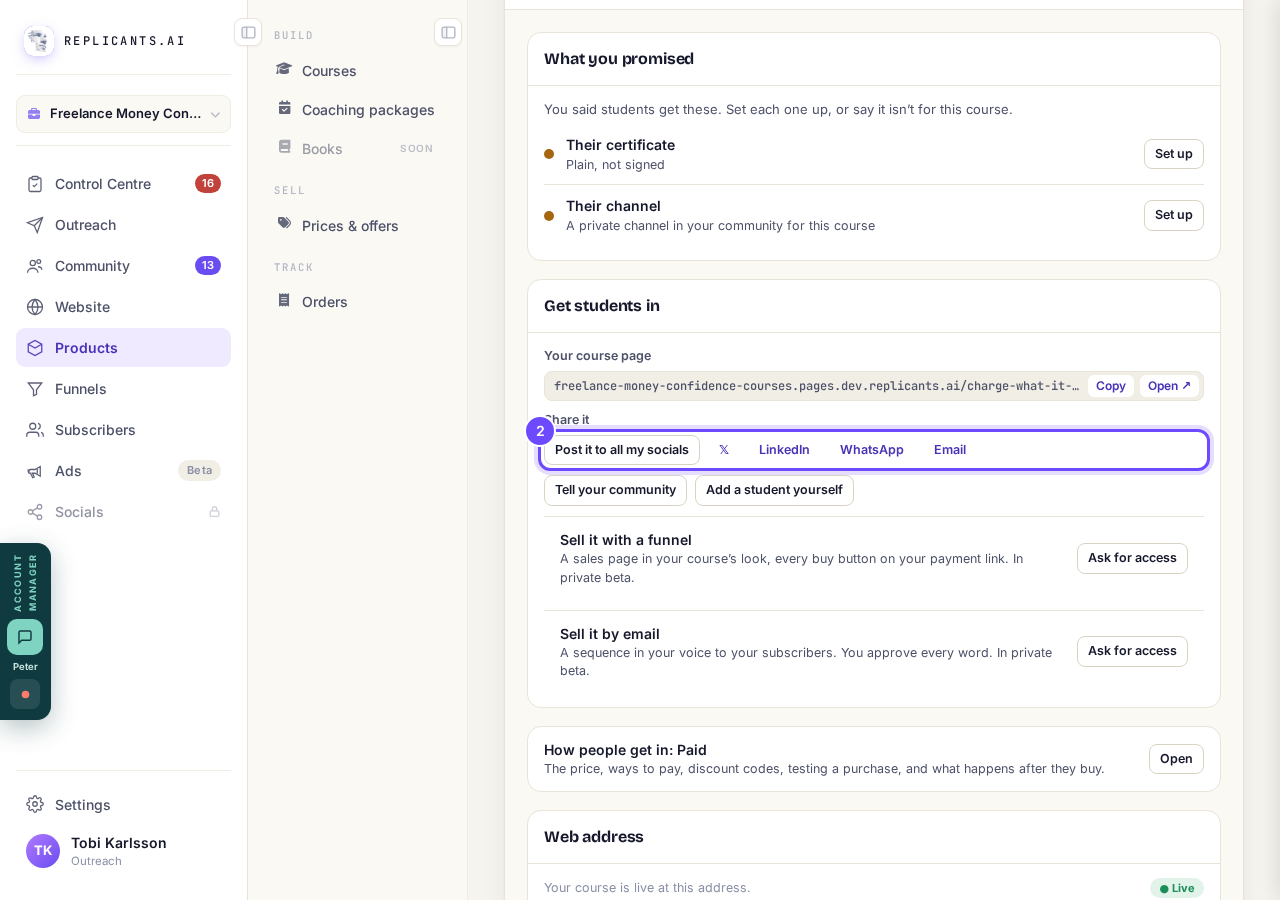
Share it: all your socials, or one network.
Press Tell your community
Press Tell your community, change the post if you like, and press Post it now. To have Maya rewrite it, say how in the box, for example "shorter, and warmer", and press Rewrite, which is one AI request charged to your account.
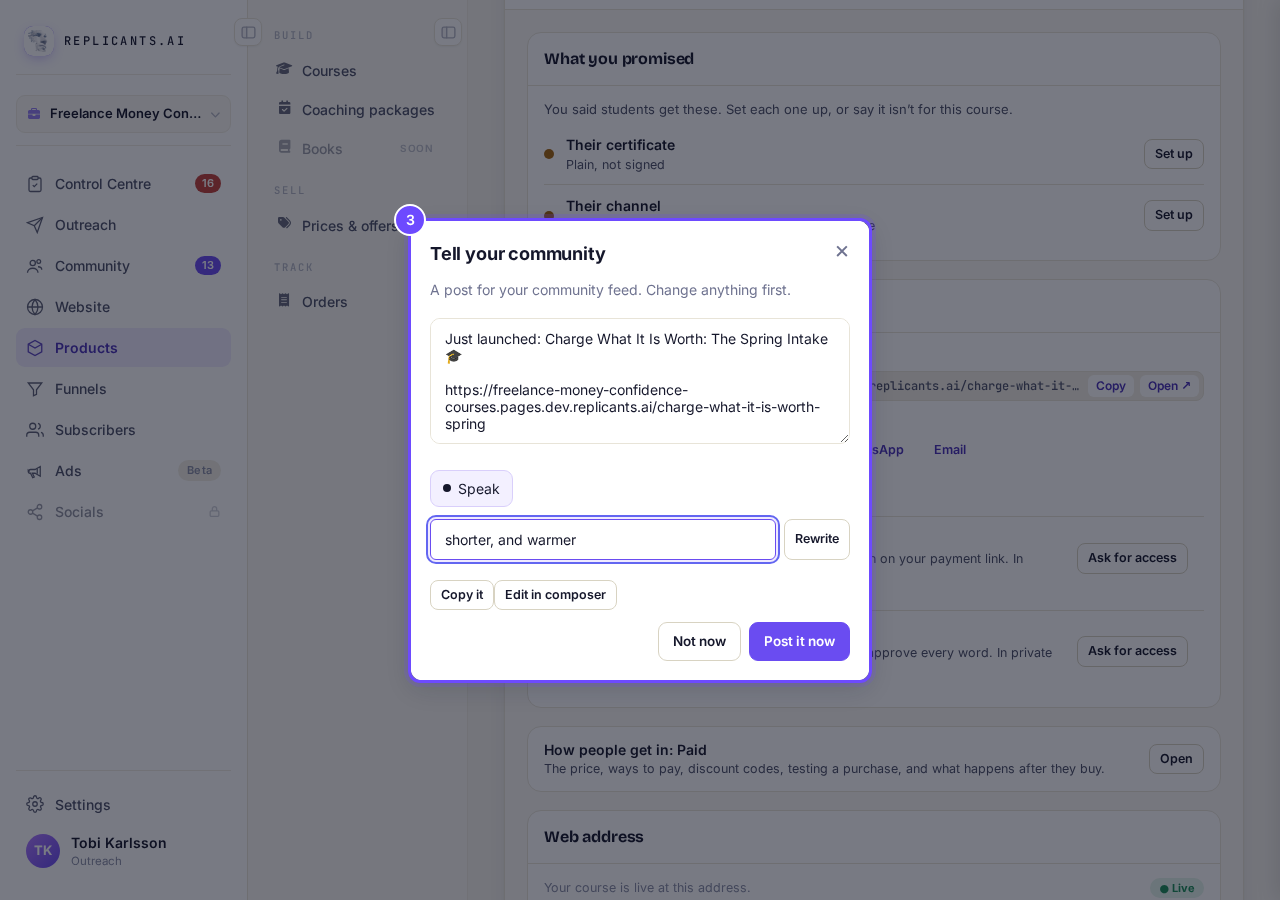
Tell your community: the post, and Rewrite.
Ask for the ways in private beta
On a paid course, press Ask for access beside Sell it with a funnel or Sell it by email, then Ask for access in the box. The support chat opens with your request already written, ready to send.
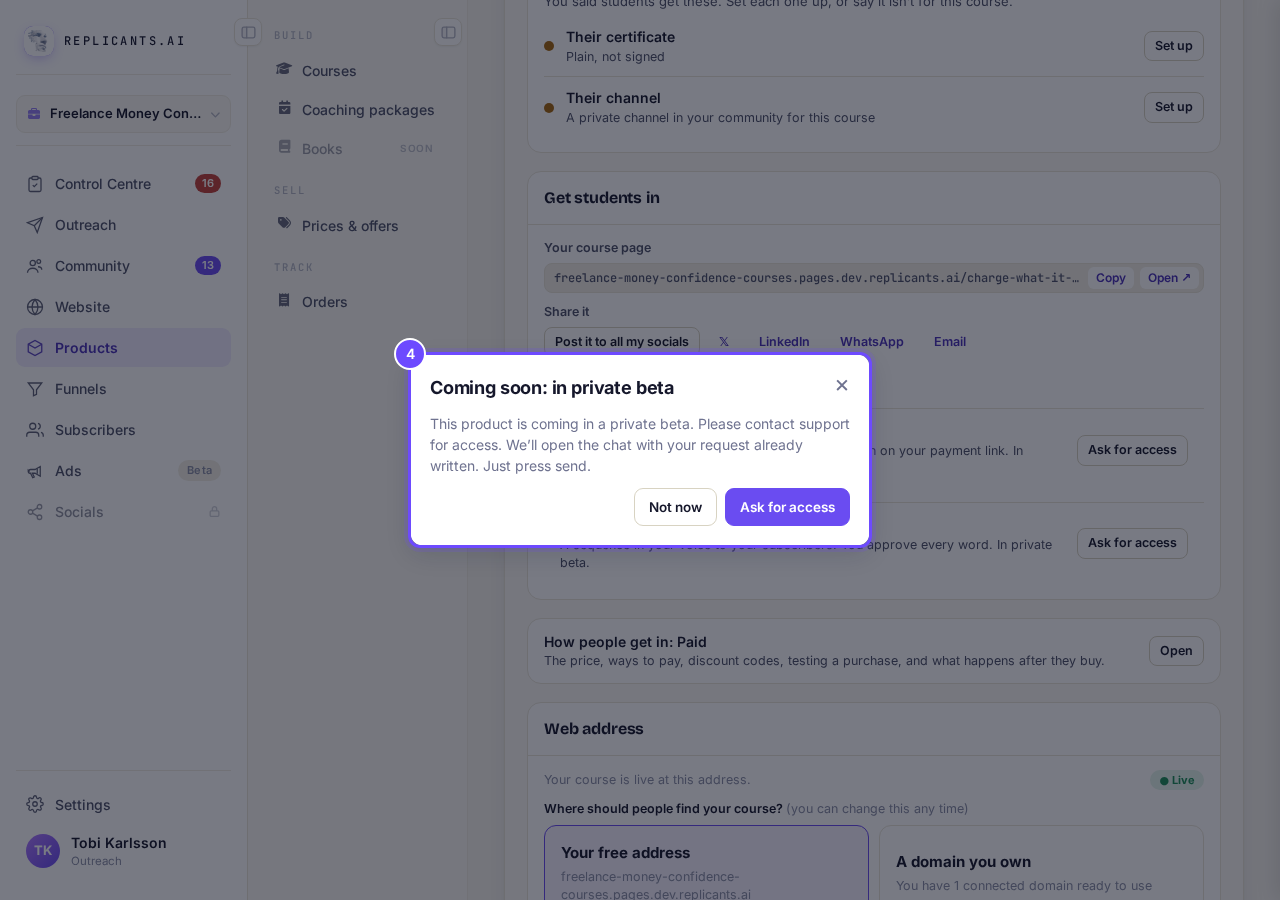
Coming soon: in private beta.
Add a student yourself
Press Add a student yourself, choose One person at a time and press Add beside each person, or choose A group, From your community or Add by email and press Put them on the course. Leave Email them a welcome ticked to send them their way in.
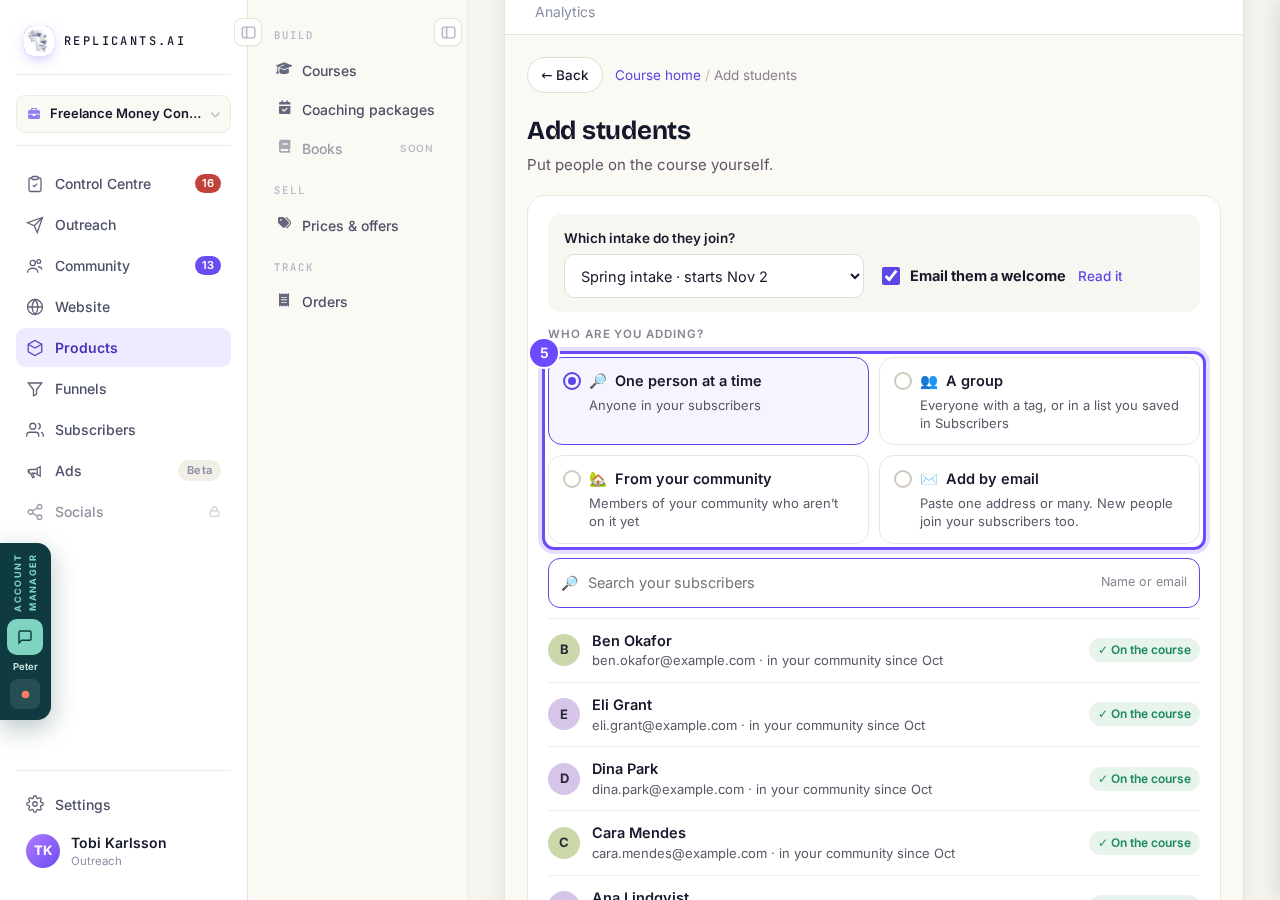
Add students: four ways to choose people.


Posting everywhere at once
What if I do not have Studio?#
Post it to all my socials shows Upgrade to Studio; press Not now and share on one network instead. With Studio, it asks you to connect any network you have not connected first.
Get students in appears once your course is published. Tell your community needs a community; a course on its own site does not have it.
How do I refund a student on my course?
Related articles
Can I see a real course before I build mine?
Yes. Claire's free course, Small Steps, is a real course you can join as a student in about five minutes.
Can I turn my workbook, notes or recordings into a course?
Yes. Add your workbook, notes, slides or recordings at the start of a new course and Maya reads them; the questions arrive already answered, and your plan is built from them.
How does my course help students finish?
Your course has a tool for students who drift off, get stuck or feel alone, and you switch them all on or off in one place: Delivery, at the top of your course. Looking through them takes about five minutes.