
How do study buddies work?
Study buddies pairs each student with someone on the same course who studies at the same times, so somebody notices when they stop. It starts switched on, and you do nothing unless you want to.
Updated 18 October 2026
Press Delivery at the top of your course
Open your course from Products, then Courses, then Manage, and press Delivery in the row of words under its name. On a phone, slide that row to the left to find Delivery.
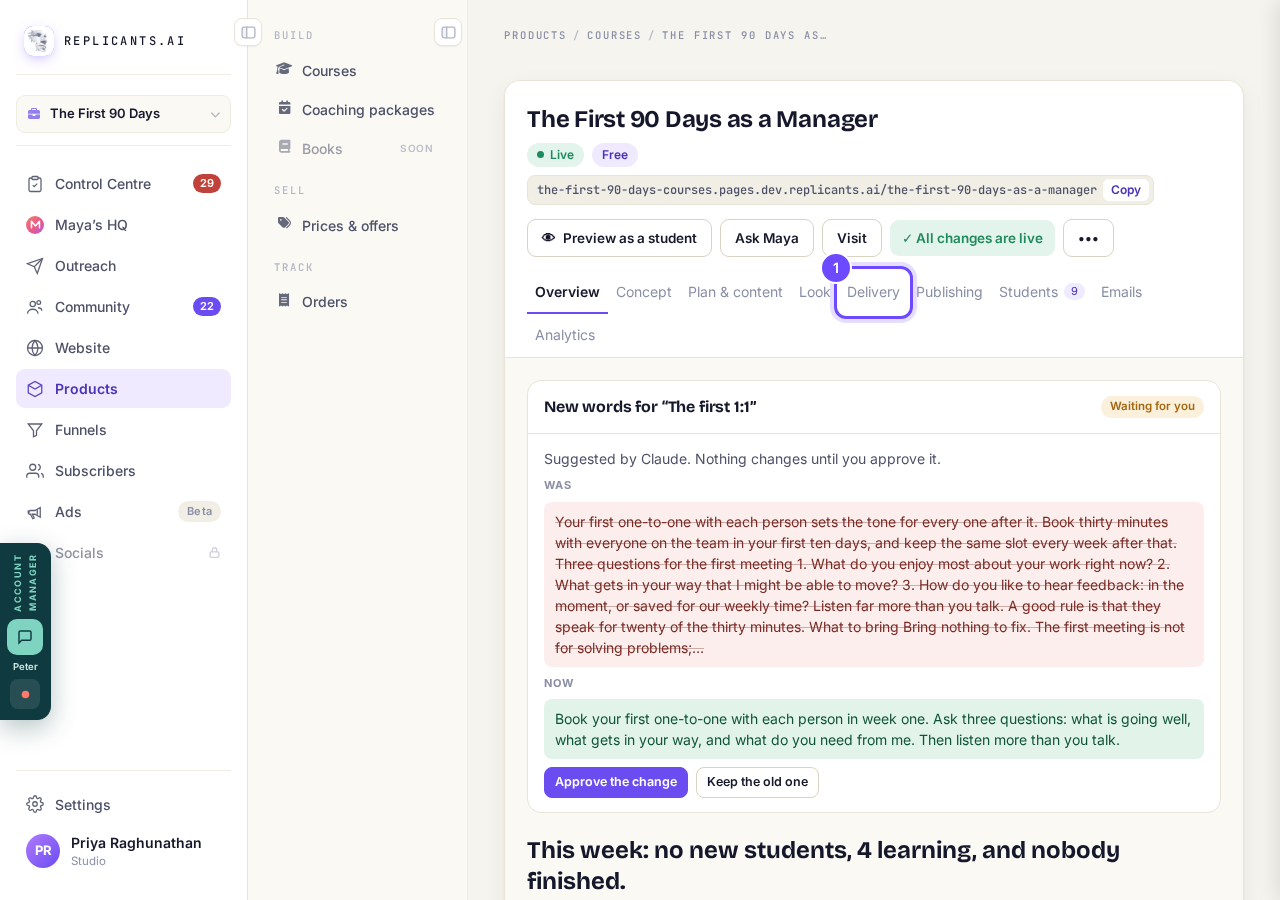
Delivery, at the top of your course.
Check Study buddies is switched on
Find Study buddies under What students get, the row with the handshake. If the top of your course shows Publish changes with An improvement to course pages is waiting, press it once so your students get today's tools.
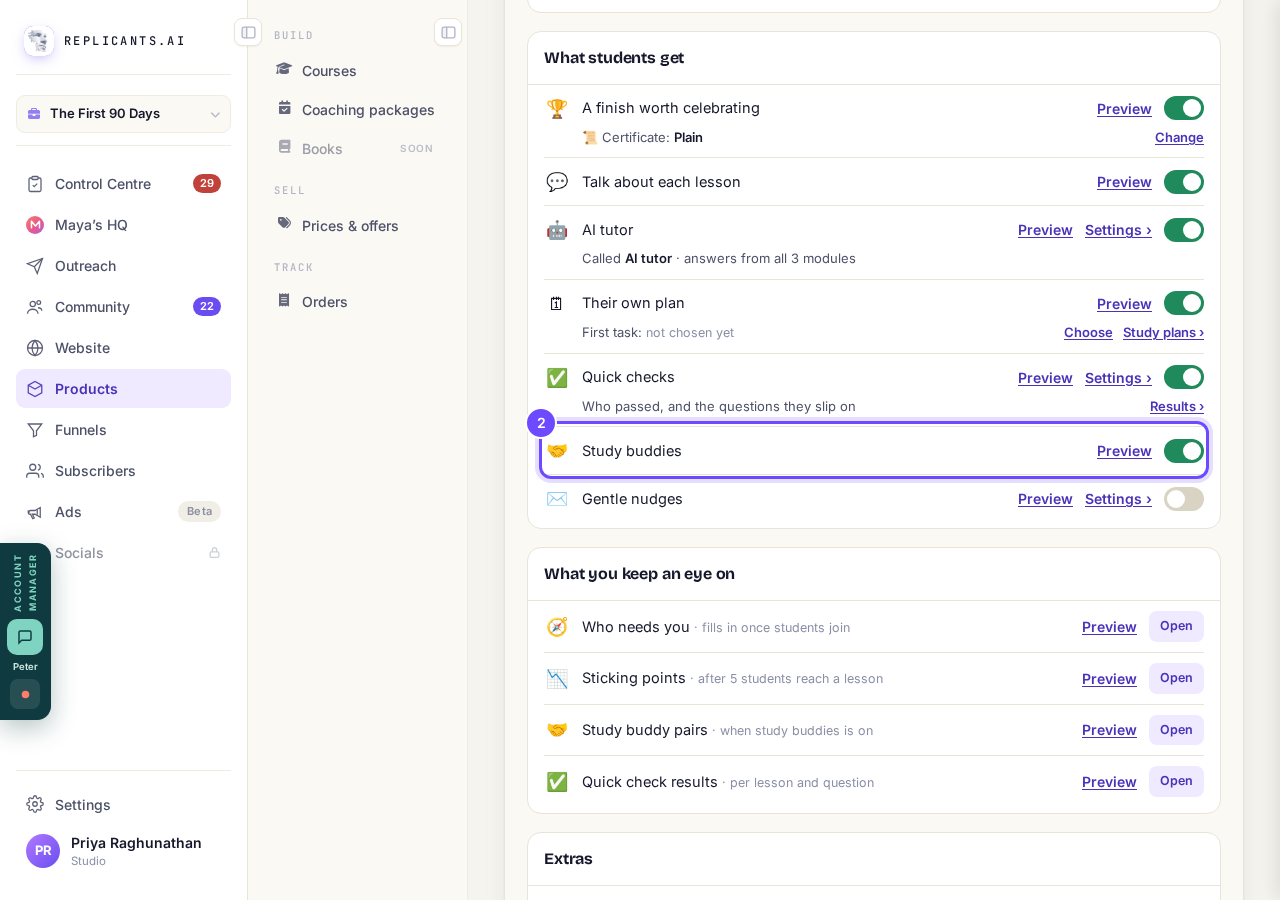
The Study buddies switch, on.
Press Preview, then Open beside Preview as a student
You walk through what a student sees with sample people, and nothing is saved or sent. A student picks when they study and presses Find my study buddy.
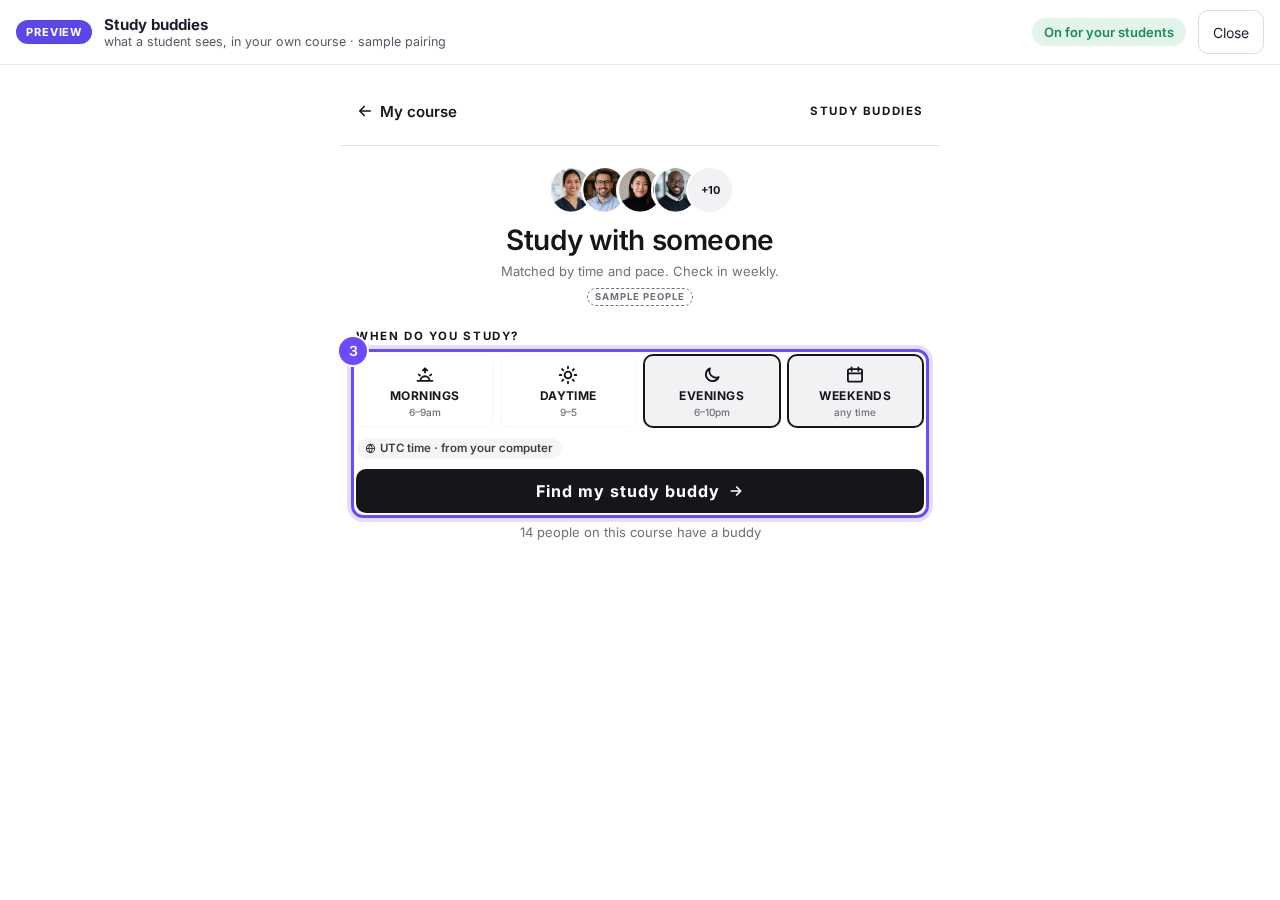
Study with someone, as a student sees it.
Press Open beside Study buddy pairs
It is under What you keep an eye on and shows every pair, who is waiting, and study sessions this week.
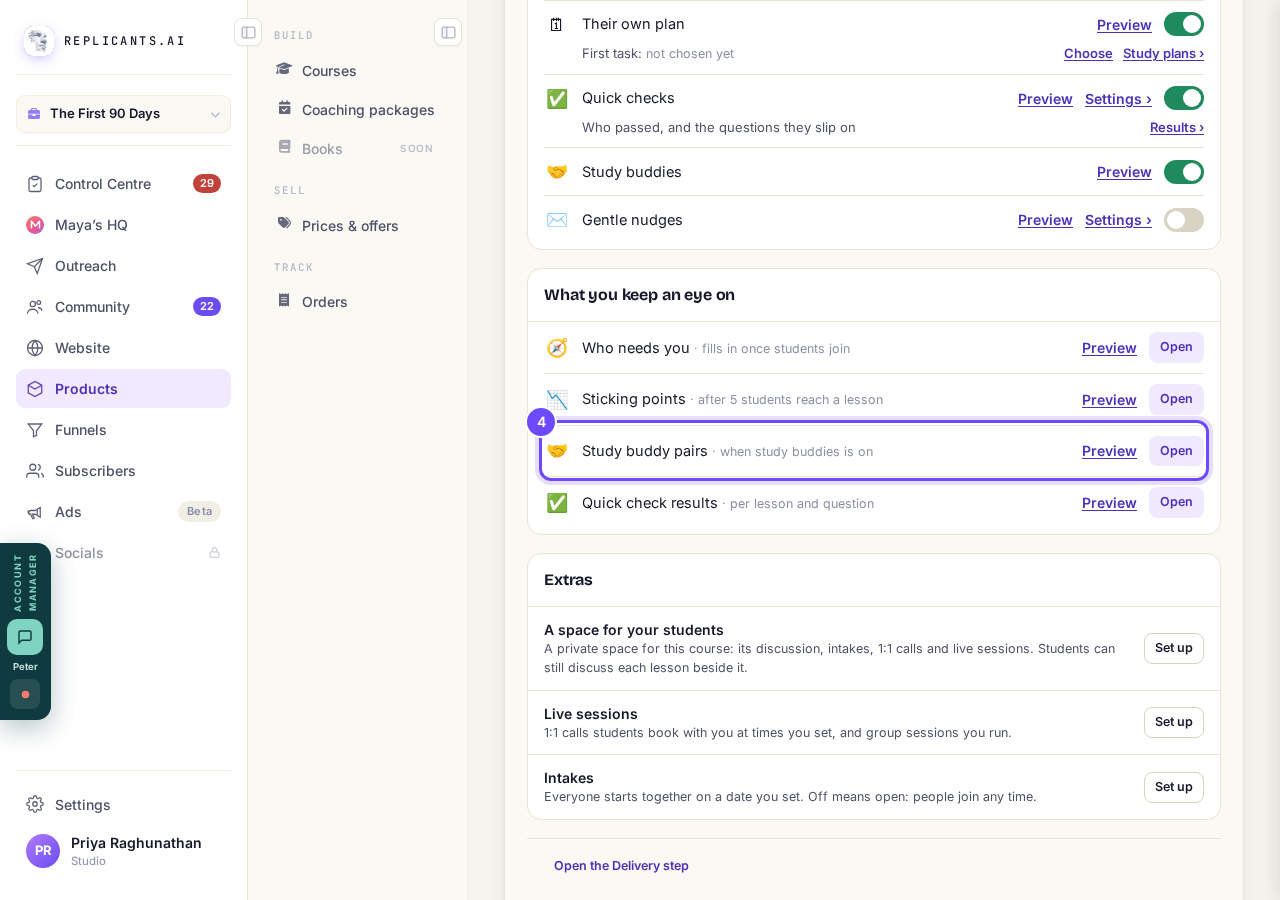
Study buddy pairs, with Open.
Press Nudge beside a quiet pair
A pair is marked Quiet after 7 days without a word, and Nudge sends both a short note from you in Messages in your community.
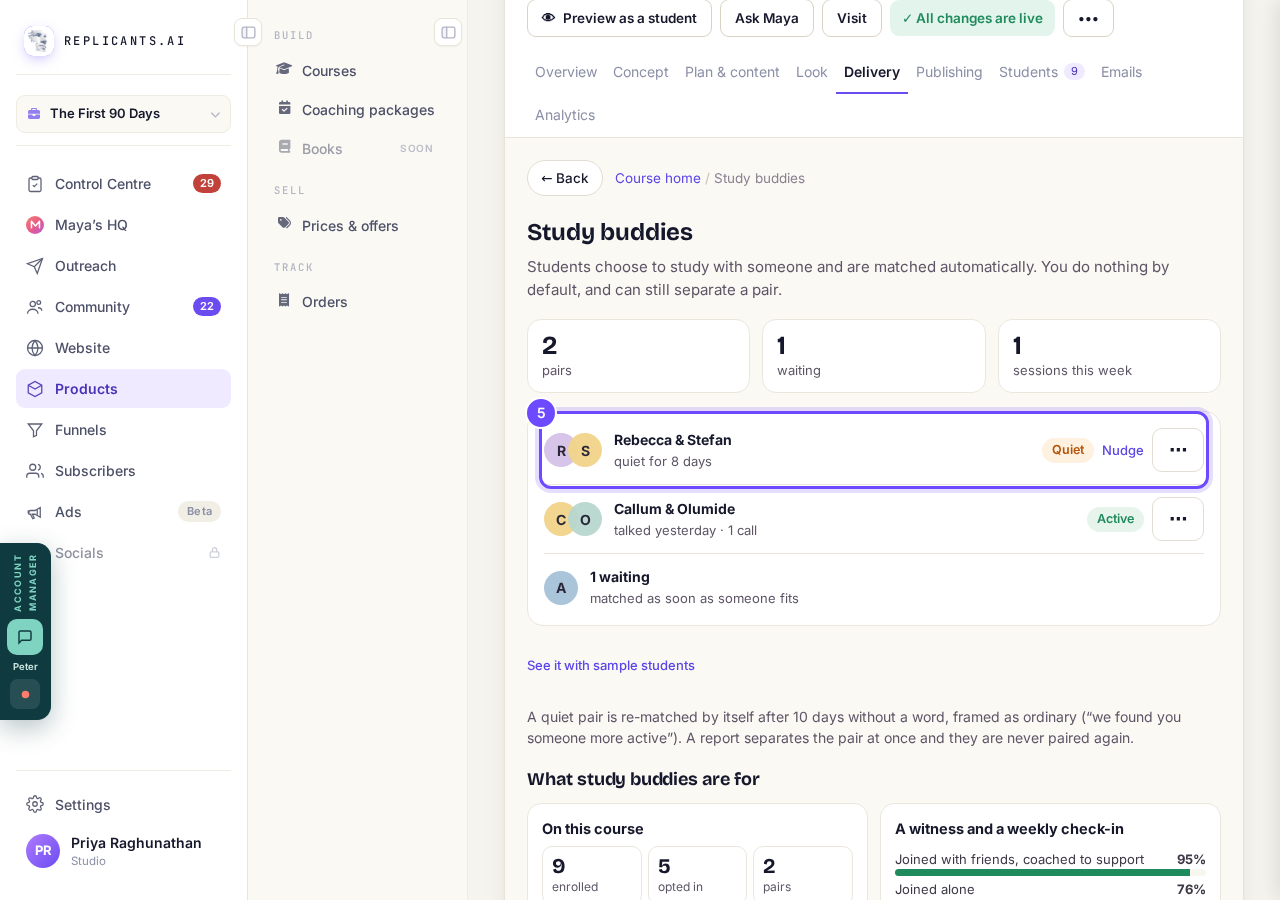
A quiet pair, with Nudge.


How are students matched?#
Their study times overlap by at least two hours a week and they are no more than three lessons apart. Both are introduced at the same moment, so nobody accepts or turns down a named person.
What happens each week?#
On Monday at 9am in your account's time zone (UTC if none is set) each says what they will finish, and on Friday they are asked Did you?. After 10 days with no word from either, the pair ends quietly and both go back into matching.
Can I separate a pair?#
Yes. On Study buddies, press ⋯ beside the pair, then Separate them, or Never pair these two again to keep them apart for good.
Study buddies use no AI. A student who joins with nobody else waiting stays on Finding your buddy until someone who fits joins.
How do students talk about each lesson?
Related articles
Can I see a real course before I build mine?
Yes. Claire's free course, Small Steps, is a real course you can join as a student in about five minutes.
Can I turn my workbook, notes or recordings into a course?
Yes. Add your workbook, notes, slides or recordings at the start of a new course and Maya reads them; the questions arrive already answered, and your plan is built from them.
How does my course help students finish?
Your course has a tool for students who drift off, get stuck or feel alone, and you switch them all on or off in one place: Delivery, at the top of your course. Looking through them takes about five minutes.