
What do students get when they finish my course?
When a student finishes your last lesson they see a trophy and Course complete, can get a certificate with their name on it, and are emailed to say well done. It is on already; choosing your certificate takes about three minutes.
Updated 18 October 2026
Press Delivery at the top of your course
Open your course from Products, then Courses, then Manage, and press Delivery in the row of words under its name. On a phone, slide that row to the left to find Delivery.
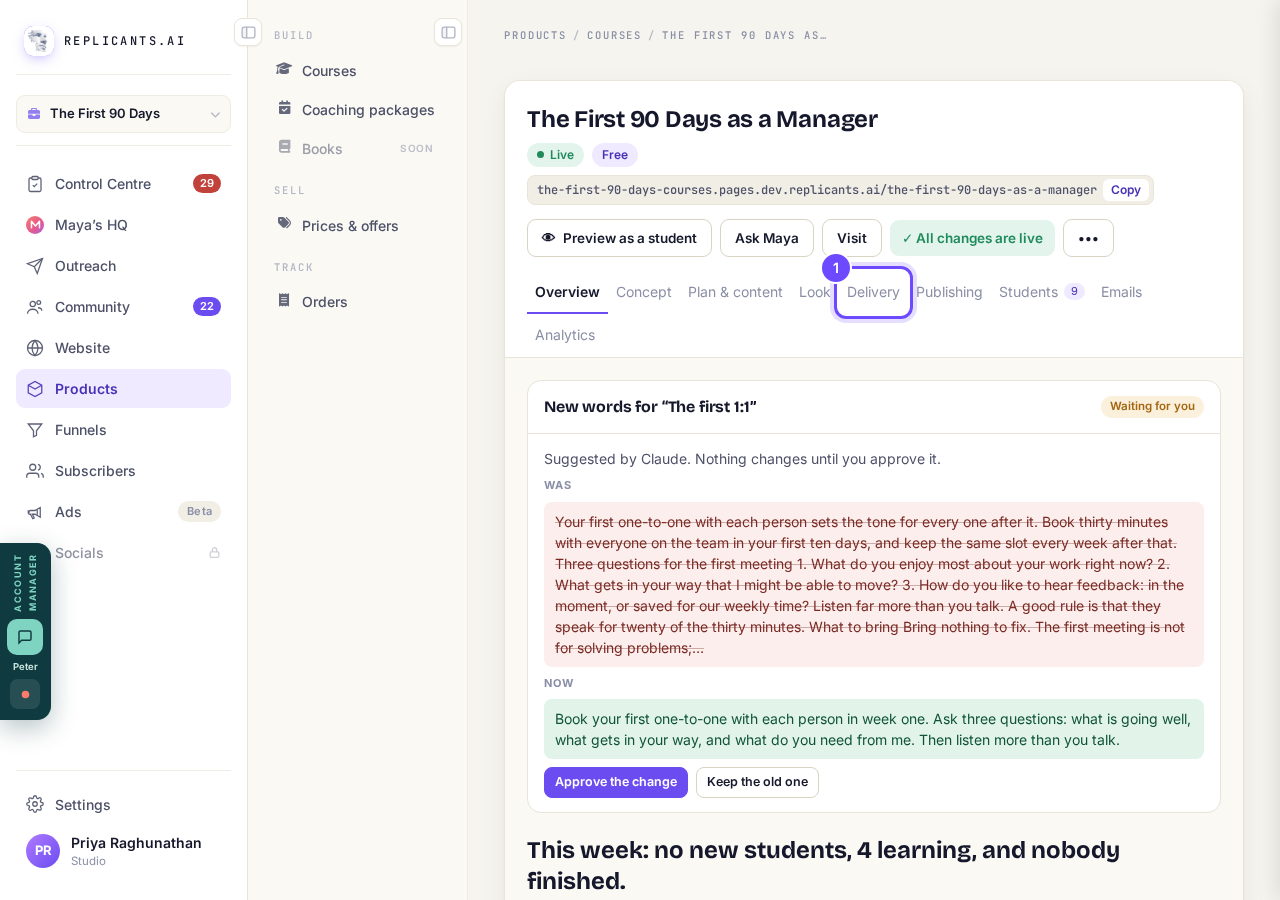
Delivery, at the top of your course.
Check A finish worth celebrating is switched on
It is the first row under What students get and starts switched on. If the top of your course shows Publish changes with An improvement to course pages is waiting, press it once so your students get today's tools.
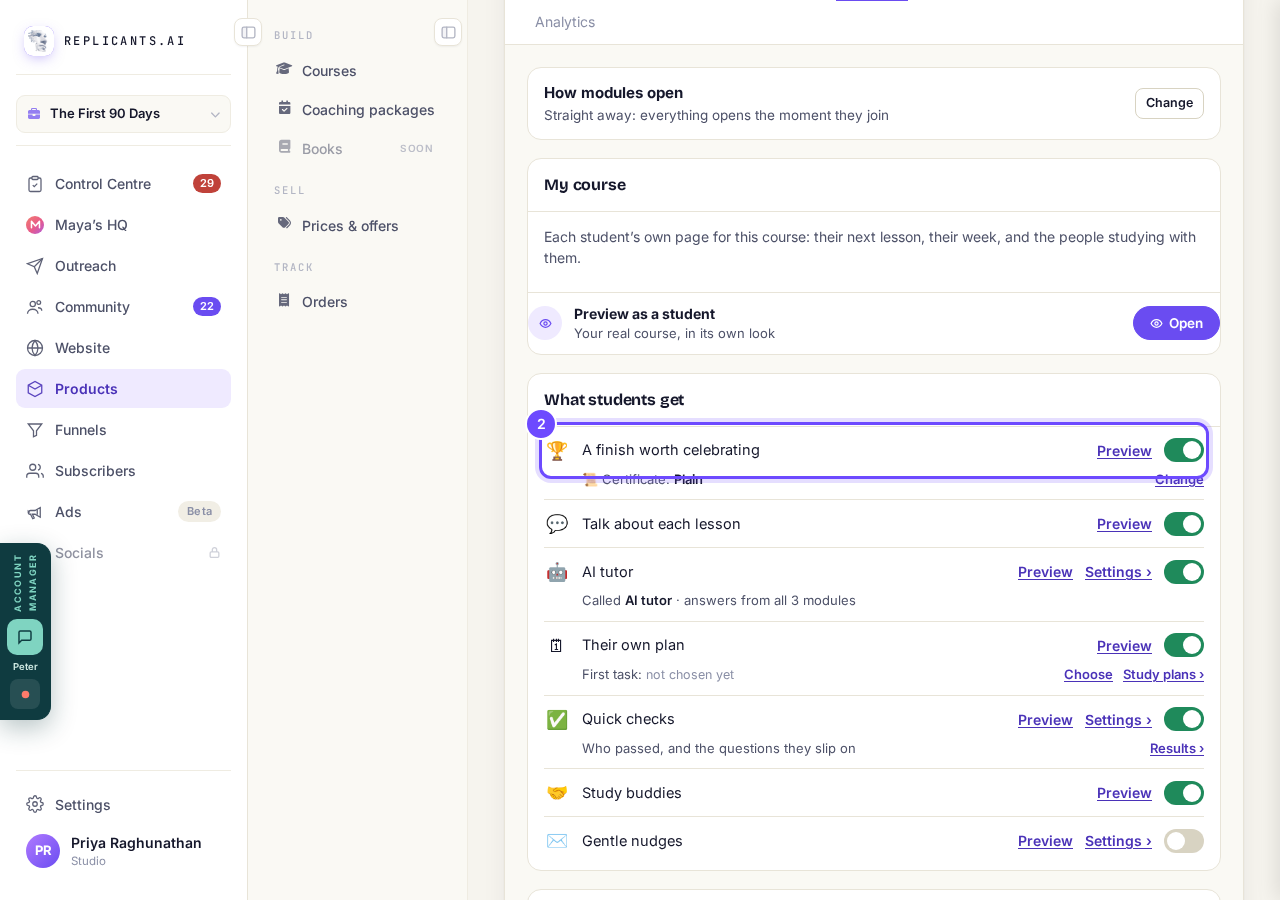
A finish worth celebrating, switched on.
Press Change beside Certificate
The line under the finish says which certificate your course gives, for example Certificate: Plain.
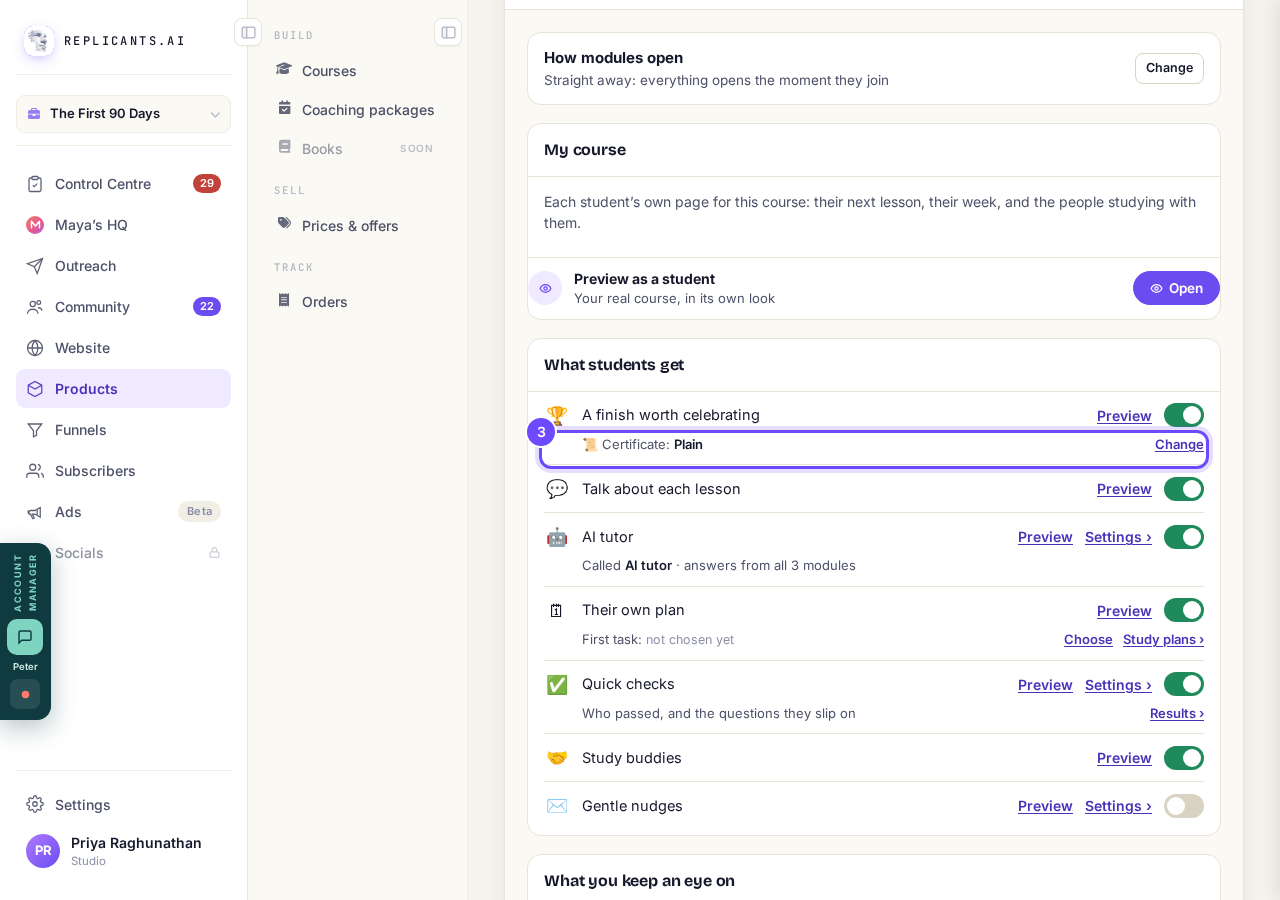
The certificate line, with Change.
Pick Plain or Branded, then press Done
Plain needs nothing set up; Branded carries your logo, your colour and your signature.
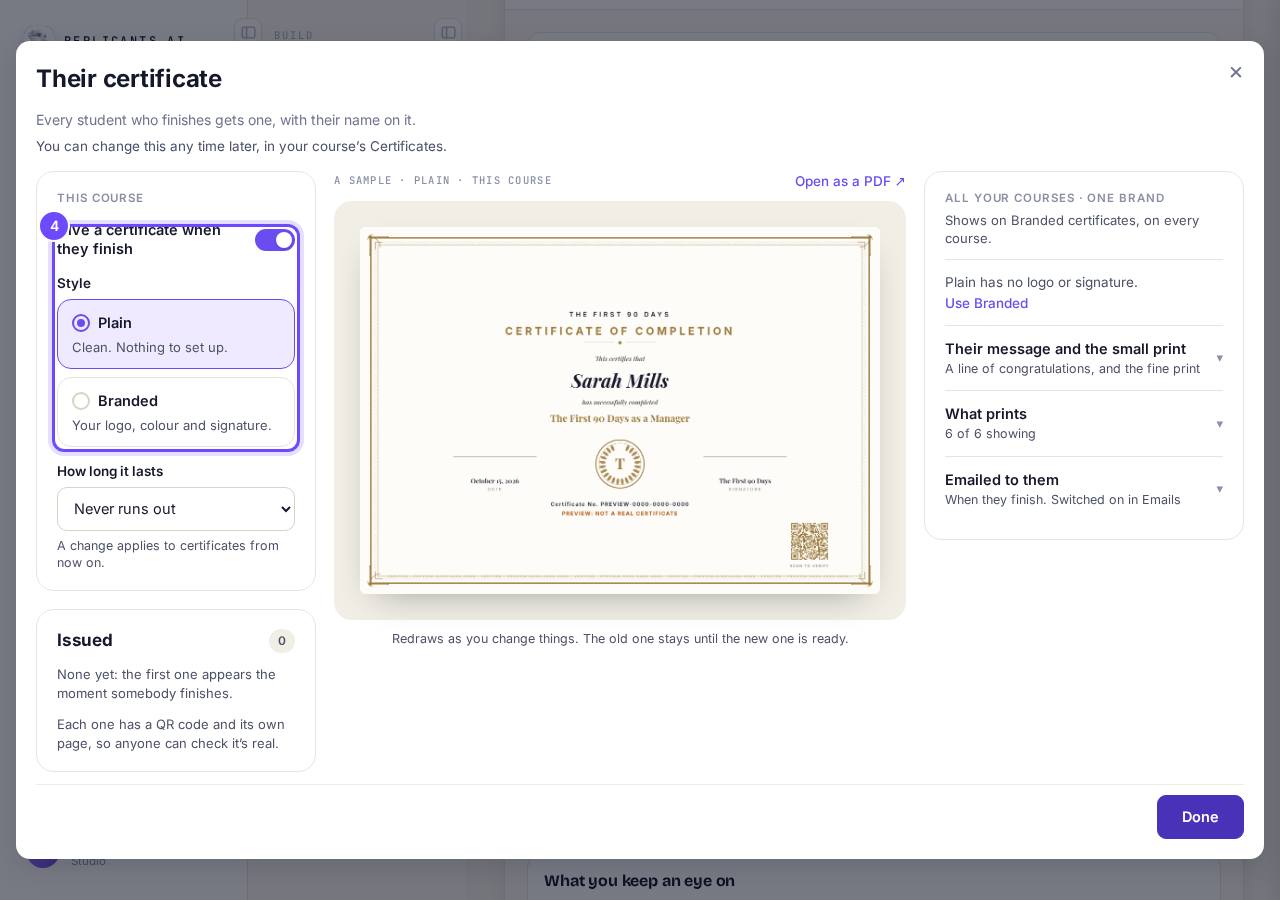
Plain or Branded, for this course.
Press Preview beside A finish worth celebrating, then Open
You see the trophy, Course complete, a sample of your own certificate and Get your certificate, and nothing is issued.
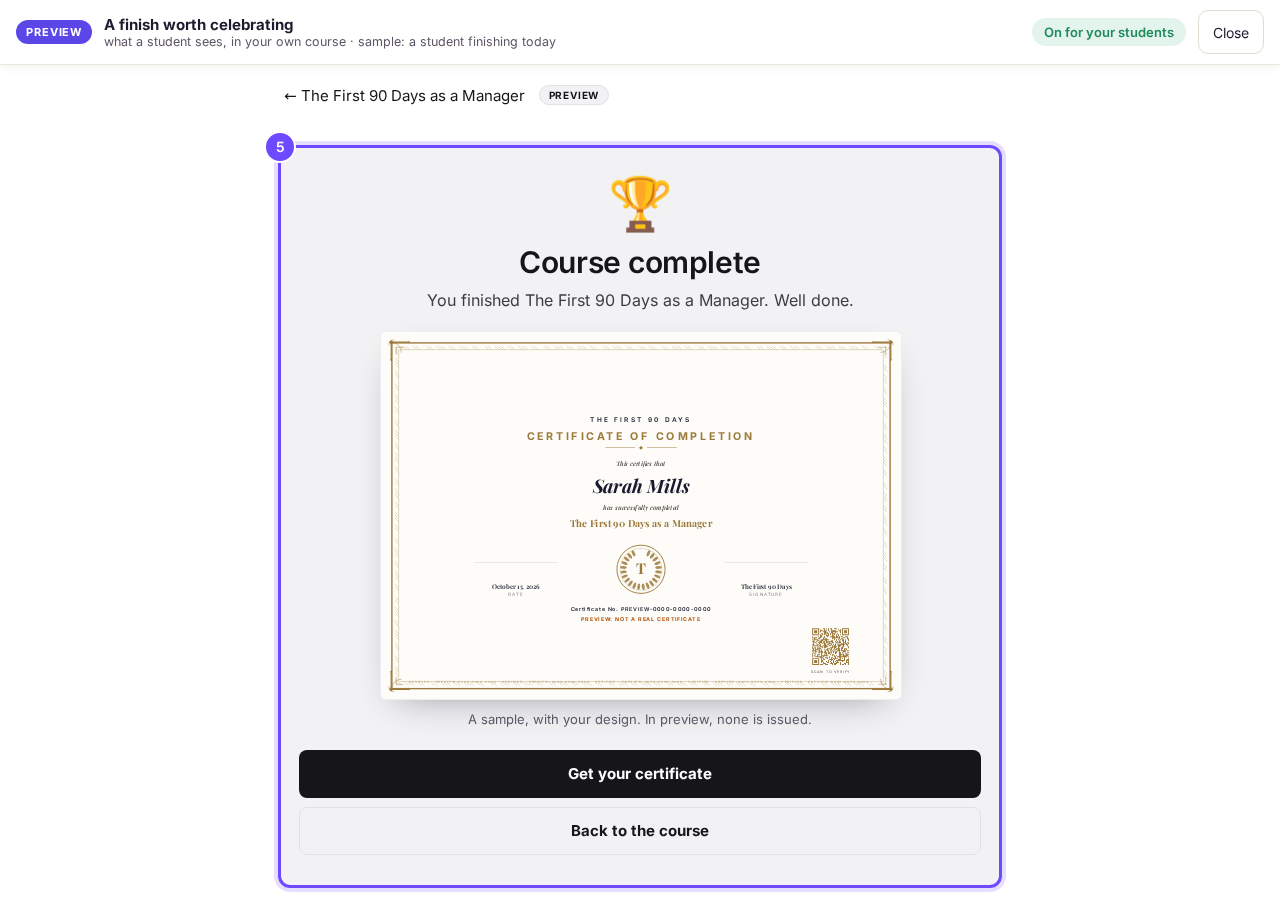
The finish, as a student sees it.


How does a student get their certificate?#
On the finish screen they press Get your certificate, then Open your certificate, which opens it as a PDF. It also comes in the Your certificate is ready email, if that is switched on.
Which emails go out?#
You finished the course and Your certificate is ready. Each has its own switch on Emails, covering all your courses.
Do students earn points?#
Yes, in your community: 5 for each lesson, 15 for each module and 50 for finishing the course.
The trophy and certificate come only when every lesson is done; while some lessons are still empty, a student who has done the others sees You're up to date. None of it uses AI.
How do I bring back students who go quiet?
Related articles
Can I see a real course before I build mine?
Yes. Claire's free course, Small Steps, is a real course you can join as a student in about five minutes.
Can I turn my workbook, notes or recordings into a course?
Yes. Add your workbook, notes, slides or recordings at the start of a new course and Maya reads them; the questions arrive already answered, and your plan is built from them.
How does my course help students finish?
Your course has a tool for students who drift off, get stuck or feel alone, and you switch them all on or off in one place: Delivery, at the top of your course. Looking through them takes about five minutes.