
How do I check a comment before it goes out?
Comments are written for you. On Manual, every one waits until you read it and press Approve. About five minutes a day.
Updated 6 October 2026
Open Outreach
Open Comments and read the three headings
Pending review is waiting for you. Queued to send is approved and going out, usually the next day. Sent has already gone. The number beside each says where the work is.
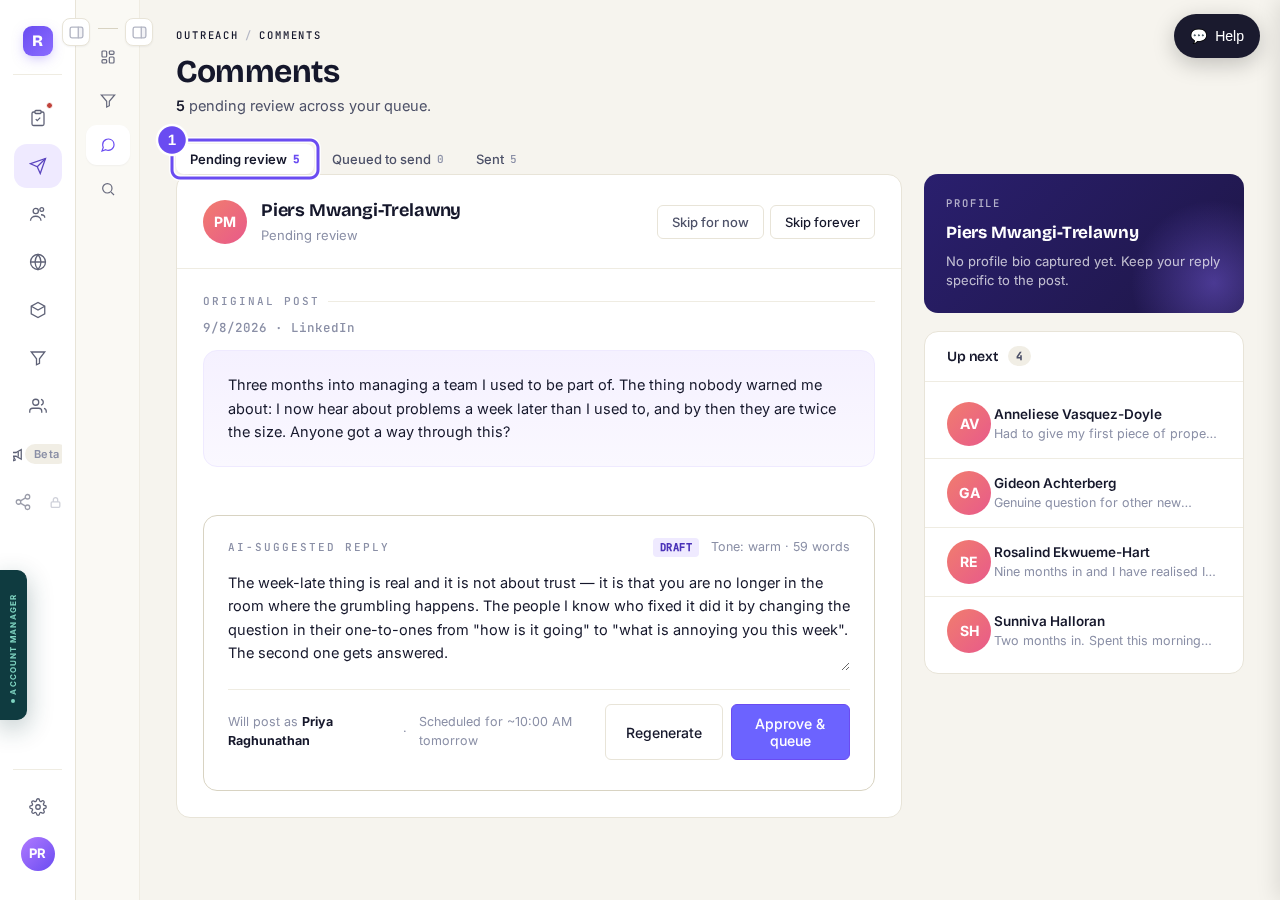
Three headings across the top. The first one is your queue.
Take me thereRead their post first
The panel marked Original Post is what this person put on LinkedIn. Read it before the reply.
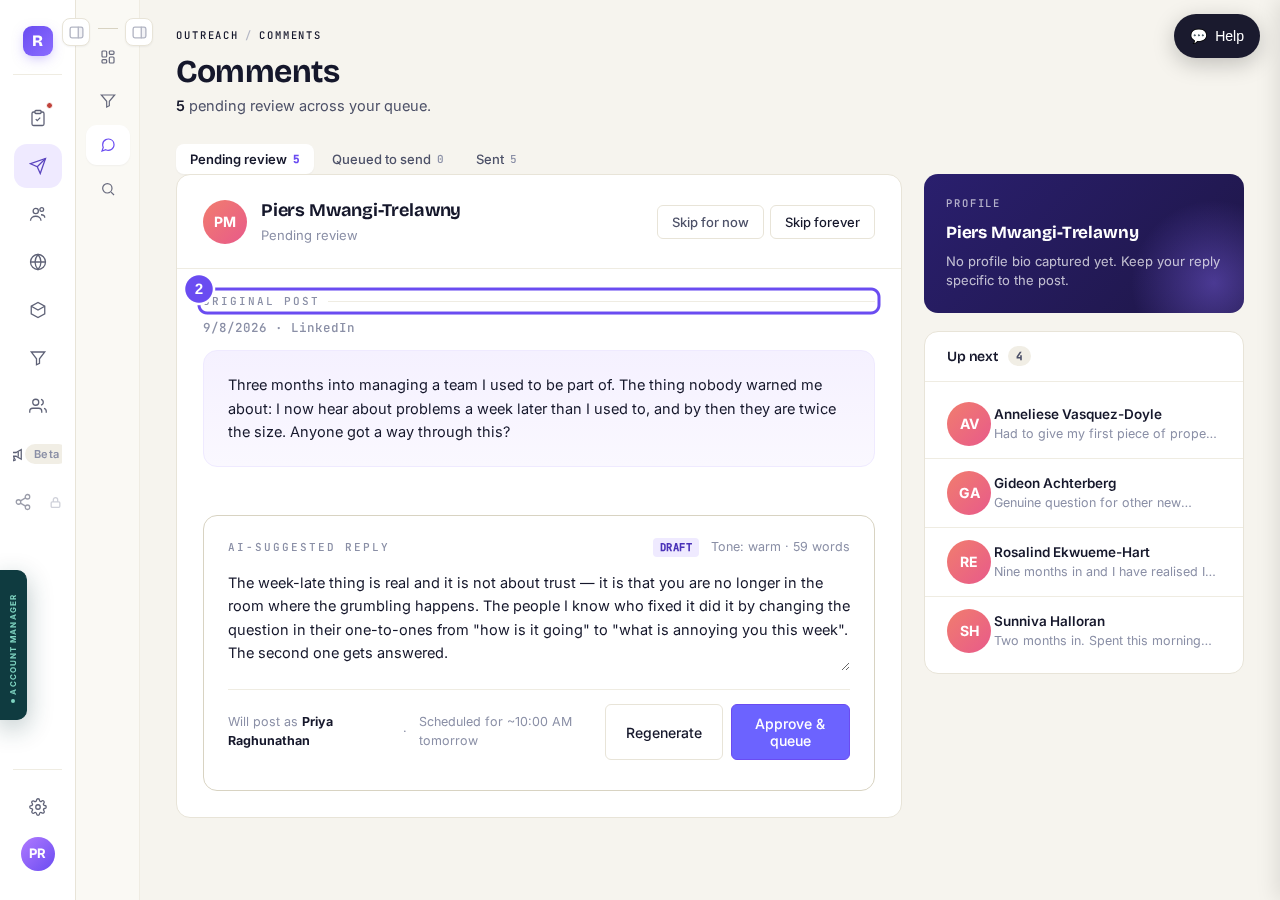
Their post, in their words. Read this before the reply.
Read the draft and change it
The reply underneath is a draft in your voice, and you can type in the box. Underneath it says whose name it goes out under. Regenerate writes a different one.
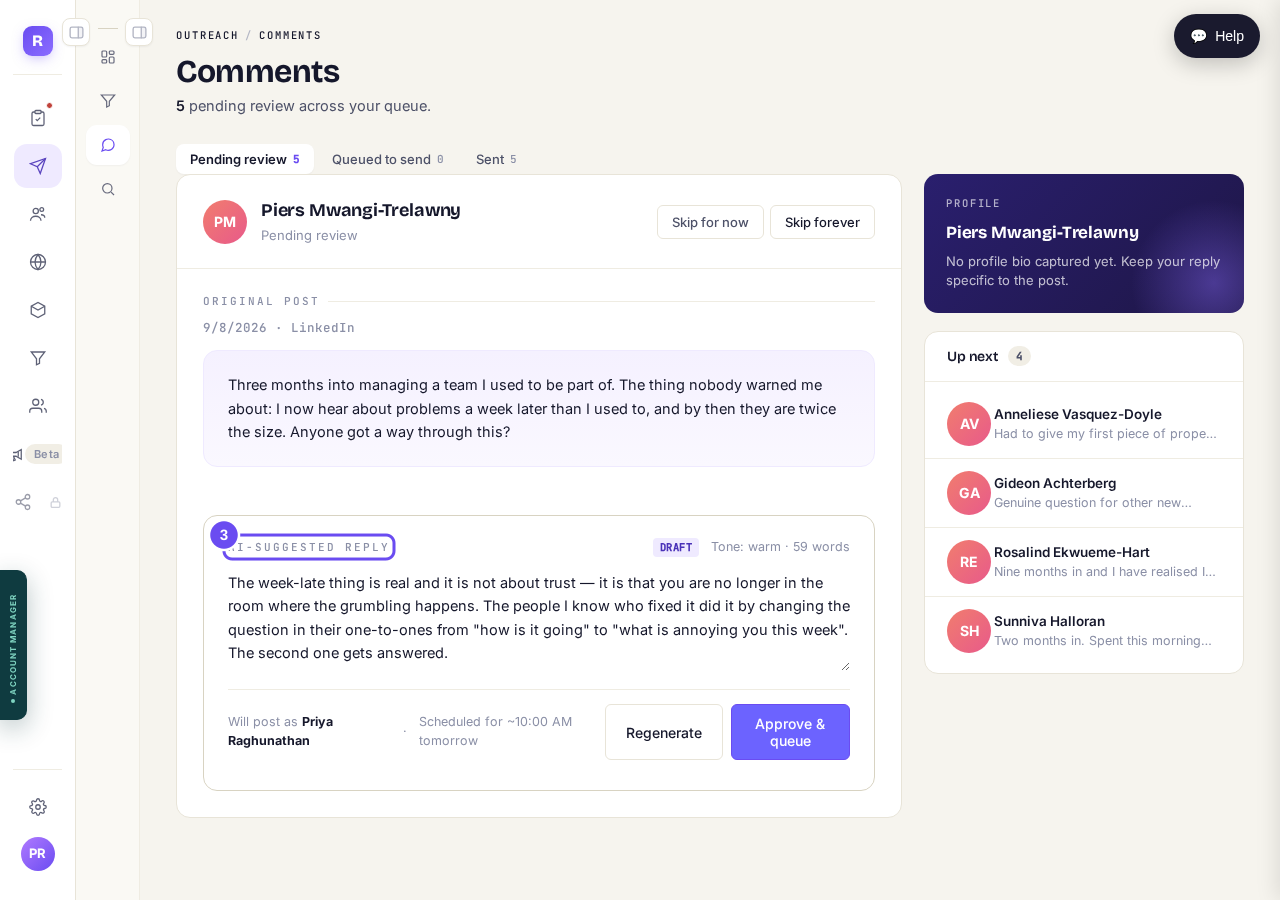
The draft can be edited. It goes out under your name.
Approve it, or skip it
Approve & queue moves it to Queued to send. It goes out at the time shown under the draft, usually the next day, and you can cancel it there until then. Skip for now drops this draft; the person carries on through your pipeline as normal and we do not look for a different post. Skip forever means we never draft a comment for this person again.
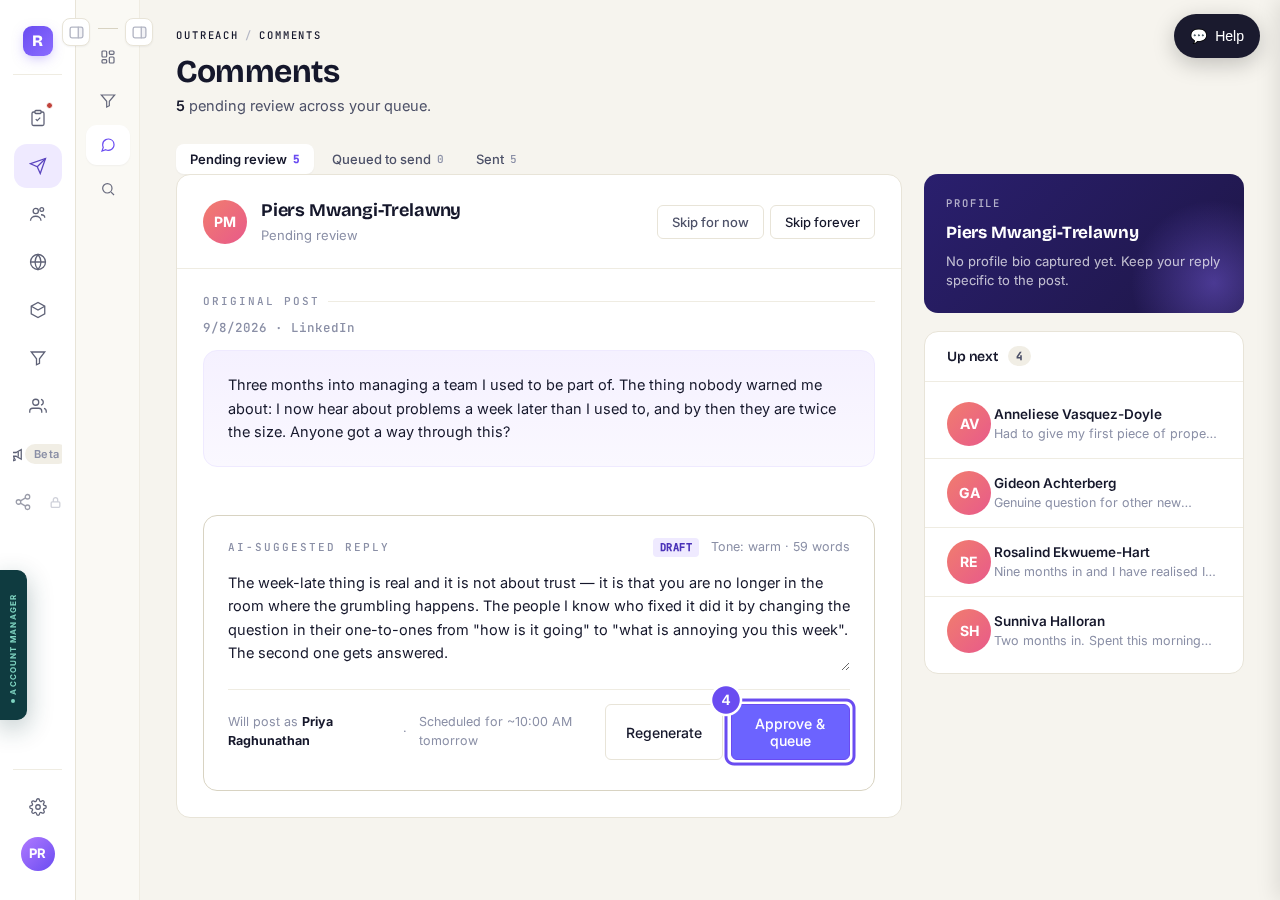
Approve queues it. On Manual, nothing is posted before you press this.
Check Sent to see what went out
Everything you approved ends up here, with what was posted and who it went to. It is the record of what has been said in your name.
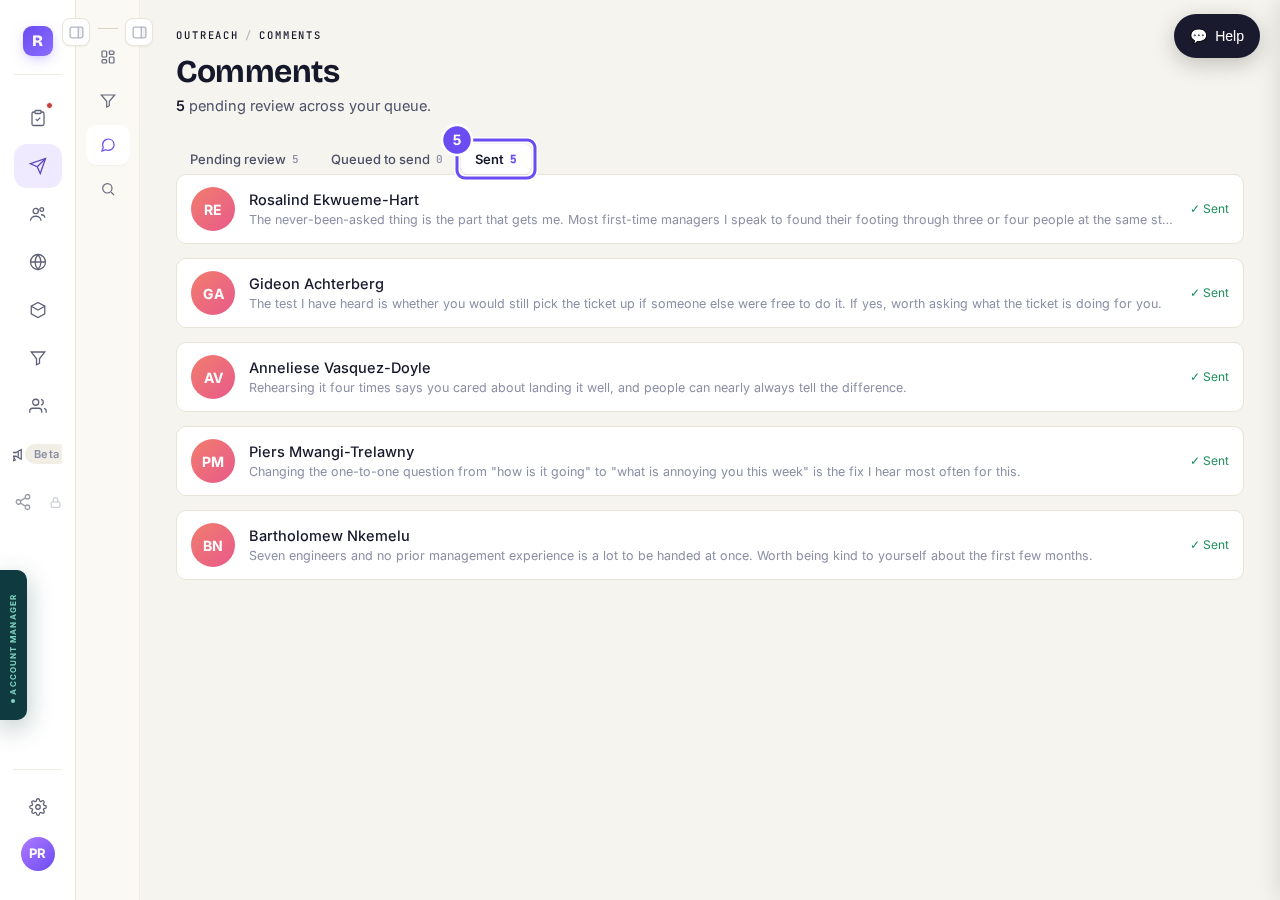
What has already gone out in your name.
How do I choose how much Maya does on her own in Outreach?
Related articles
Can I use Outreach on Instagram or X?
No. Today Outreach works on LinkedIn only, through your own account.
Do I need a LinkedIn account to use Replicants?
No. Almost everything works without LinkedIn: your community, Courses, Products, Subscribers and email, Funnels and Website. Only Outreach needs it, because it finds people on LinkedIn and connects with them from your own profile.
Do my new connections get a welcome email automatically?
Yes. If you use Outreach, every new connection gets a welcome email by itself, as soon as we have their email address. No LinkedIn welcome message is sent to anyone today, so the email does that job. One screen shows you both, in about two minutes.