
How do I choose when each module opens?
Press Delivery at the top of your course, then Change beside How modules open, pick one of three answers and press Save. It takes about a minute.
Updated 18 October 2026
Press Change beside How modules open
Press Delivery at the top of your course first; on a phone, slide the row of words to the left to find it.
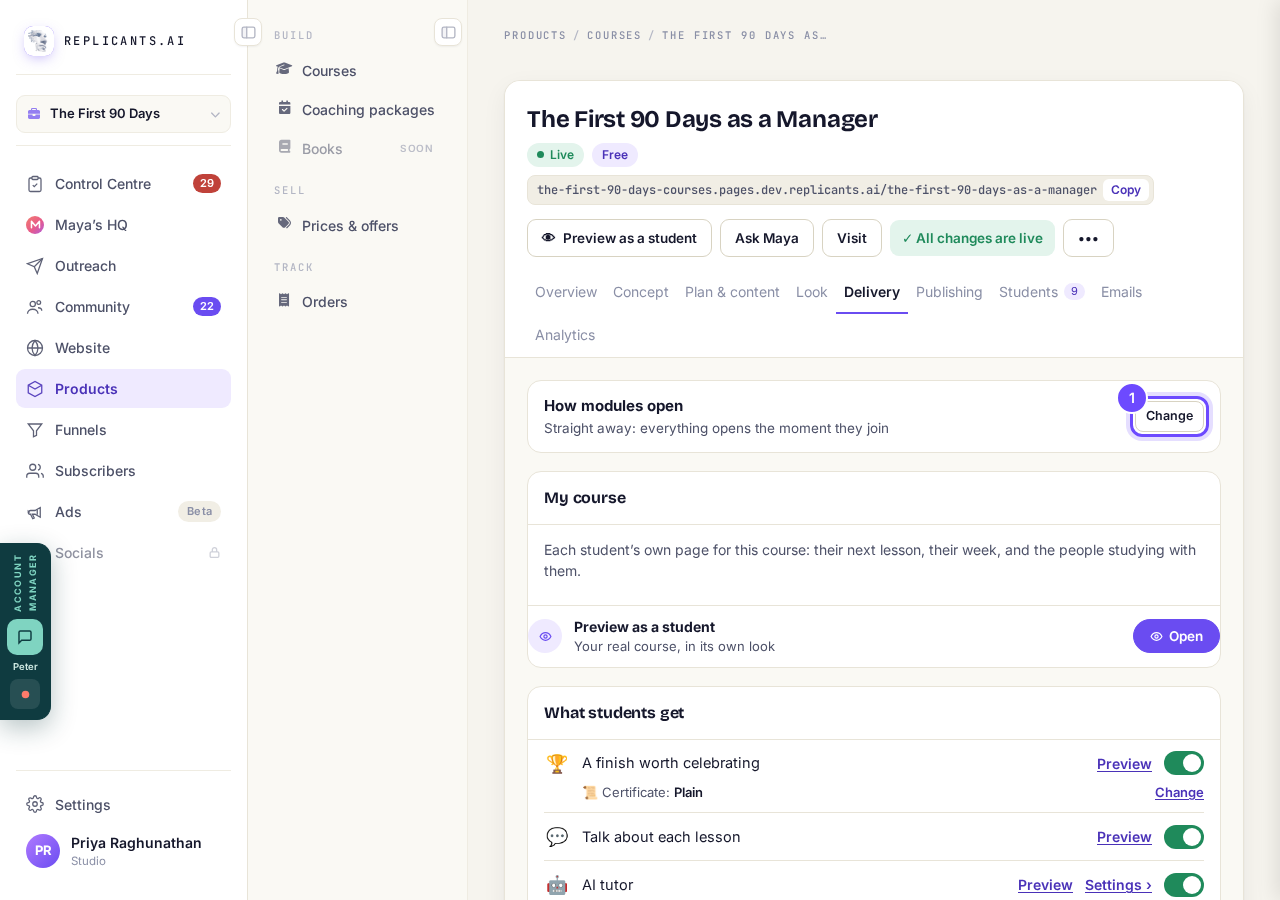
How modules open, with Change.
Pick Straight away, One module at a time or As they finish
Each answer shows a small picture of your student's list. The screen says courses that open one module at a time get finished about three times as often.
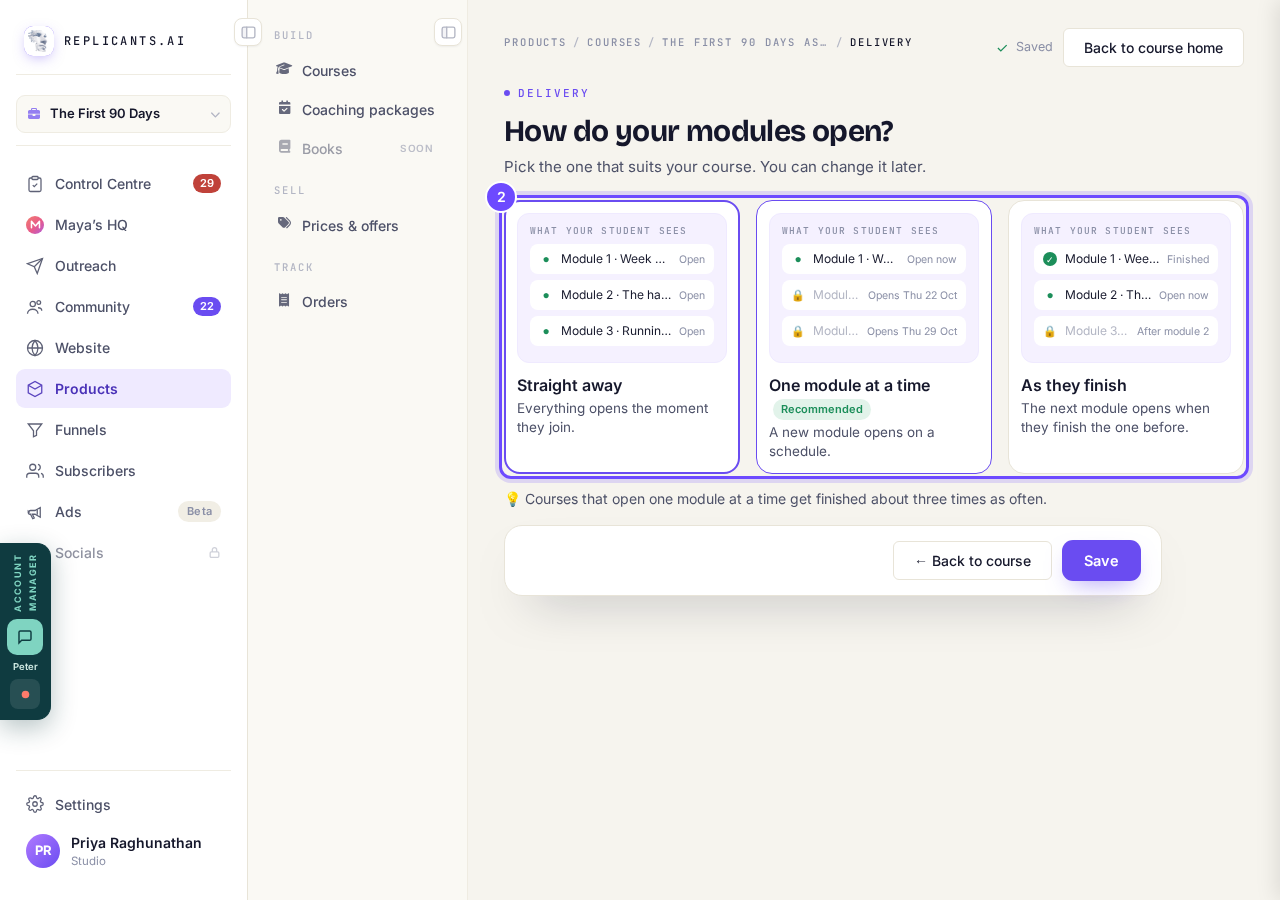
The three answers, each with a picture of the student's list.
Set how often a new module opens
With One module at a time, type a number beside A new module every and pick days or weeks. It starts on one a week.
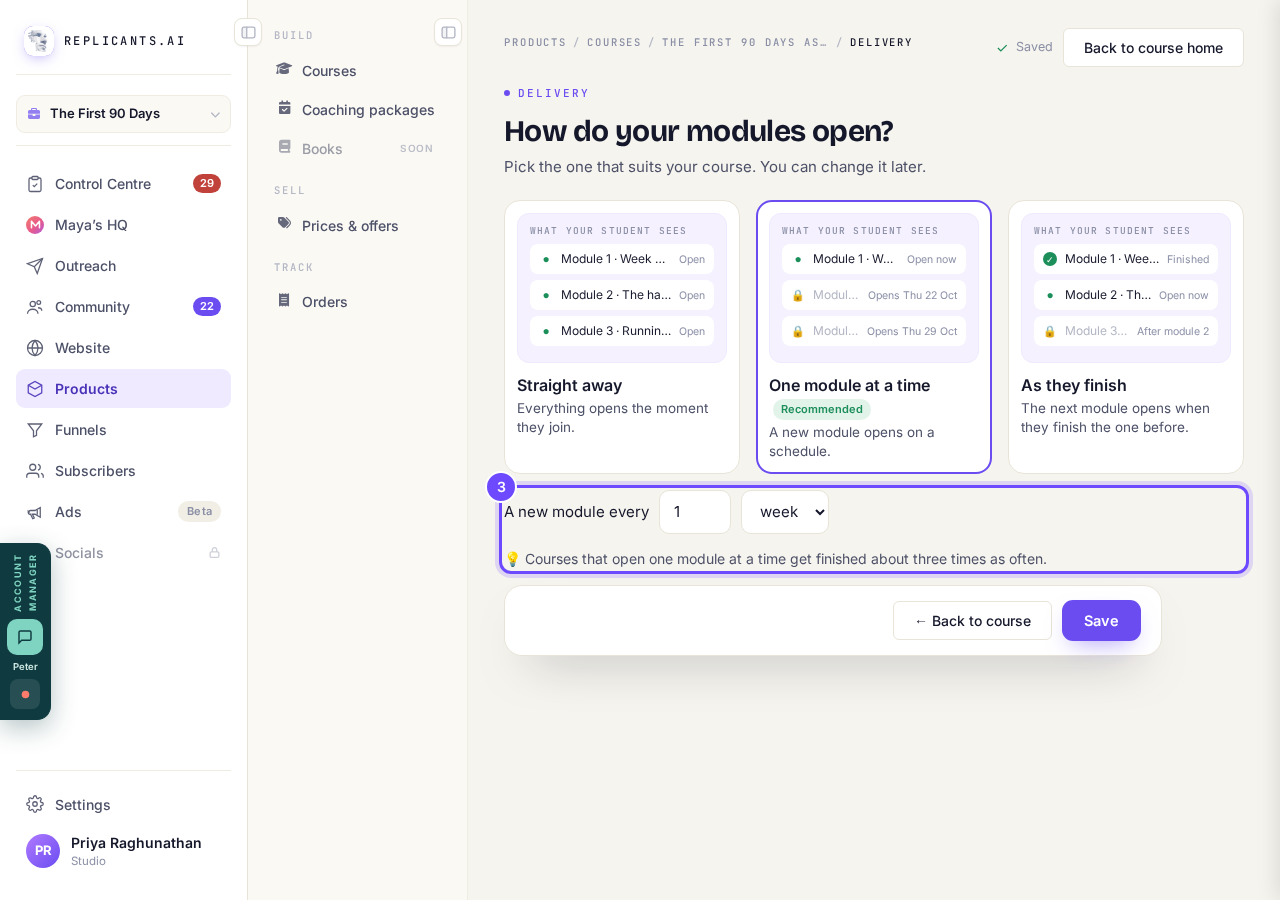
A new module every 1 week.
Press Save
To leave without changing anything, press ← Back to course instead.
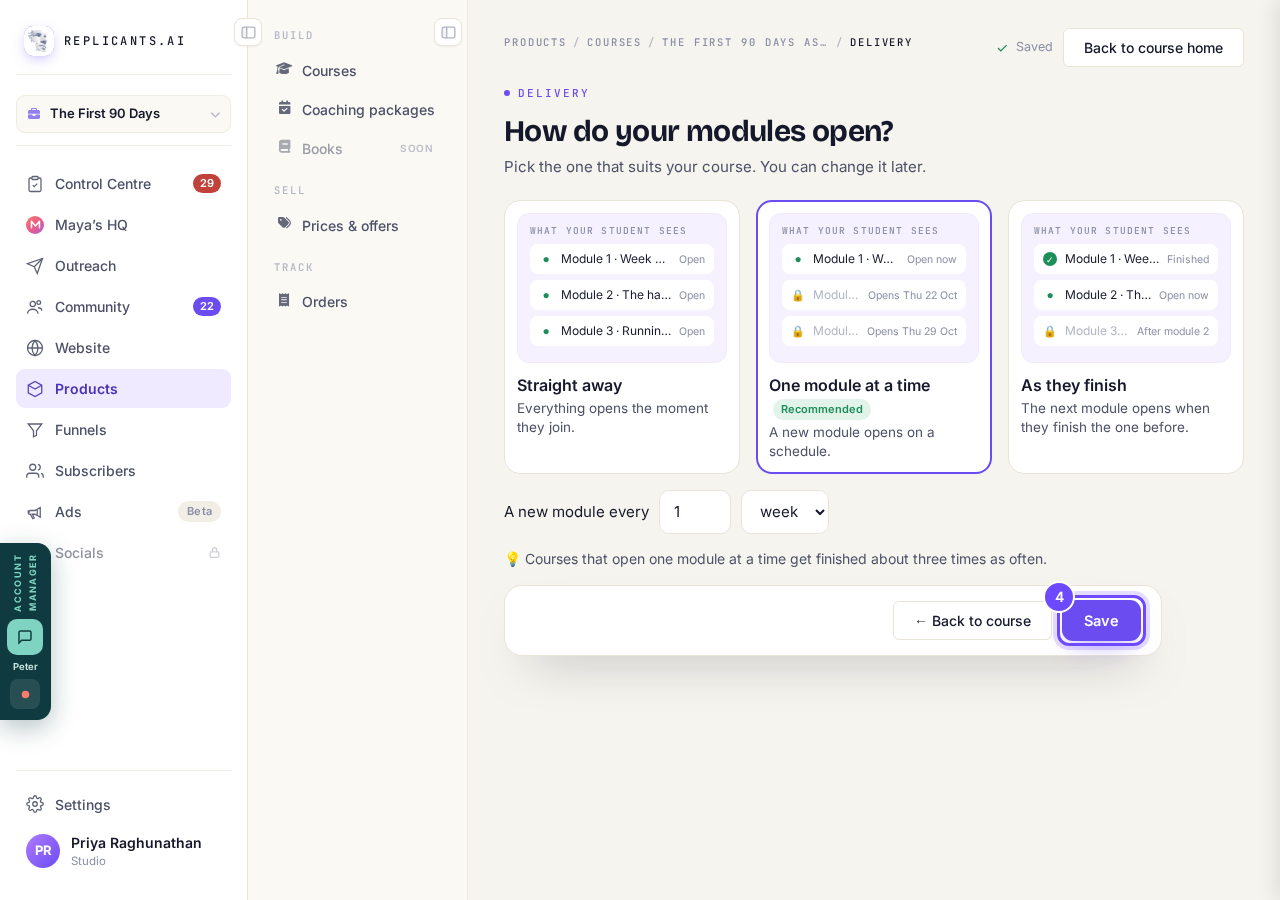
Save.


Questions
What do students see on a locked module?#
A padlock and its date, such as Opens 27 Sep, or Opens when you finish and the module before. A locked lesson also offers What can I do meanwhile?, which only works when the AI tutor is on.
Do students hear when a lesson opens?#
Yes, an email within a day, with the subject New lesson: and the lesson's name. Its switch, under Emails, covers all your courses.
What about intakes?#
Only One module at a time holds lessons until an intake starts, counting from its start date. With the other two, someone in a later intake can open lessons early.
The schedule counts from the day each student joins, so it reaches people already on the course: someone who joined two days ago finds module 2 locked until its day. Saving a new choice resets every lesson's opening day, including any you set by hand.
What does a student see when they open my course?
Related articles
Can I see a real course before I build mine?
Yes. Claire's free course, Small Steps, is a real course you can join as a student in about five minutes.
Can I turn my workbook, notes or recordings into a course?
Yes. Add your workbook, notes, slides or recordings at the start of a new course and Maya reads them; the questions arrive already answered, and your plan is built from them.
How does my course help students finish?
Your course has a tool for students who drift off, get stuck or feel alone, and you switch them all on or off in one place: Delivery, at the top of your course. Looking through them takes about five minutes.