
How do I choose what time of day my emails arrive?
When you send a broadcast you can spread it over a few hours, and let each person get it at the time they usually read their email. It is all on the last screen, Schedule.
Updated 6 October 2026
Open Subscribers
Broadcasts live under Subscribers.
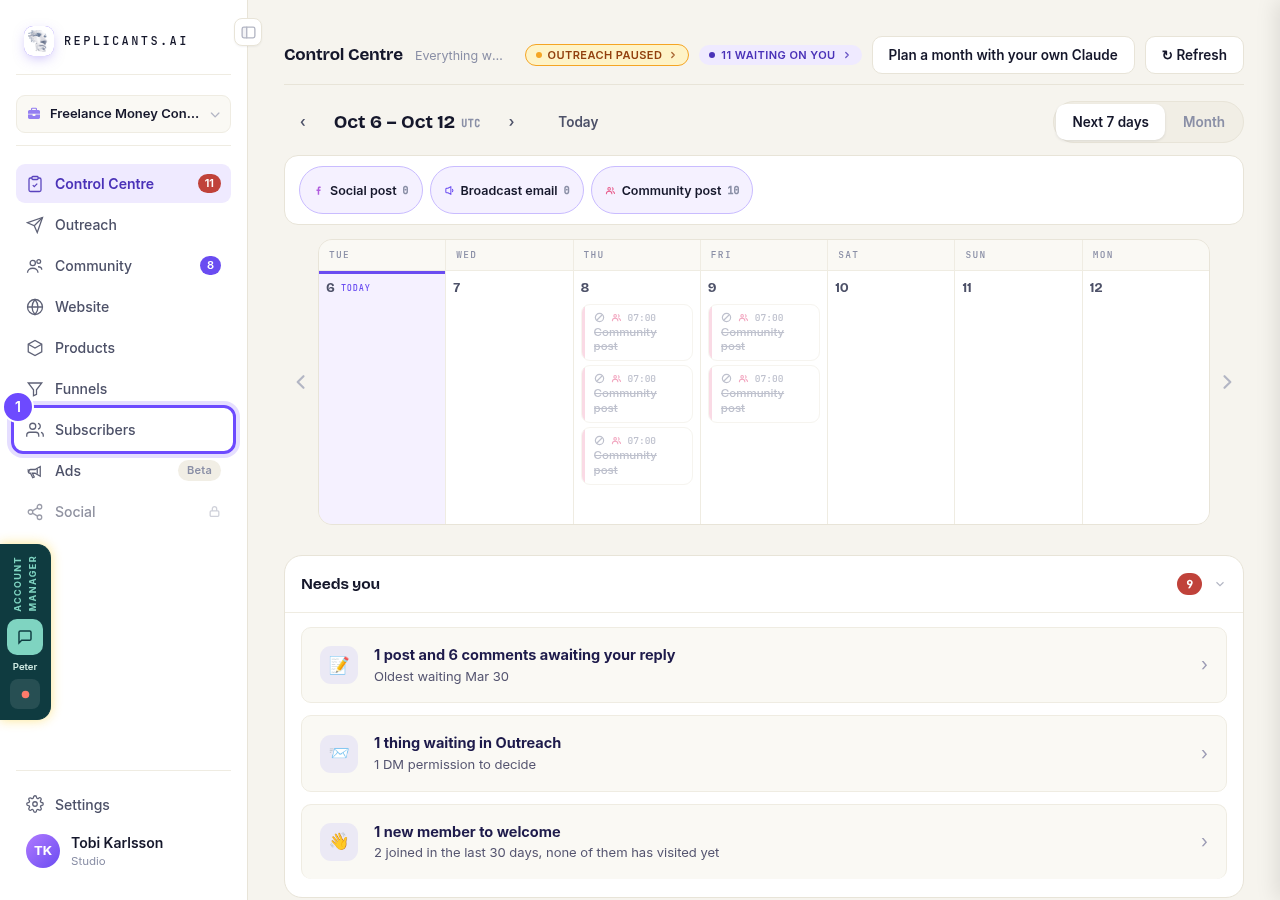
Press **Subscribers** in the menu on the left.
Open Broadcast
This is the list of every email you have sent to your subscribers.
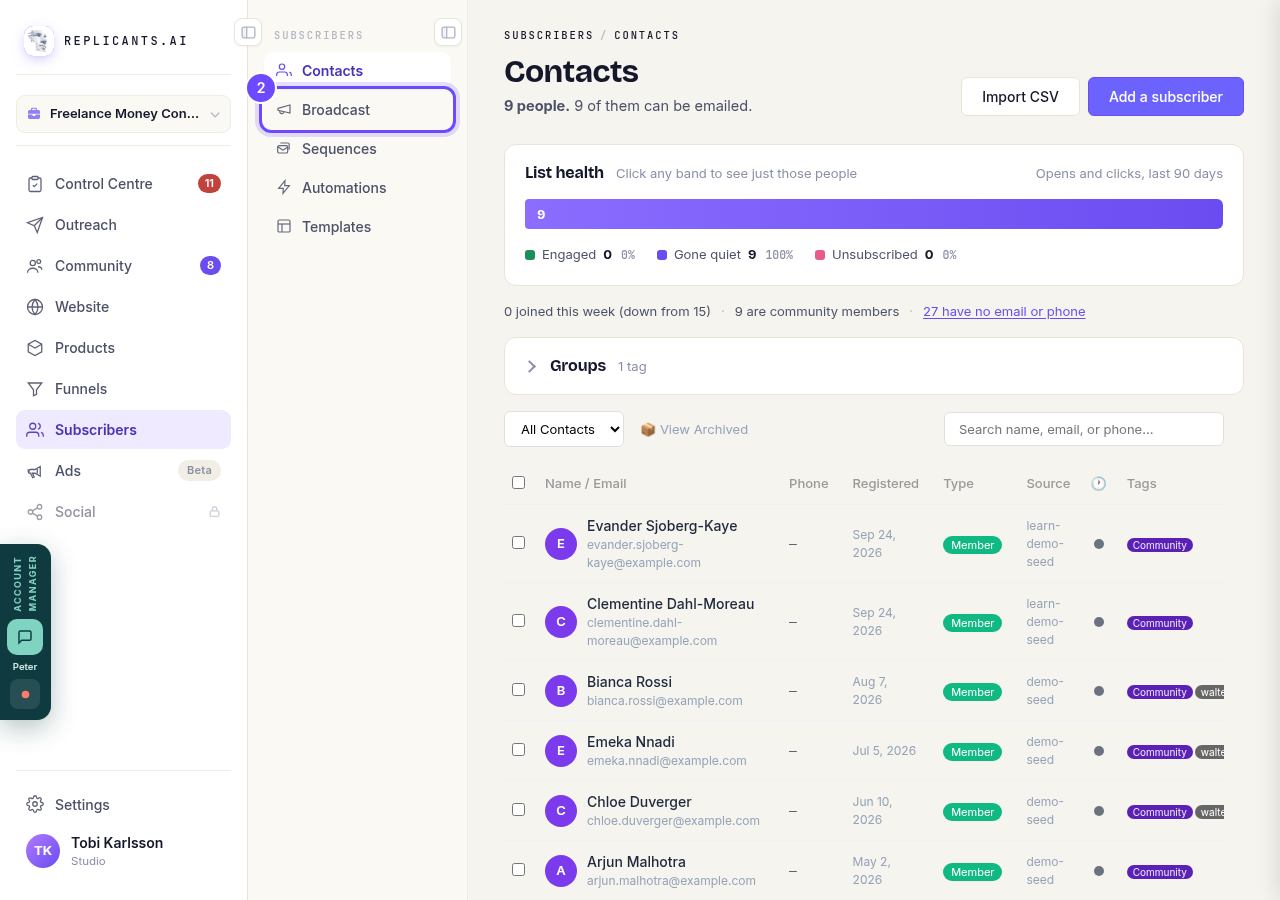
Press **Broadcast**.
Open SubscribersStart a broadcast
You can also open a draft you saved earlier.
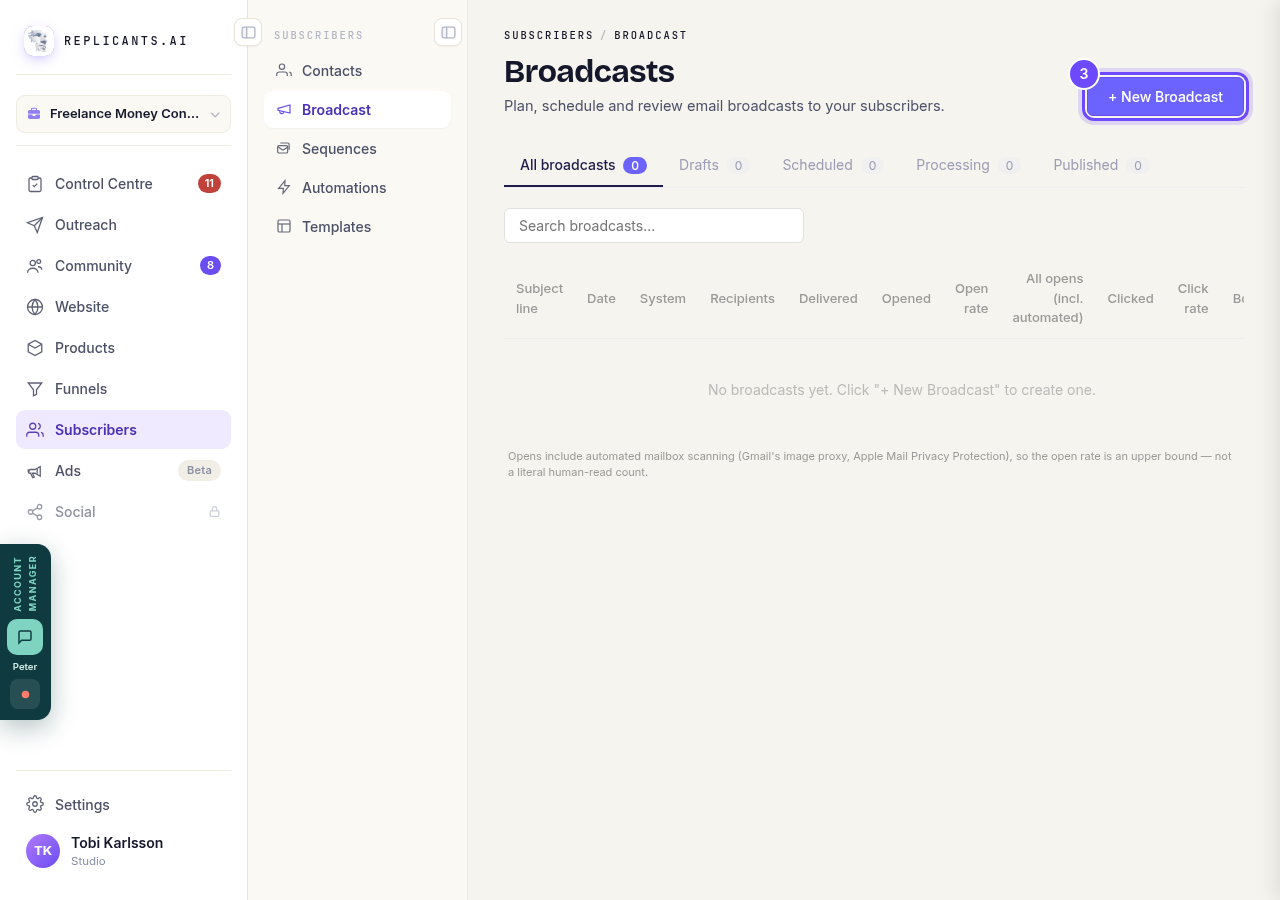
Press **+ New Broadcast**.
Go on to Schedule
Write your email first. Then there are three more screens: Preview, Recipients and Schedule.
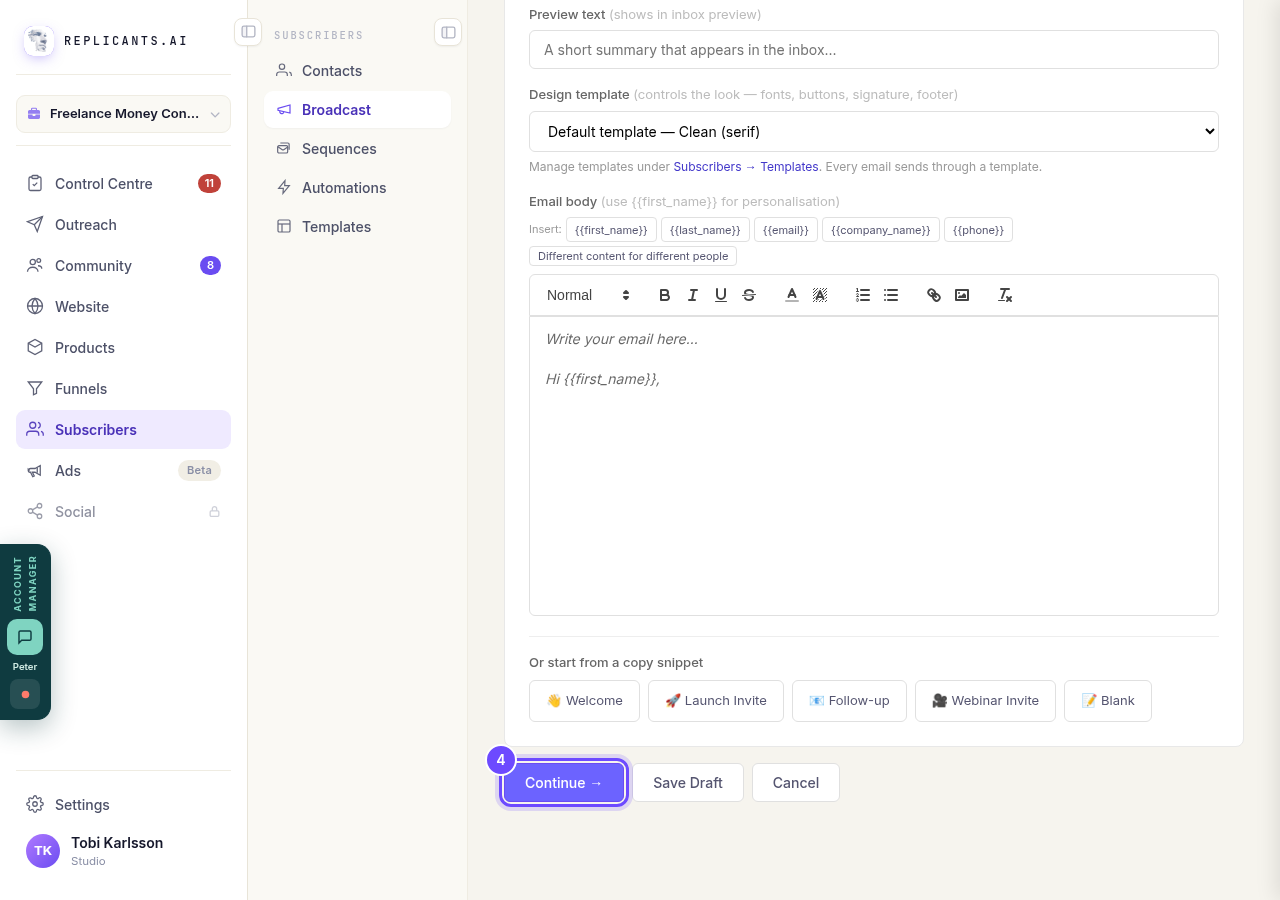
Press **Continue** on each screen until you reach **Schedule**.
Keep the time window on
Your email goes out over a few hours instead of to everyone at once. It starts the moment the send begins: now, or the day and time you chose with Schedule for later.
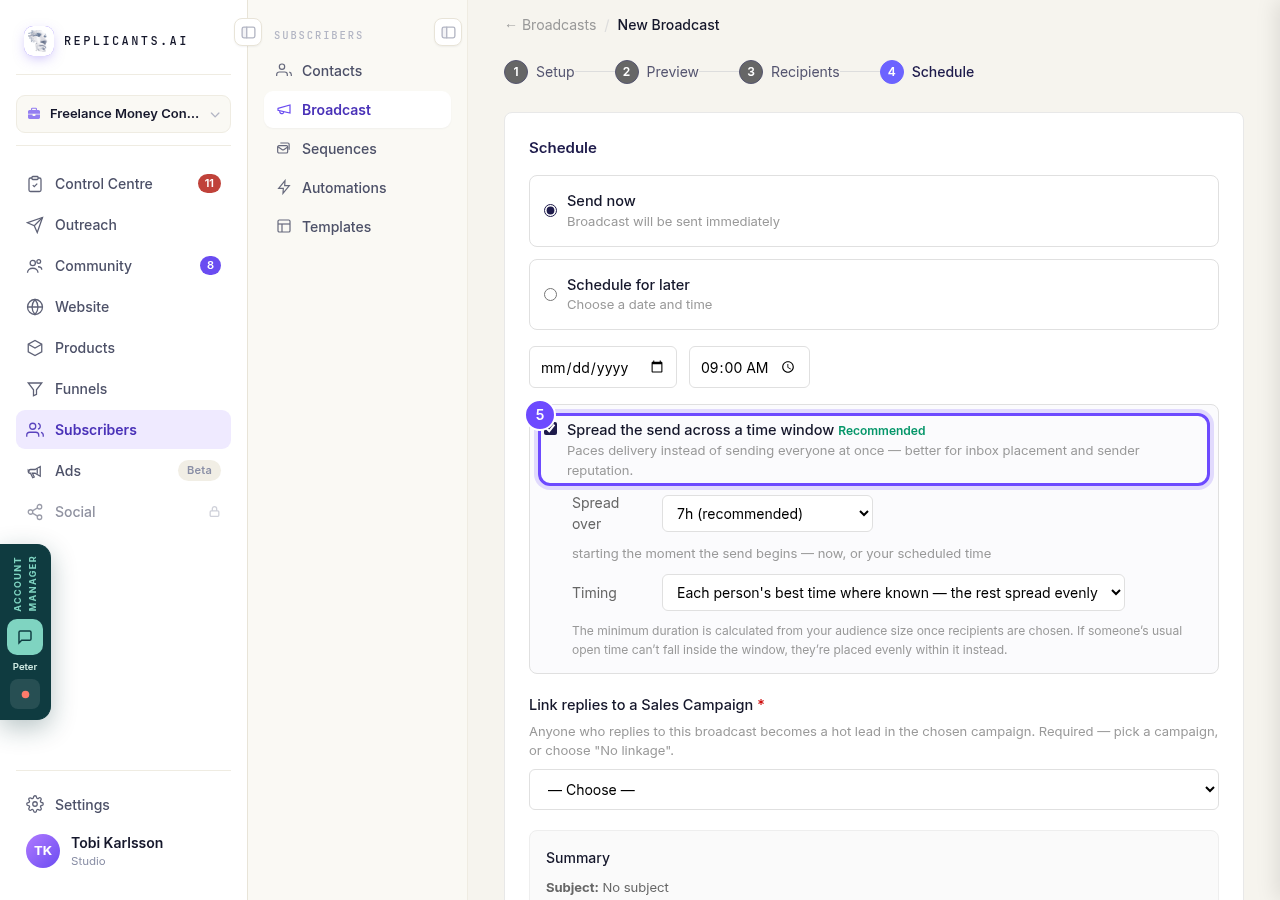
Leave **Spread the send across a time window** ticked.
Choose how long
The longer the window, the more people get it near their own best time. The one marked recommended suits the size of your list.
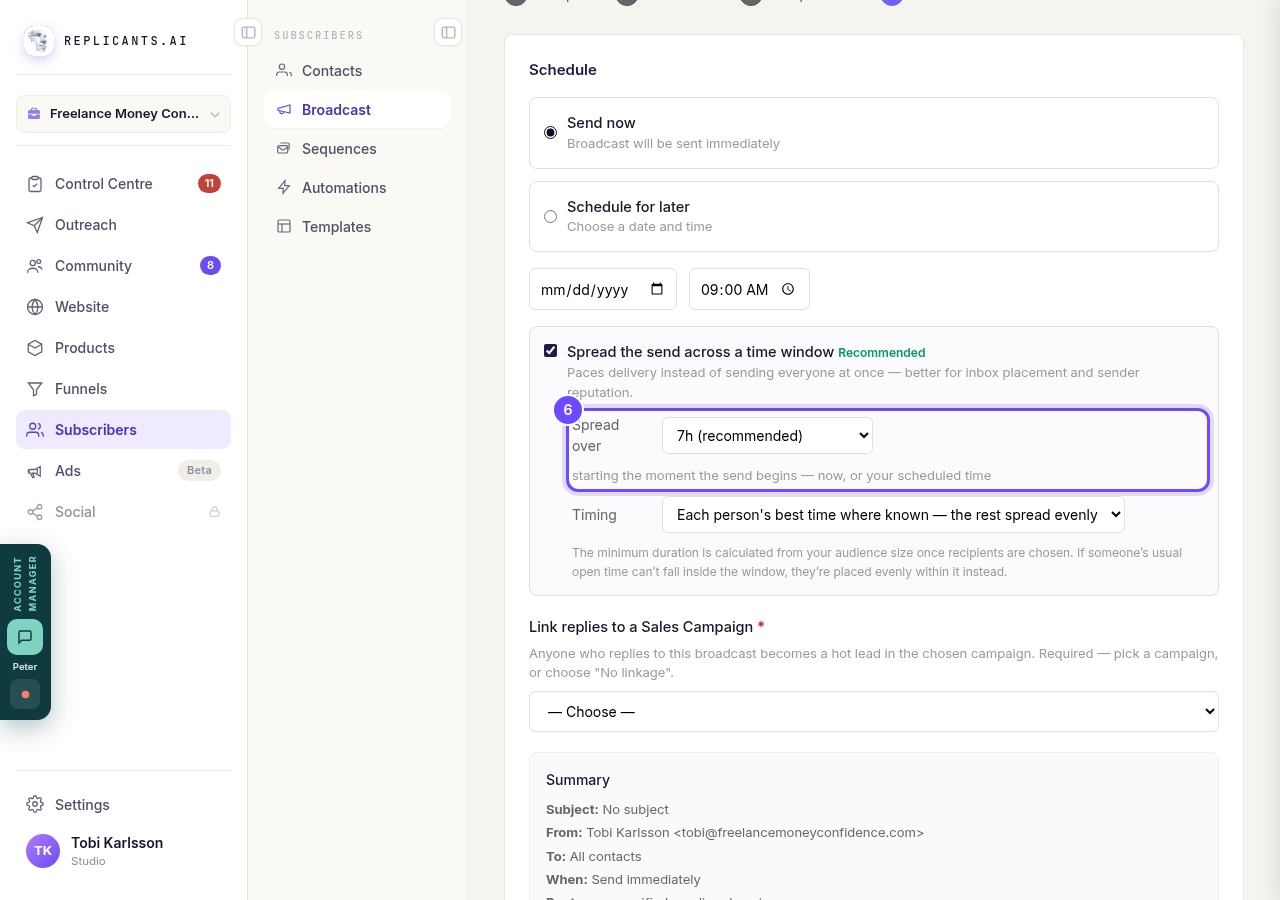
Pick a number of hours under **Spread over**.
Choose the timing
Each person's best time where known sends to each person at the hour they usually open your emails. Anyone whose habits we do not know yet is spread evenly. Spread everyone evenly ignores habits.
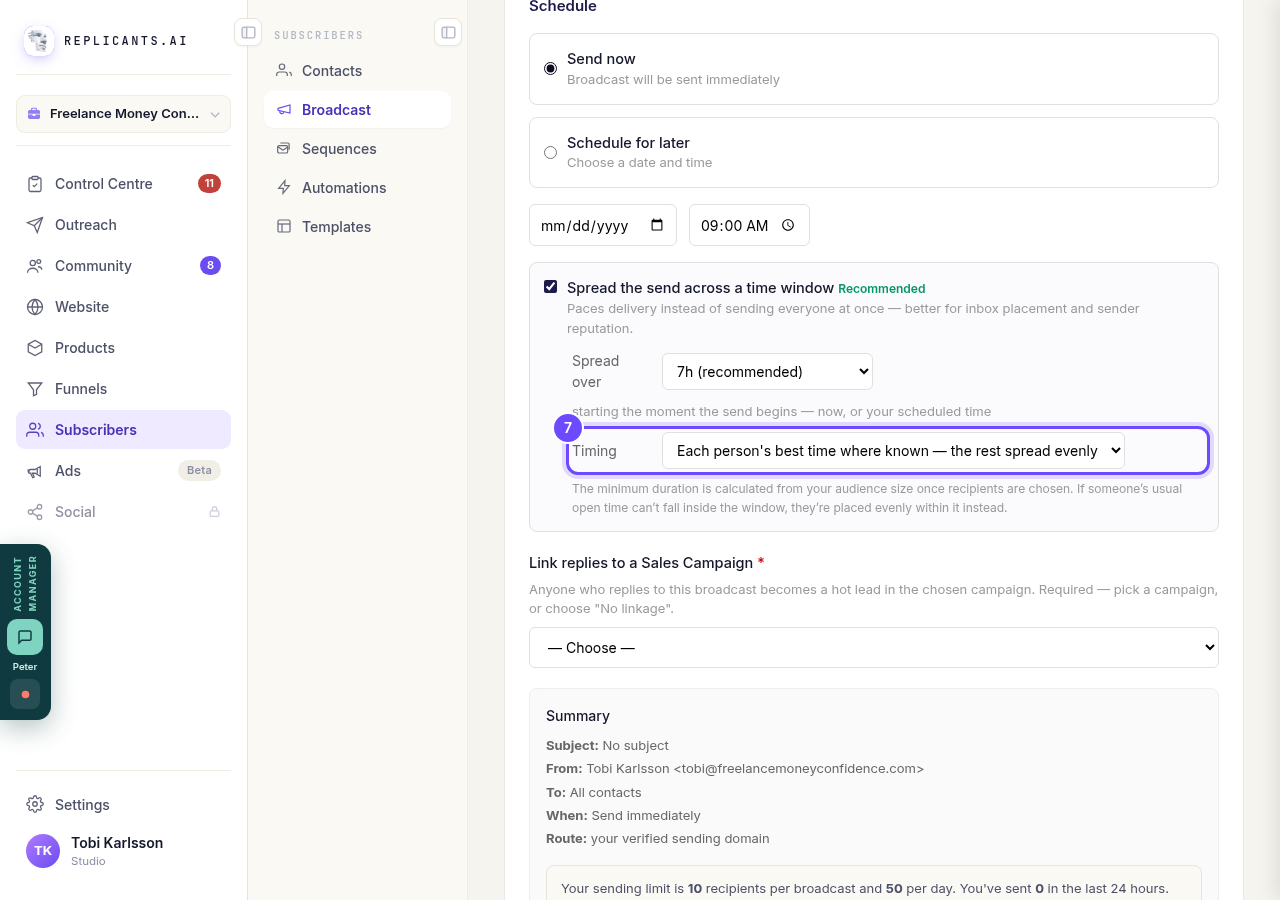
Pick an option under **Timing**.


Related articles
Can a sequence run without a tag, started by an automation instead?
Yes. Set the sequence to Used in an automation only, and an automation's Add to sequence step puts people in. No tag needed. About two minutes.
Can I send a broadcast again, or use it as a starting point?
Yes. Press ••• on the broadcast, then Duplicate. A copy opens as a draft with the same subject and words, ready to change and send. About a minute.
How do I create a new tag?
A tag is a label you put on people so you can find them again. You make one by ticking the people it belongs on and naming it, in Subscribers, on the Contacts page.