
How do I set up my course shop?
Your course shop is one page that sells all your courses: choose what is on show, the order, the one at the top and the words above them. About five minutes.
Updated 18 October 2026
Press Your course shop
Open Products, then Courses, and press Your course shop at the top. On a phone, press the menu button at the top right first.
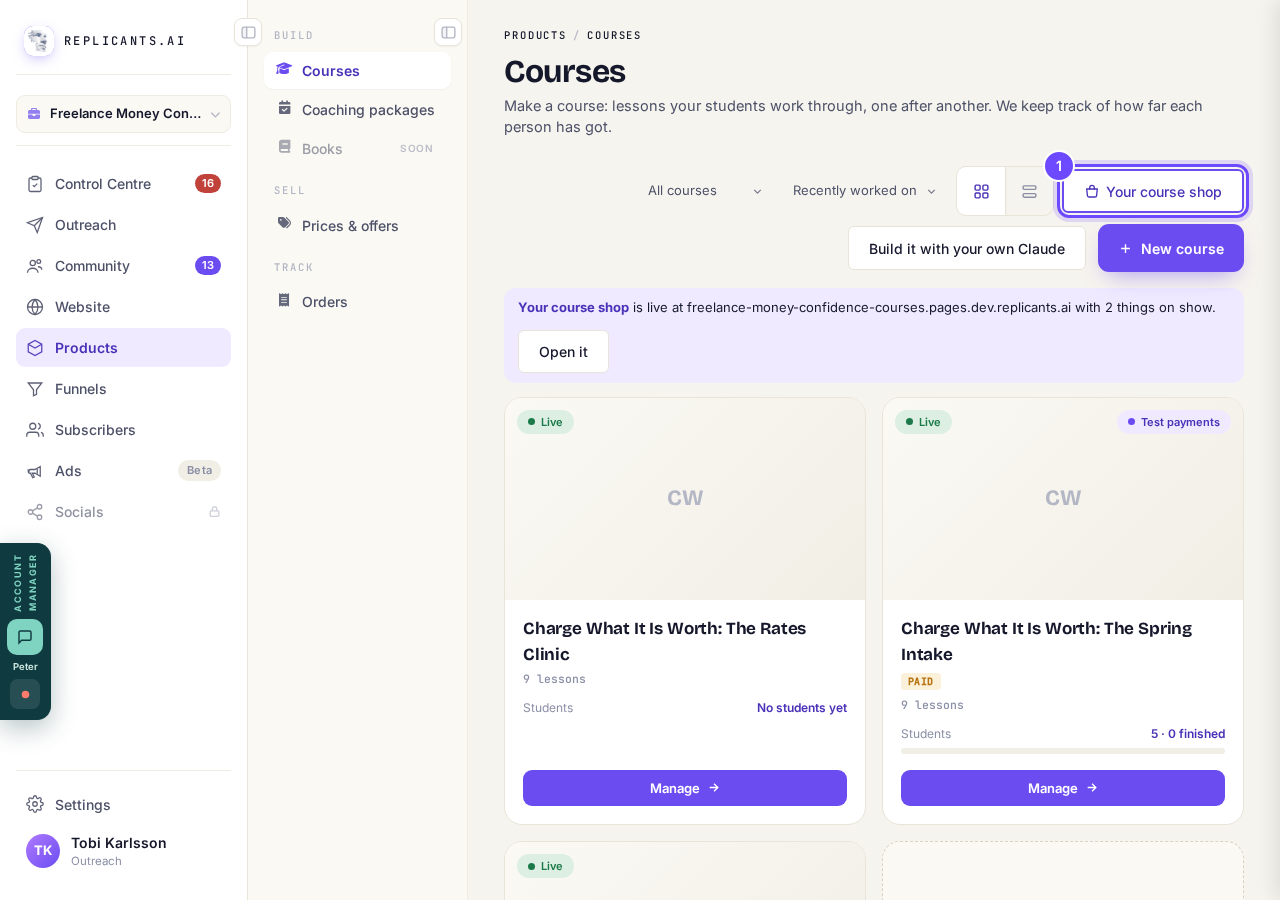
Your course shop, at the top of Courses.
Check where it lives
Use Change, Copy or Open ↗ under Where it lives for your shop’s address. If your shop is on your own domain and that domain opens something else, press Make my shop the front page.
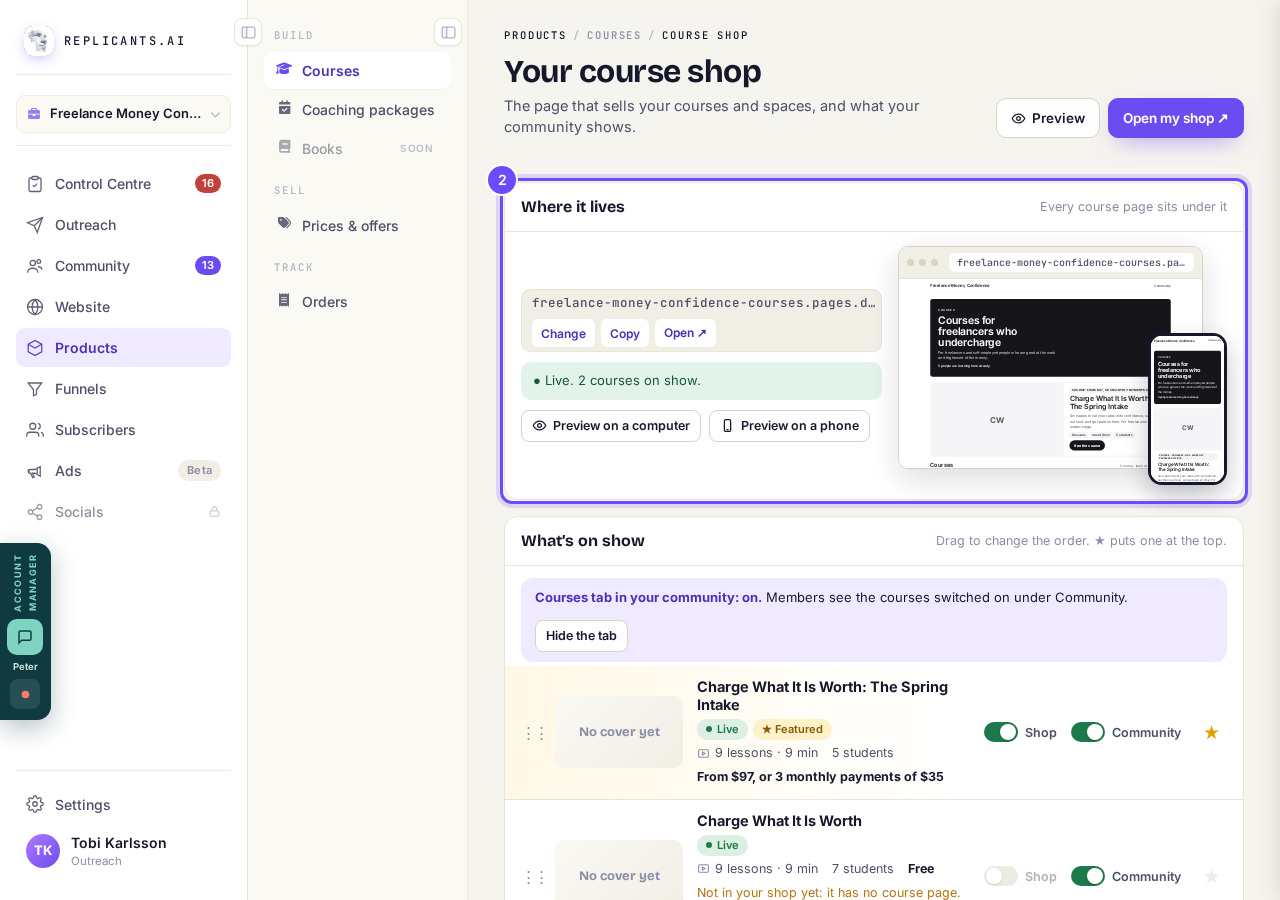
Where it lives: the address, what is on show, and previews.
Choose what is on show
Switch Shop and Community on or off for each course, press ★ for the one at the top, and drag the dots on the left to change the order. Drafts stay folded away until you publish them.
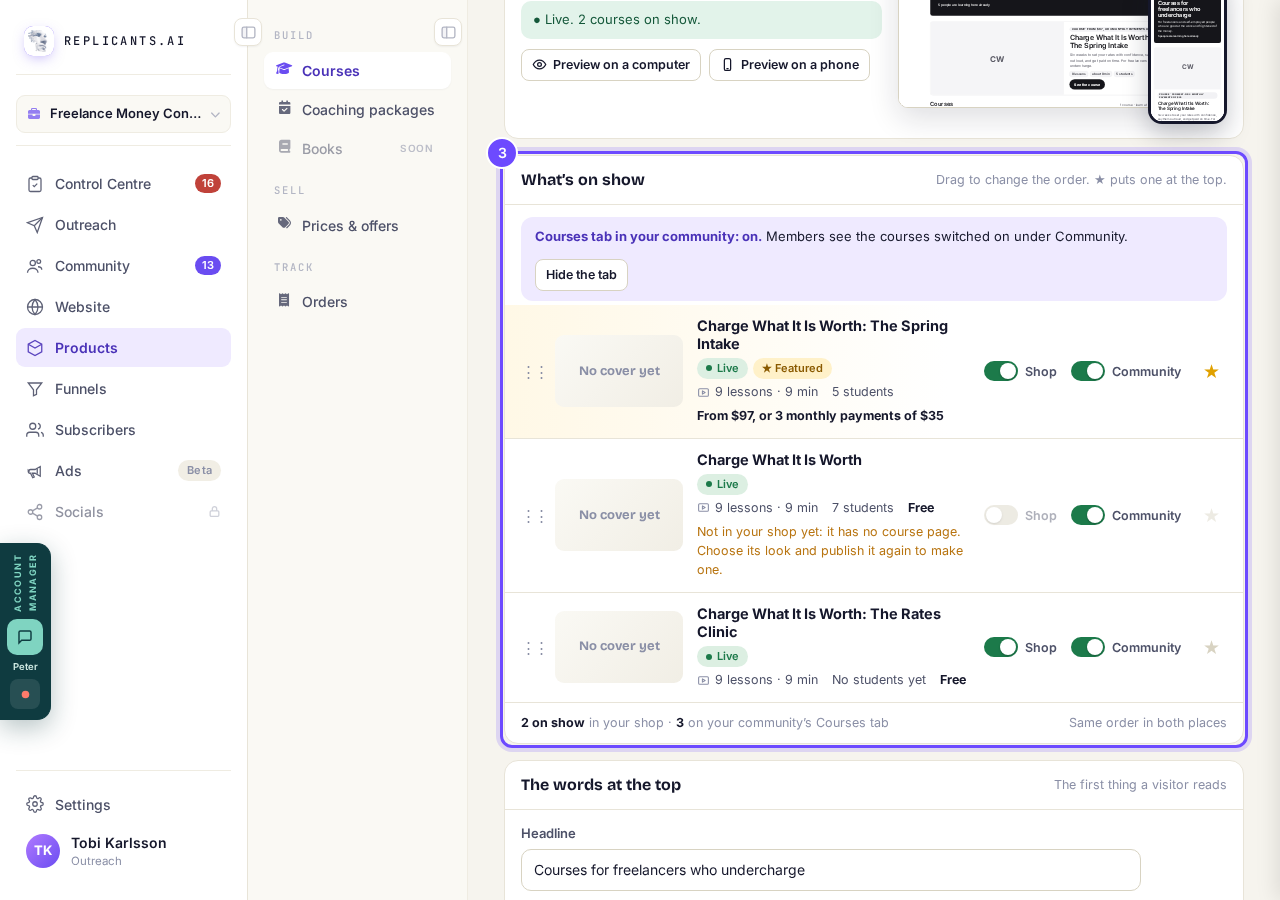
What’s on show, with Shop, Community and ★.
Write the words at the top
Type a Headline and The line under it, then press Save the words. Left empty, the line under it is your community’s description.
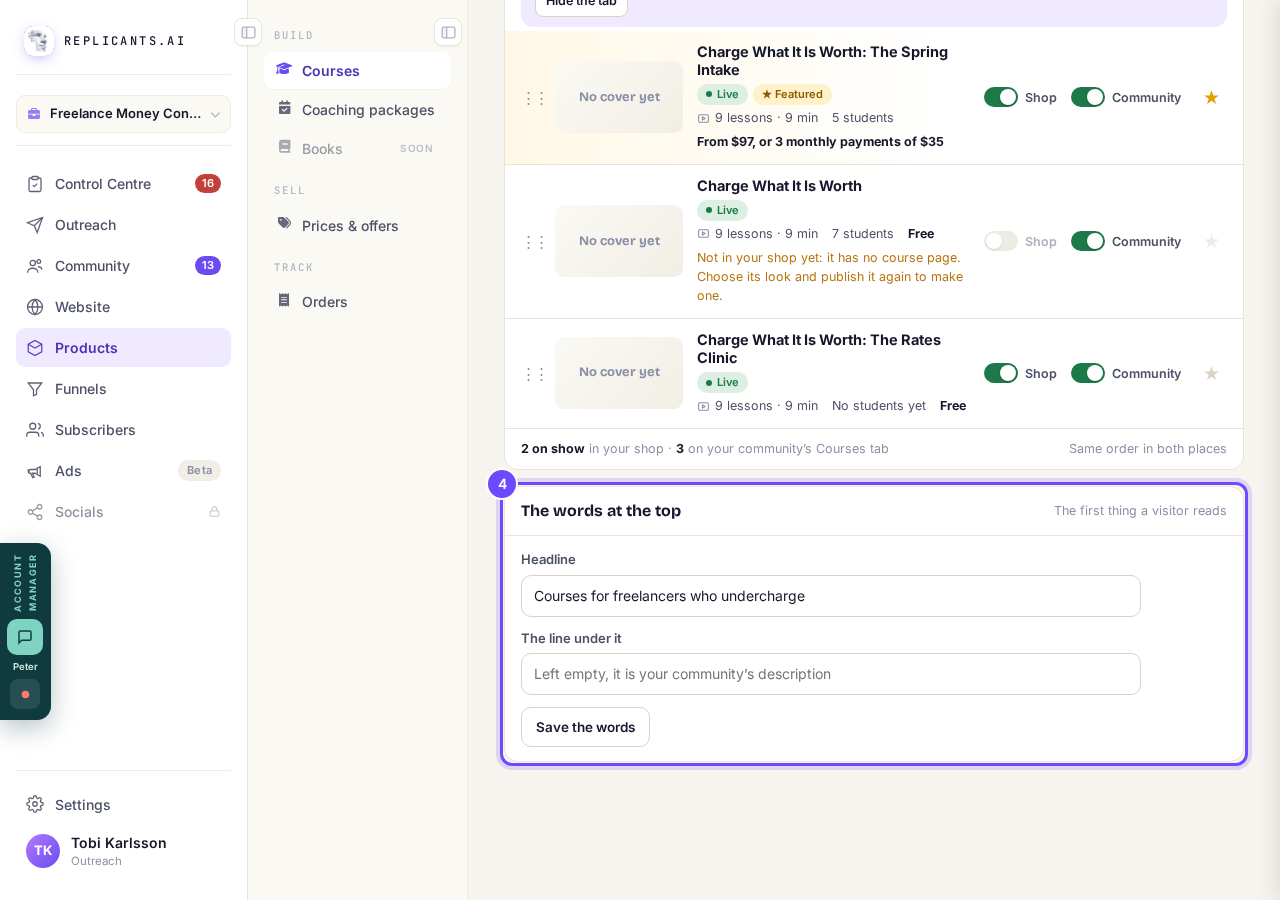
The words at the top.
Press Preview on a phone
Press Preview on a phone or Preview on a computer to see what a visitor sees right now.
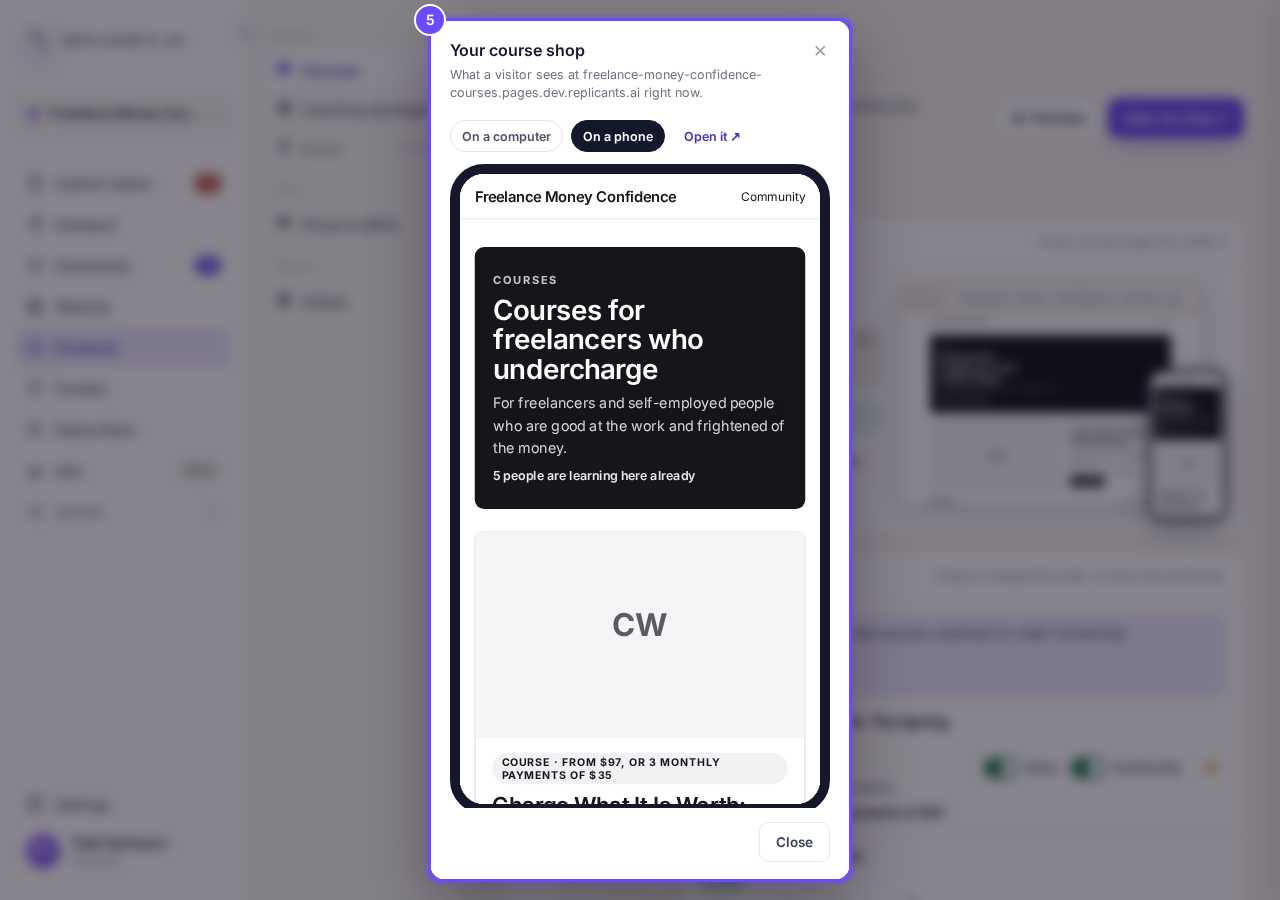
Your course shop, previewed on a phone.
Open your shop
Press Open my shop ↗ at the top. Each course shows its cover, price, lessons, minutes and students.
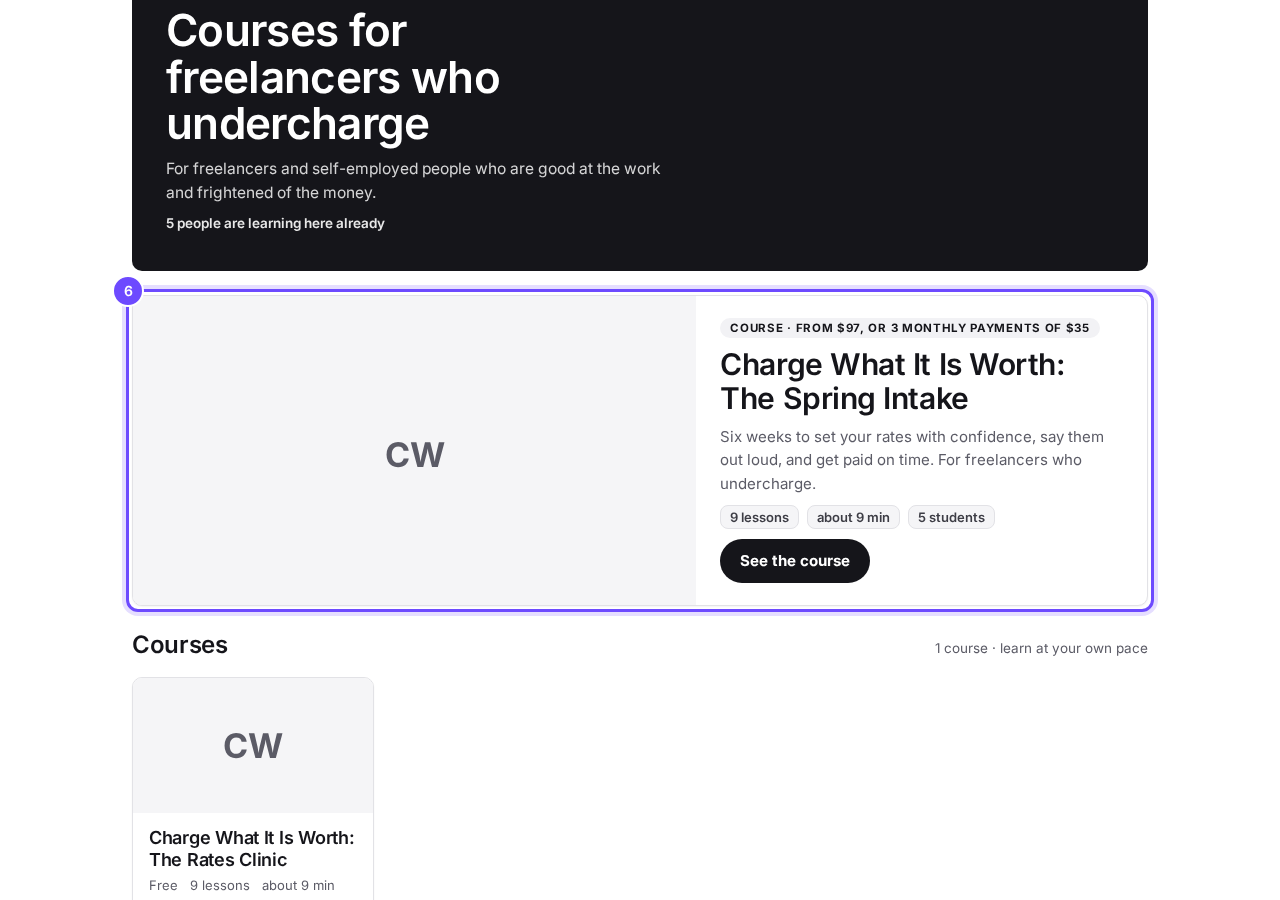
The shop, as a visitor sees it.


Until you publish a course, Where it lives says your shop gets its address the first time you publish one. A course published before course pages existed needs its look chosen and publishing again before its Shop switch works. With only one course on show, your shop address opens that course directly.
How do I share my course and get my first students?
Related articles
Can I see a real course before I build mine?
Yes. Claire's free course, Small Steps, is a real course you can join as a student in about five minutes.
Can I turn my workbook, notes or recordings into a course?
Yes. Add your workbook, notes, slides or recordings at the start of a new course and Maya reads them; the questions arrive already answered, and your plan is built from them.
How does my course help students finish?
Your course has a tool for students who drift off, get stuck or feel alone, and you switch them all on or off in one place: Delivery, at the top of your course. Looking through them takes about five minutes.