
How do I export my contacts to a spreadsheet?
Tick the people on Contacts and press Export CSV. A spreadsheet file with their names, emails and tags downloads to your computer. About a minute.
Updated 19 October 2026
Open Subscribers, then Contacts
Subscribers is in the main menu on the left, and Contacts is the first item beside it. On a phone, press the menu button first.
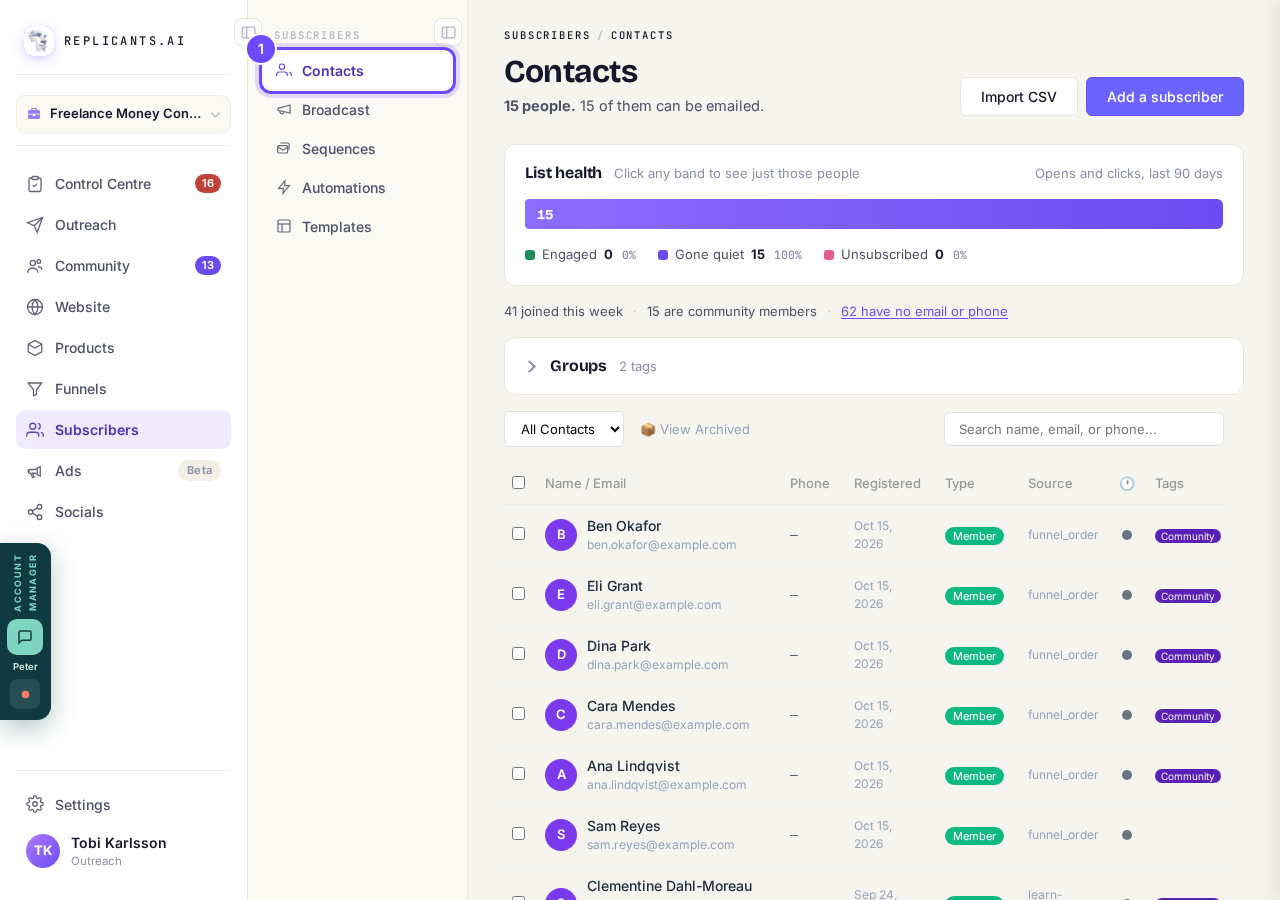
Contacts, under Subscribers.
Tick the box at the top of the list
That picks everyone on the page, and the count above says how many. To export only some people, search or tick them one by one; for more than one page, press Select all beside the count.
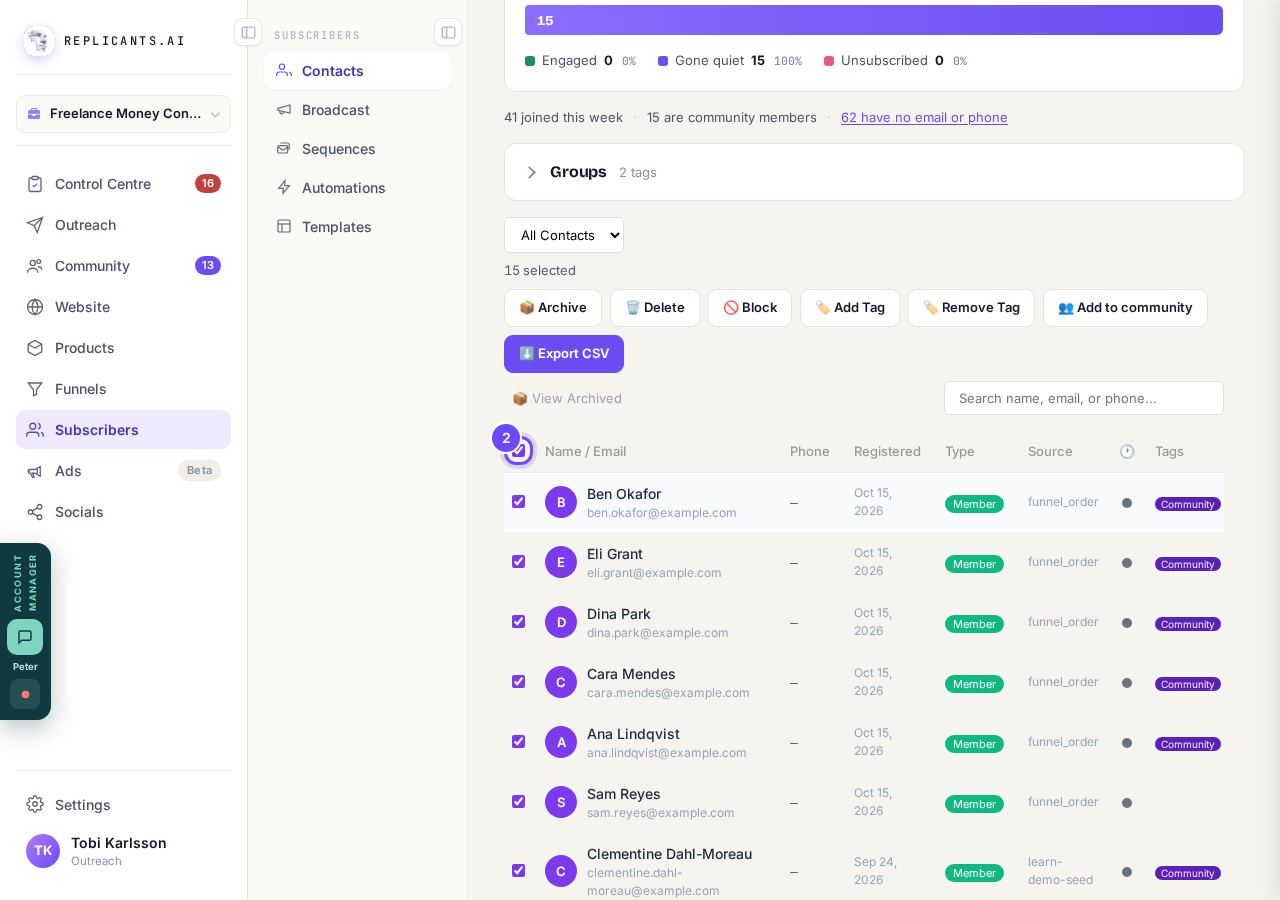
The box at the top picks the whole page.
Press Export CSV
It is the purple button among the buttons above the list, which appear once someone is ticked.
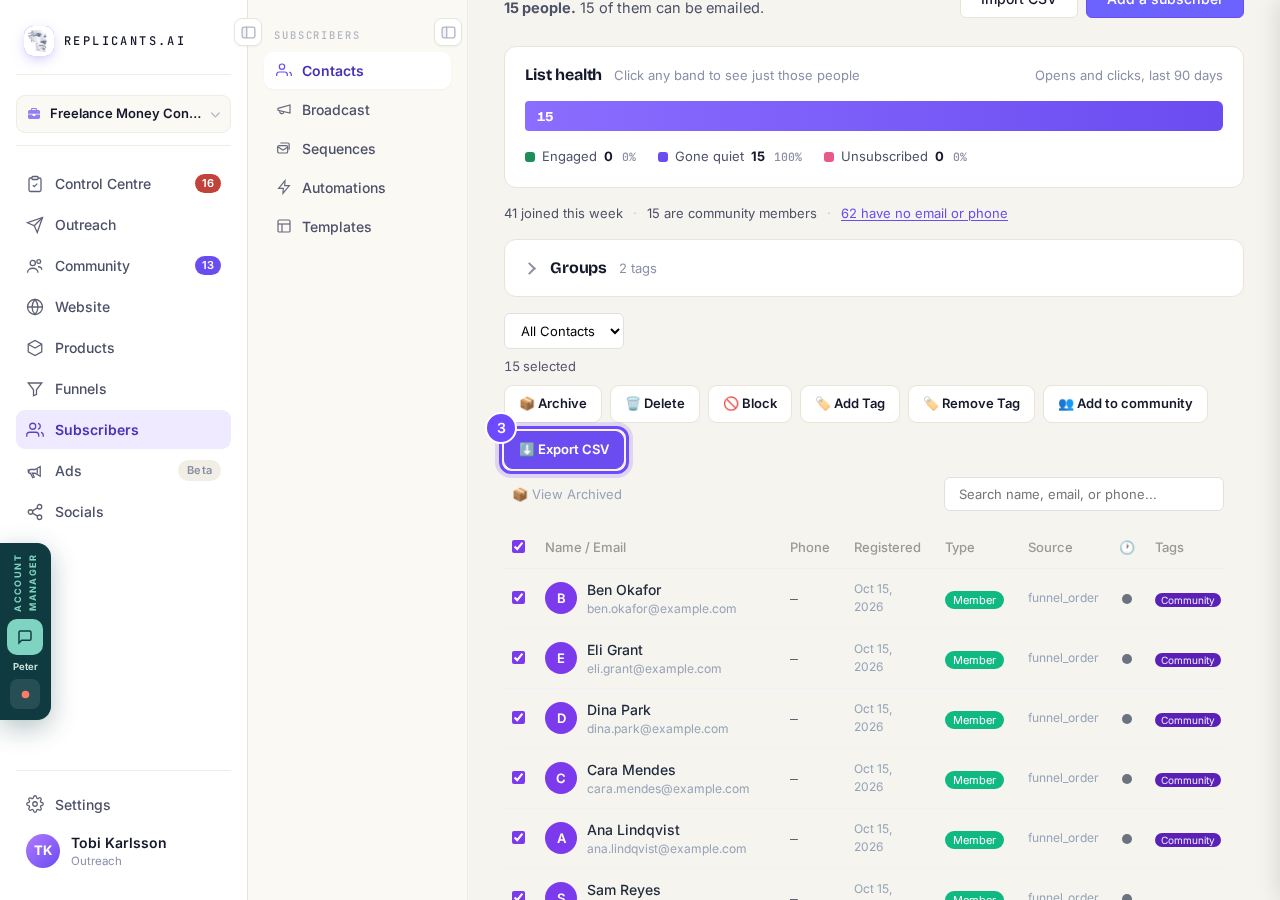
Export CSV, above the list.
Open the file from your downloads
It is called contacts with today's date, and opens in Excel, Numbers or Google Sheets. Each row has the name, email, phone, type, source, the date they joined, when they were last seen and their tags.
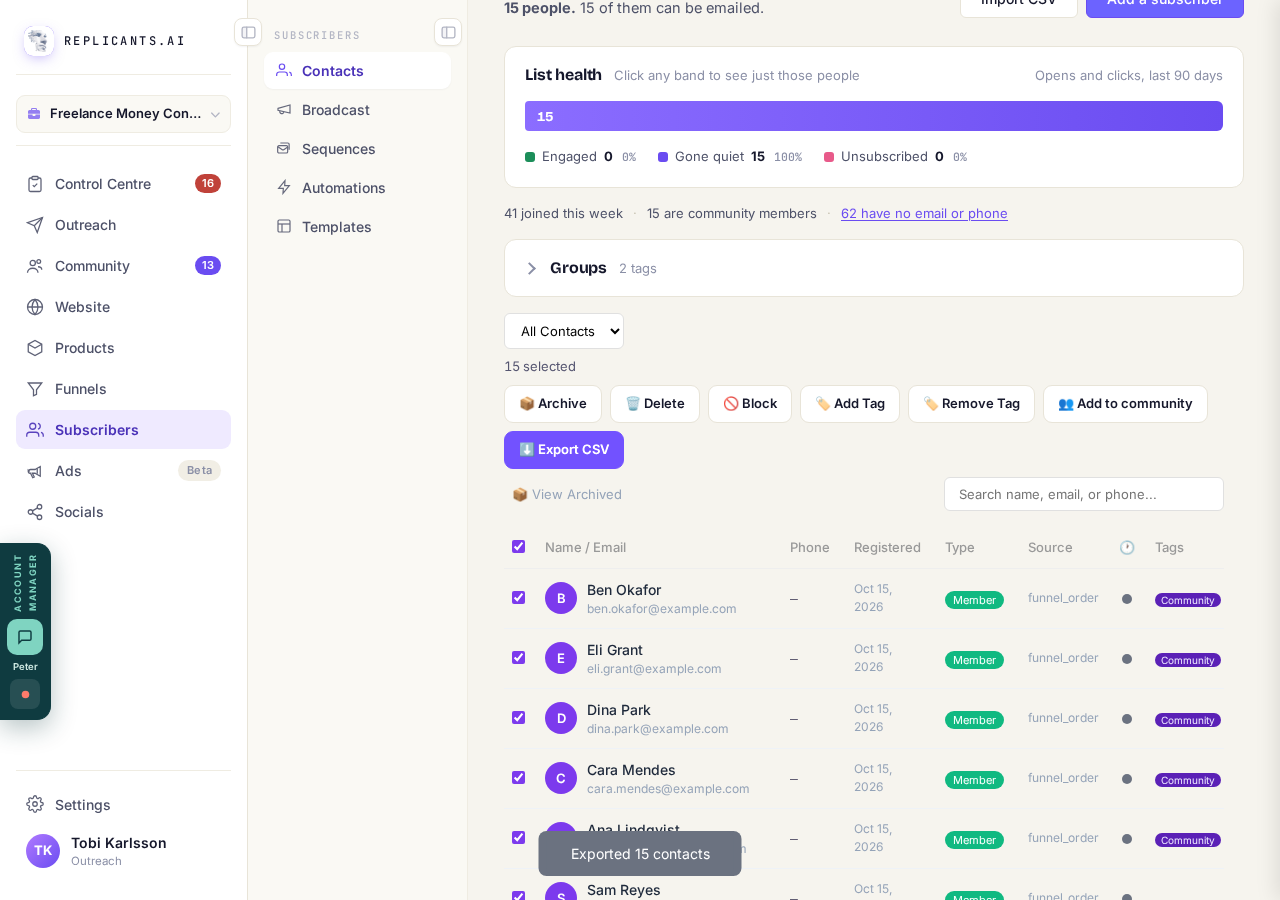
The message says how many contacts went into the file.


A bigger export is refused with a message saying so. Search or pick fewer people and export again. People you archived can be exported the same way from 📦 View Archived.
I have my list in a spreadsheet. How do I get it in here?
Related articles
Can a sequence run without a tag, started by an automation instead?
Yes. Set the sequence to Used in an automation only, and an automation's Add to sequence step puts people in. No tag needed. About two minutes.
Can I send a broadcast again, or use it as a starting point?
Yes. Press ••• on the broadcast, then Duplicate. A copy opens as a draft with the same subject and words, ready to change and send. About a minute.
How do I choose what time of day my emails arrive?
When you send a broadcast you can spread it over a few hours, and let each person get it at the time they usually read their email. It is all on the last screen, Schedule.