
How do I find the right people to reach?
Outreach finds people three ways: influencers your audience follows, groups they post in, and posts about what you help with. You pick the first two here.
Updated 29 September 2026
Take me there
Open Outreach and press Discover
Outreach is four screens and Discover is the fourth. It's the only one about finding people.
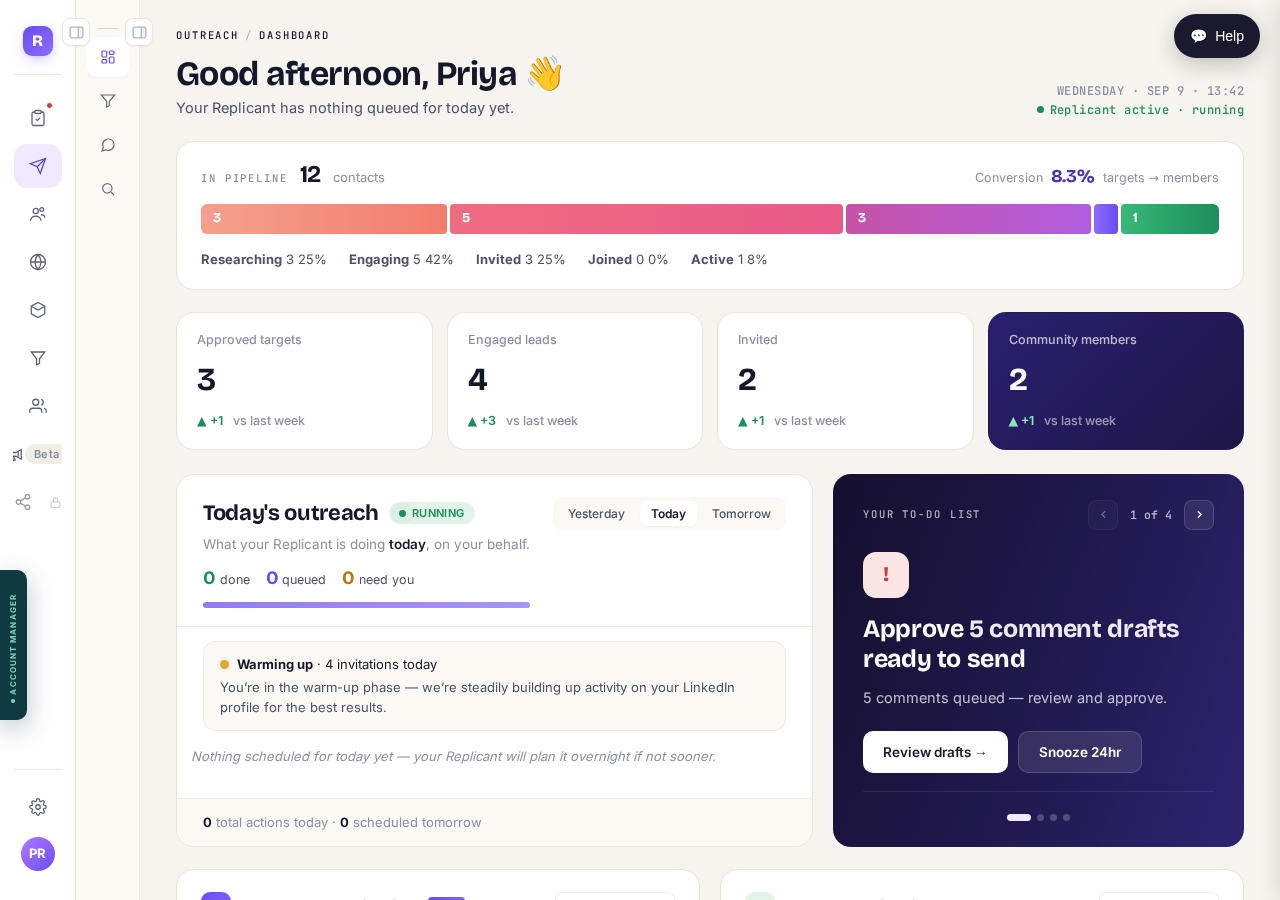
With both menus folded away, Outreach is four icons in the second column. Discover is the magnifier at the bottom of them.
Take me thereRead what it matches against, then press Yes
The first time, a box shows your community description and asks whether to find people for it. That description is the whole basis of the matching. If it's wrong, press Let me refine it first and fix it.
If you haven't yet said who you're looking for, the next screen is Who to reach. It's already filled in from your community, with the countries to search. Check it, save it, and you arrive in Discover.
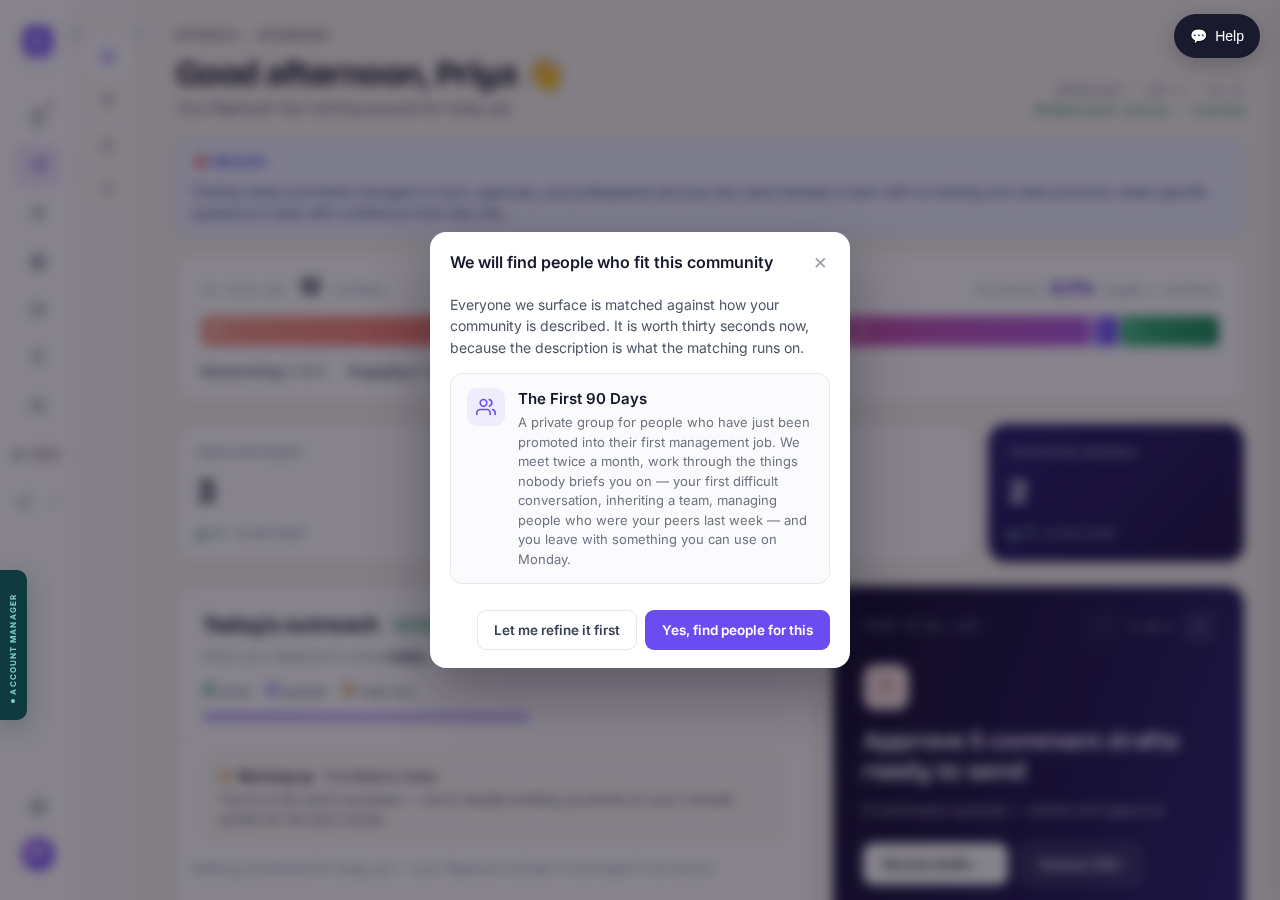
Everyone you are shown is matched against these words. Read them before pressing Yes, find people for this.
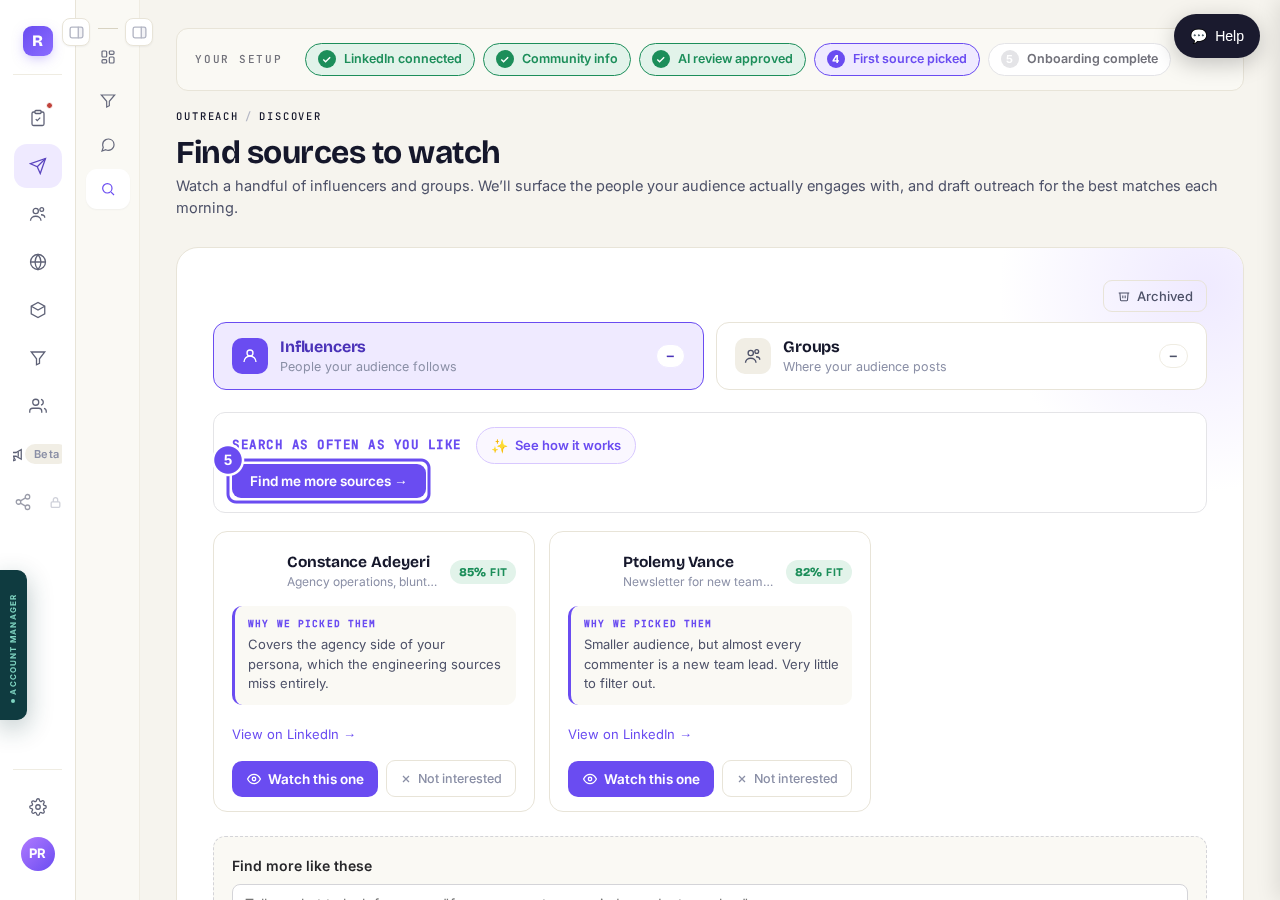
Read the reason, then press Watch this one
Every suggestion carries a percentage and a reason. The reason matters more: it says which part of your audience that source reaches. Not interested removes it.
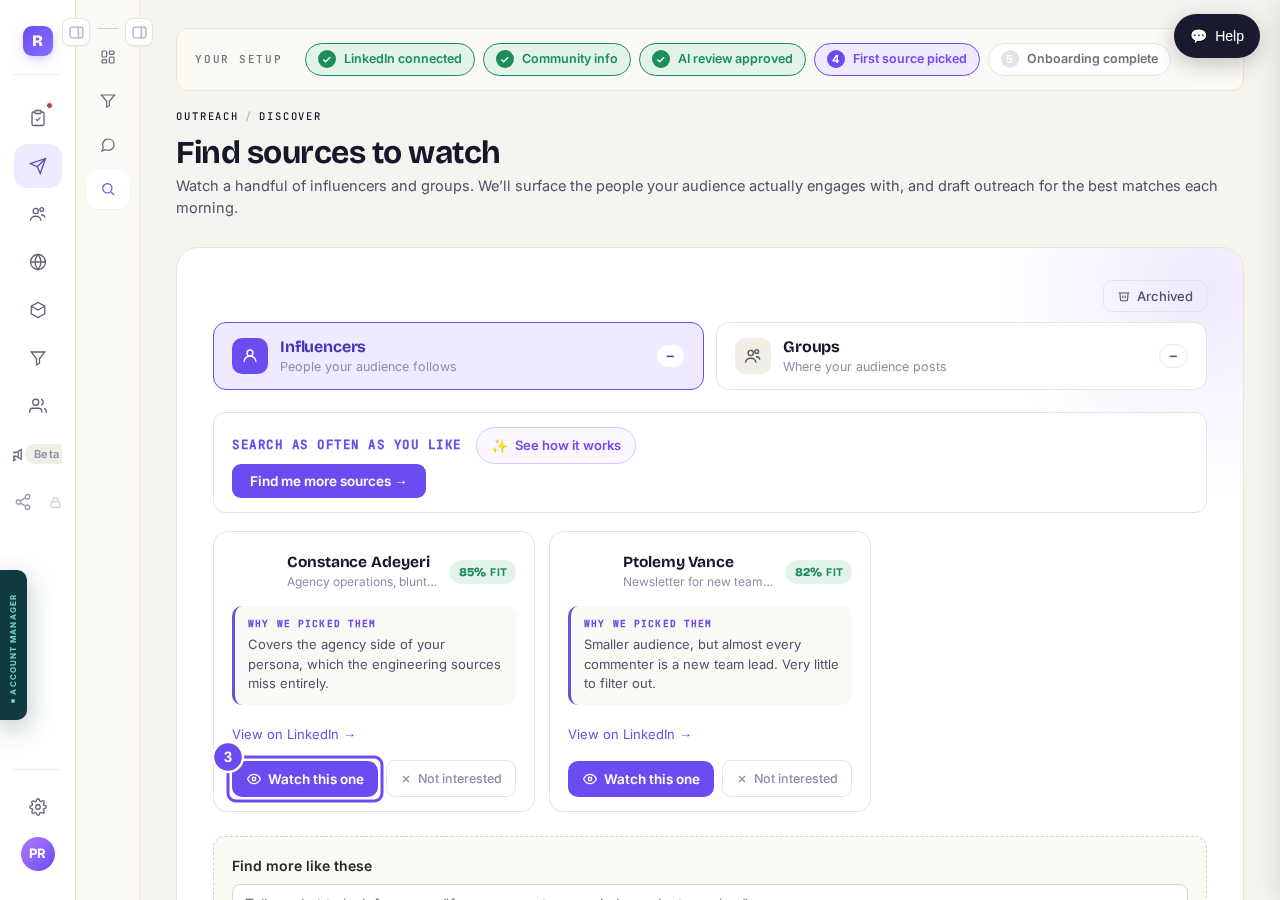
The reason under each name says which part of your audience that source reaches.
Do the same for Groups
Influencers are people your audience follows. Groups are where your audience posts. They bring different people, so two or three of each works better than five of one.
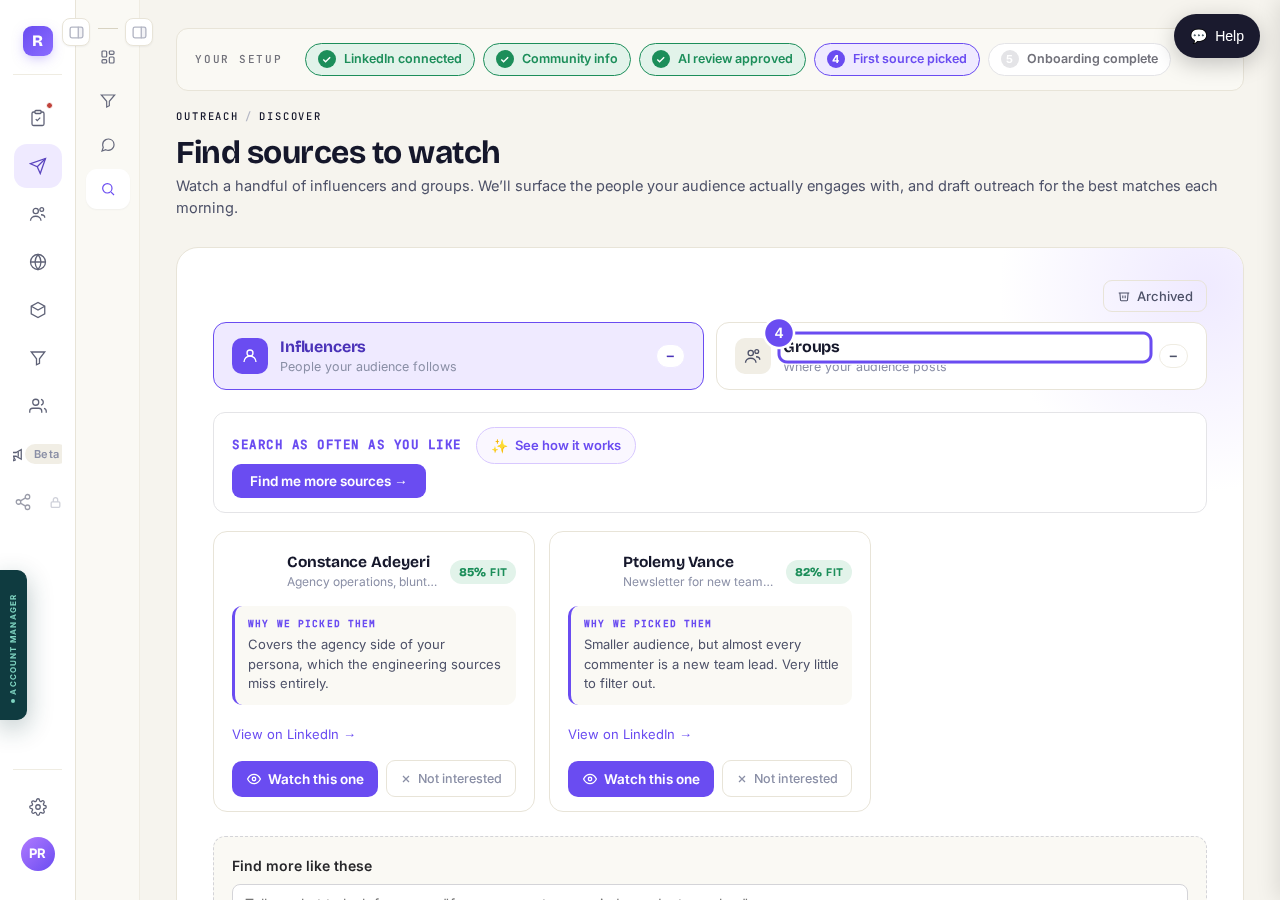
Two headings, two kinds of source. Groups is the second one.
Ask for more whenever you want
Find me more sources runs the search again, and you can say what you want in your own words. Sources you've dismissed don't come back.
Press this to search again, and say what you want more of.
How do I see what Maya is doing for me?
Related articles
Can I use Outreach on Instagram or X?
No. Today Outreach works on LinkedIn only, through your own account.
Do I need a LinkedIn account to use Replicants?
No. Almost everything works without LinkedIn: your community, Courses, Products, Subscribers and email, Funnels and Website. Only Outreach needs it, because it finds people on LinkedIn and connects with them from your own profile.
Do my new connections get a welcome email automatically?
Yes. If you use Outreach, every new connection gets a welcome email by itself, as soon as we have their email address. No LinkedIn welcome message is sent to anyone today, so the email does that job. One screen shows you both, in about two minutes.