
How do I get Maya to write my lessons?
Open an empty lesson, press Ask Maya to write it, then Just write it or tell her what to use. In about a minute she offers a draft for you to read.
Updated 18 October 2026
Press Add content on an empty lesson
An empty lesson has an empty circle on the Your course page (how to get there).
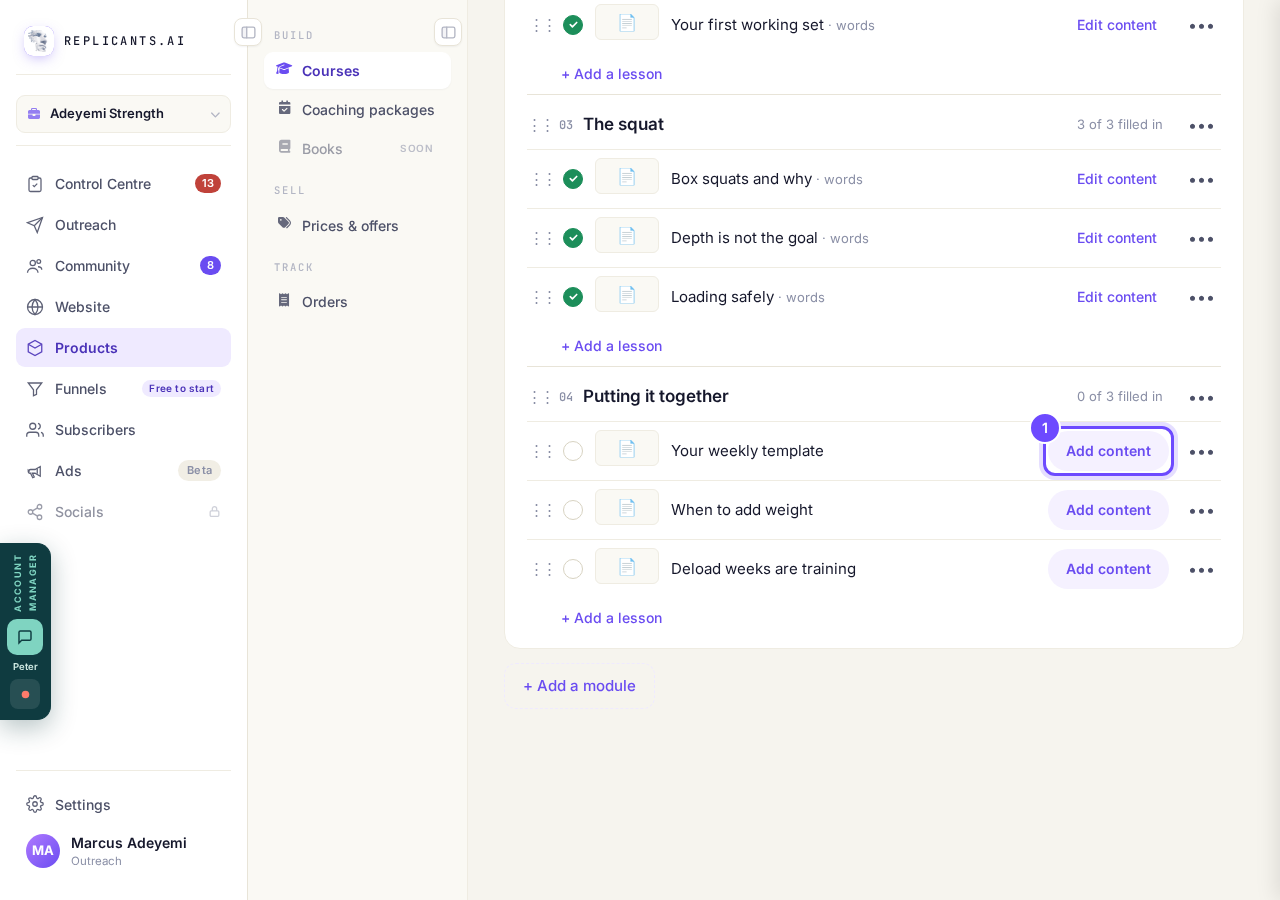
Add content, on an empty lesson.
Press ✨ Ask Maya to write it
How long for a student, right above it, sets how long she makes it.
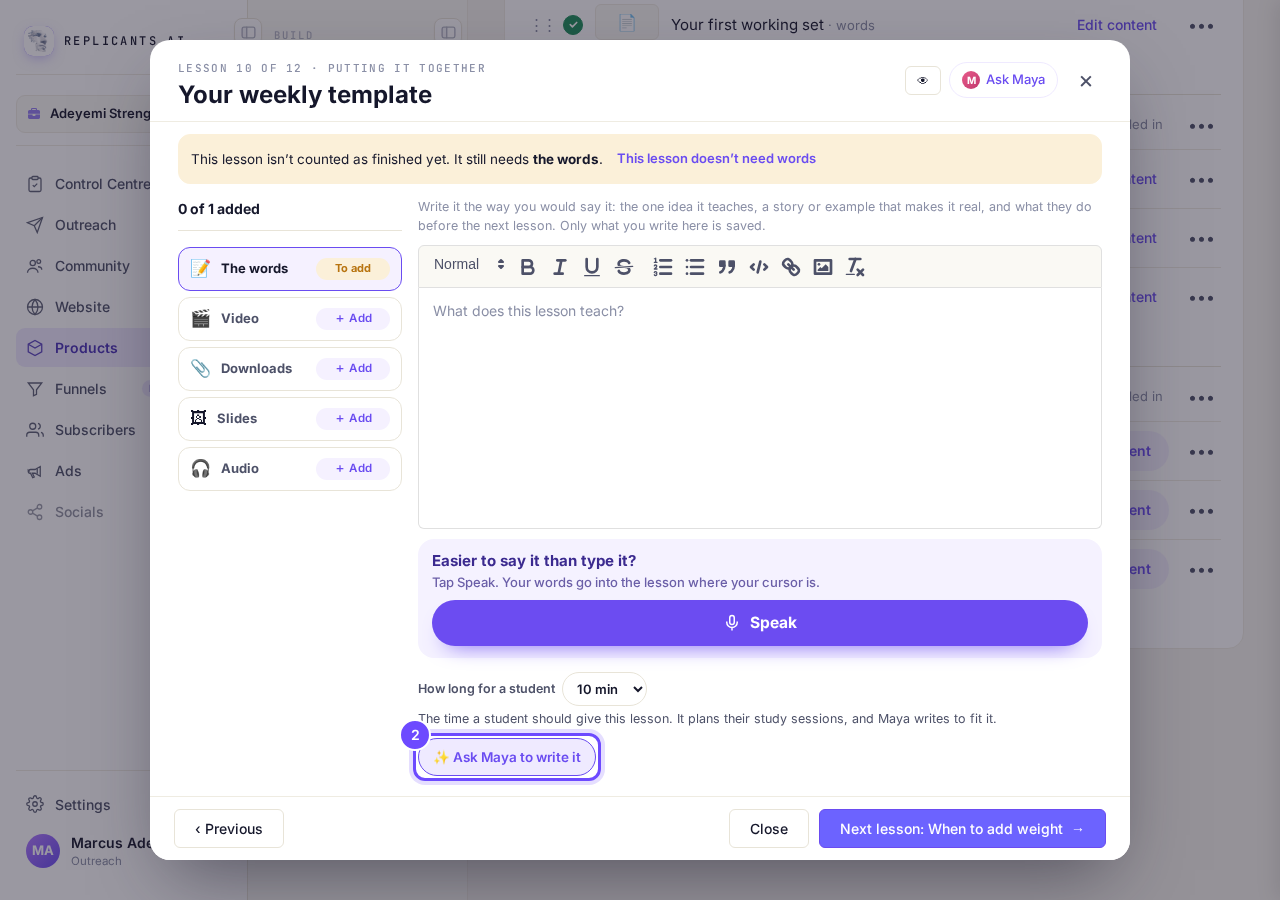
Ask Maya to write it, under the words box.
Tell Maya what to use, then press Write it
Type the points to cover, or press 📎 Attach a document. Or press Just write it and she writes from your plan and what she knows about your business.
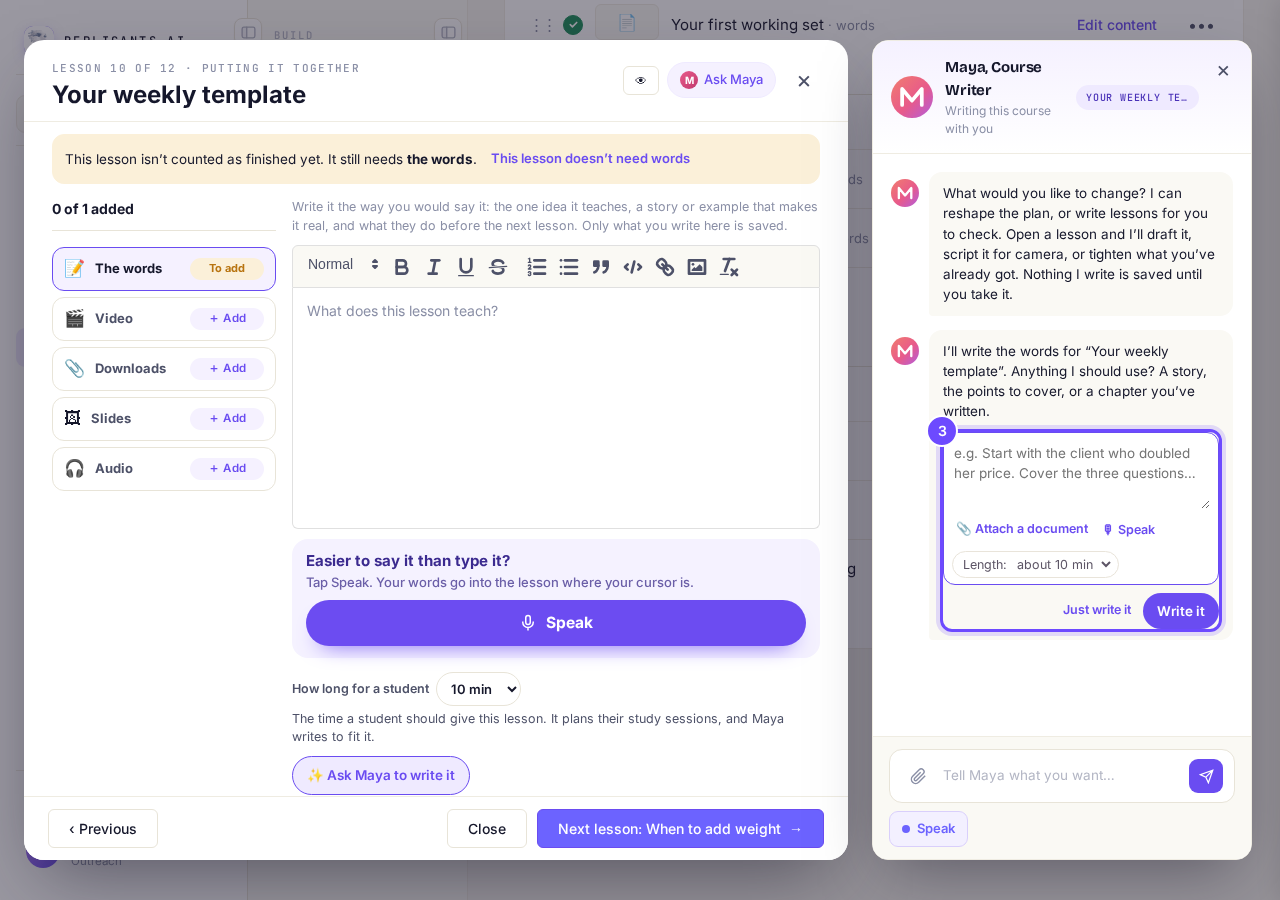
Maya asks what to use.
Read the draft, then press Use this draft
Keep mine leaves the lesson as it was.
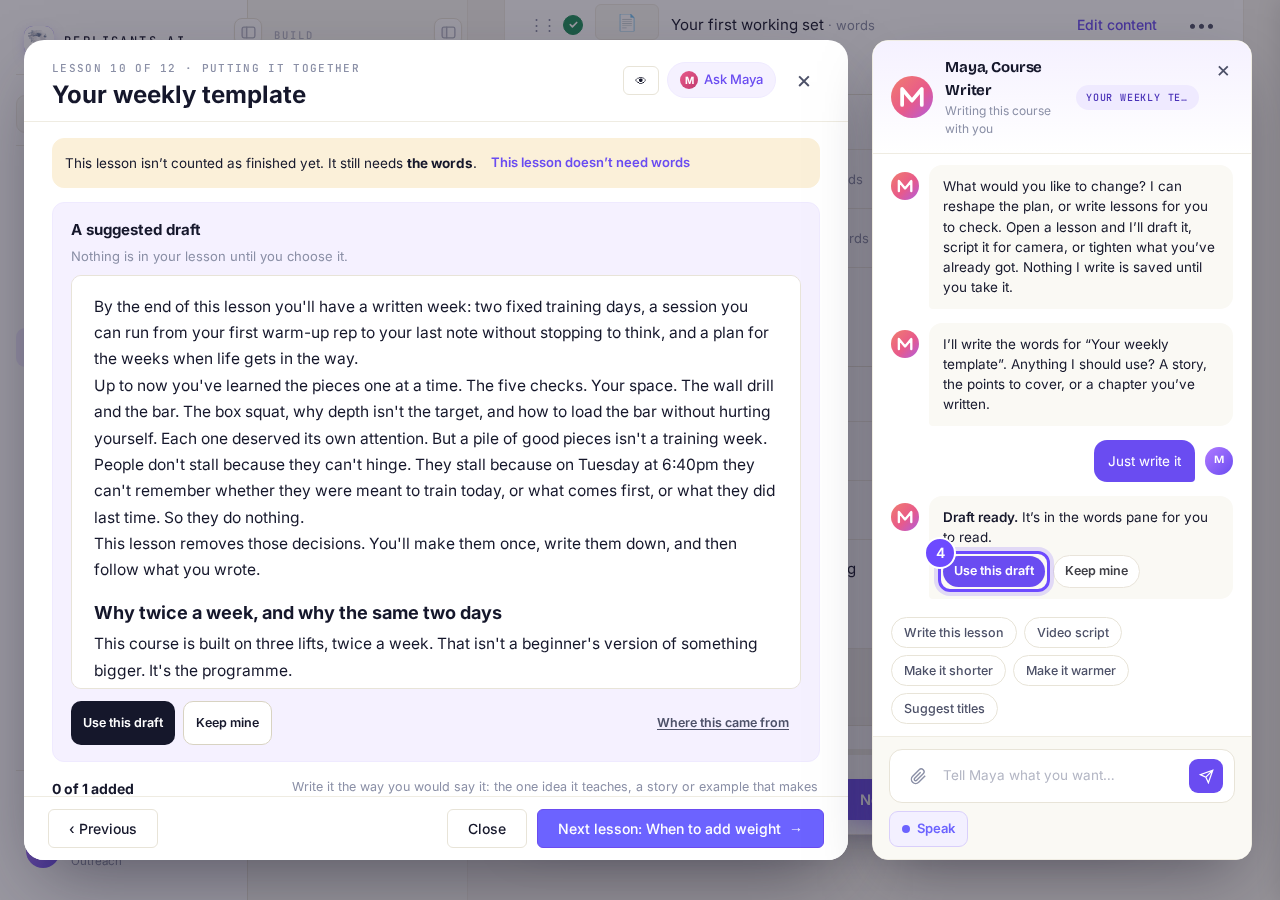
Draft ready, with Use this draft and Keep mine.
Change anything you like
The words are now yours, and they save as you type.
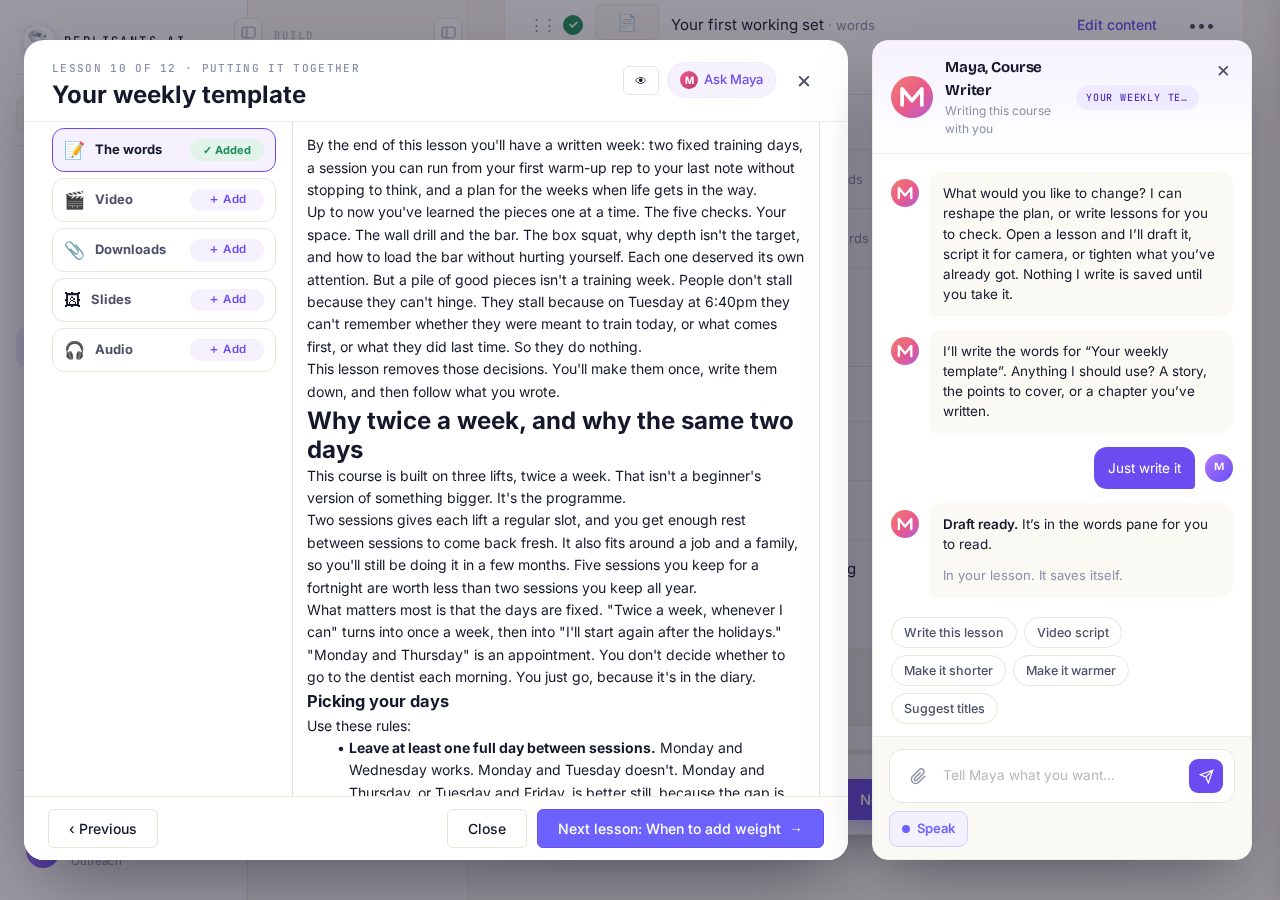
Maya's words, in the lesson.


More about Maya and your course
Can Maya write all my empty lessons at once?#
Yes: press Ask Maya at the top of the page, then Write all 2 empty lessons (your own number). Her words go straight in, so on a live course read them at once, or use it before you publish.
What if I reach my AI limit?#
Maya tells you the limit is reached, and your course stays exactly as it was. Each lesson she writes uses a little of your AI allowance; writing by hand uses none.
Can Maya change my plan?#
Yes. Ask her on the Your course page; she shows the change with Approve this change and Leave it, and nothing moves until you approve.
Maya writes words; she does not record your videos or audio. Read every lesson she writes, because she can get a detail wrong.
How do I change how my course page looks?
Related articles
Can I see a real course before I build mine?
Yes. Claire's free course, Small Steps, is a real course you can join as a student in about five minutes.
Can I turn my workbook, notes or recordings into a course?
Yes. Add your workbook, notes, slides or recordings at the start of a new course and Maya reads them; the questions arrive already answered, and your plan is built from them.
How does my course help students finish?
Your course has a tool for students who drift off, get stuck or feel alone, and you switch them all on or off in one place: Delivery, at the top of your course. Looking through them takes about five minutes.