
How do I use Outreach?
Outreach watches influencers and groups your audience already follows, picks out people who have recently shown interest in what you help with, and brings the ones who say yes into your community. Your part is a few minutes a day approving comments.
Updated 18 October 2026
Create a community first
Outreach stops here until a community exists: it finds people by matching against who your community is for, and it brings the ones who accept into it. About two minutes of work.
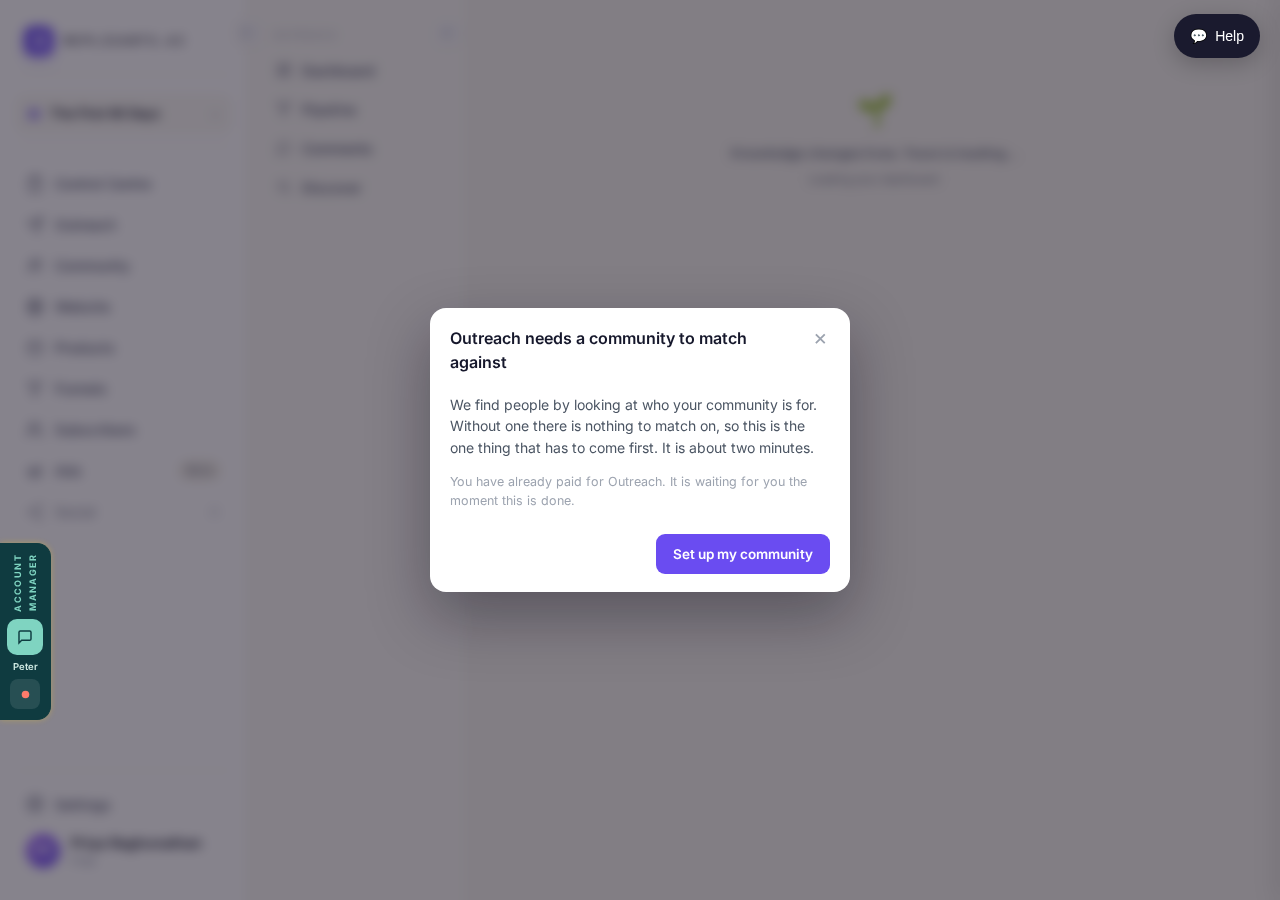
Outreach stops here until a community exists to match against.
Take me therePick the influencers and groups to watch
Name a few accounts your audience already pays attention to, and a few groups where they post. People who react to their posts about your topic are who Outreach looks at first. It also searches LinkedIn every Monday for recent posts about what your community helps with.
Two things to fill in: people your audience follows, and where they post.
Take me thereInstall the Chrome extension
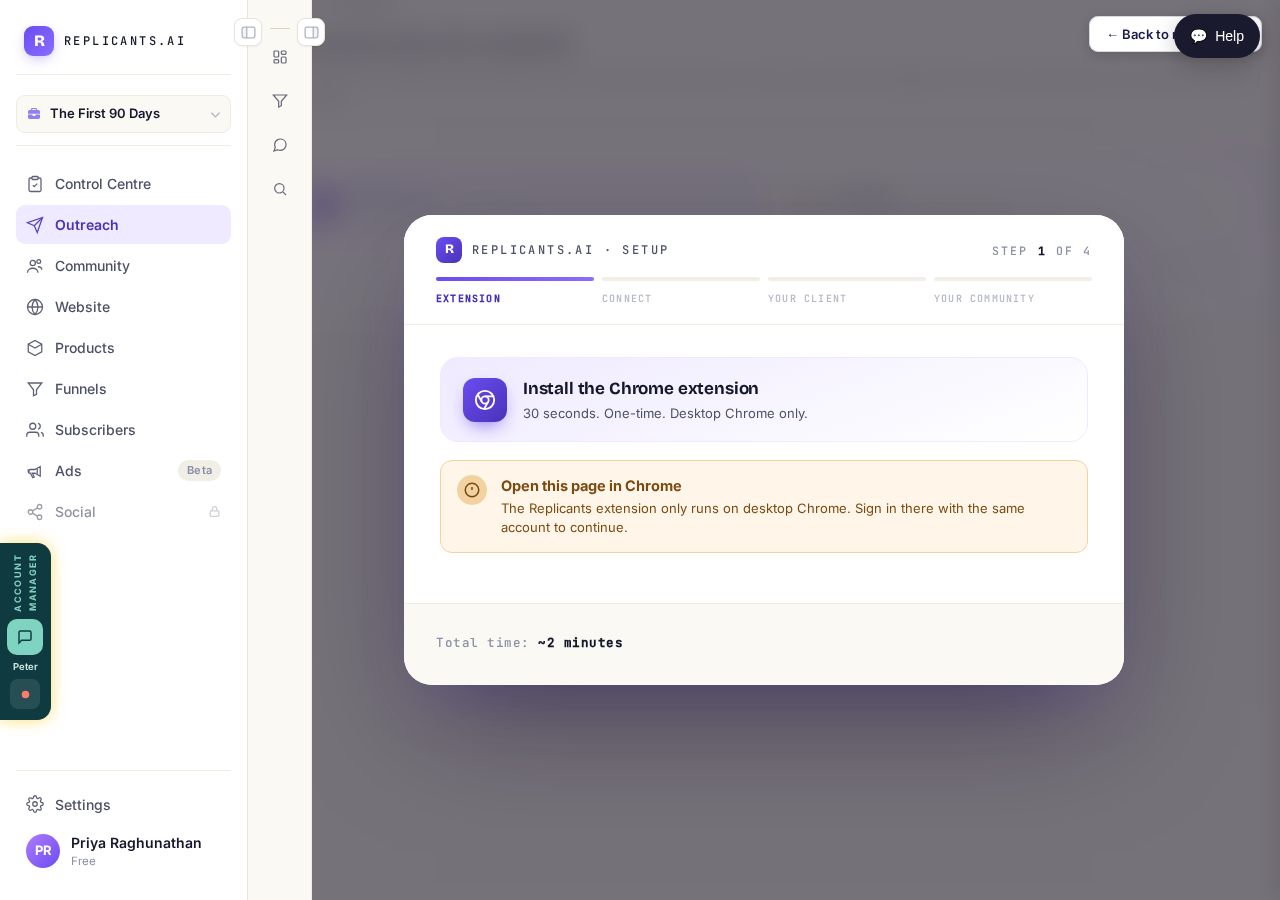
Thirty seconds, once, on desktop Chrome signed in to the same account. It's there because Outreach works through your own LinkedIn.
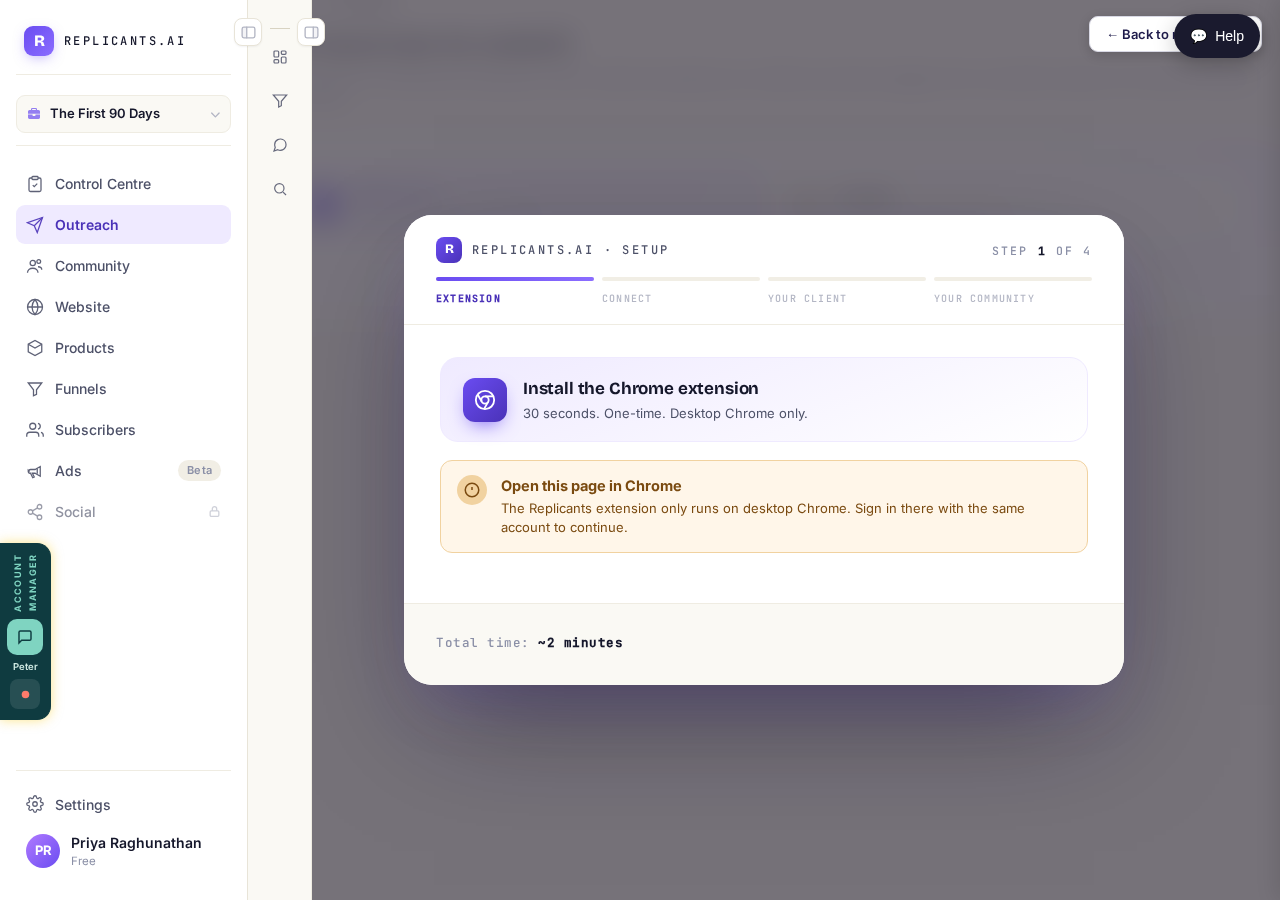
Desktop Chrome only, and only once.
What happens next
The whole journey, from the first reaction to someone joining your community: How does Outreach turn strangers into community members?
Every question about the columns: Outreach pipeline: your questions answered
How does Outreach turn strangers into community members?
Related articles
Can I use Outreach on Instagram or X?
No. Today Outreach works on LinkedIn only, through your own account.
Do I need a LinkedIn account to use Replicants?
No. Almost everything works without LinkedIn: your community, Courses, Products, Subscribers and email, Funnels and Website. Only Outreach needs it, because it finds people on LinkedIn and connects with them from your own profile.
Do my new connections get a welcome email automatically?
Yes. If you use Outreach, every new connection gets a welcome email by itself, as soon as we have their email address. No LinkedIn welcome message is sent to anyone today, so the email does that job. One screen shows you both, in about two minutes.